Feature Purpose:
Display available on-demand sessions to users
Working with this feature:
The page has several elements as follows:
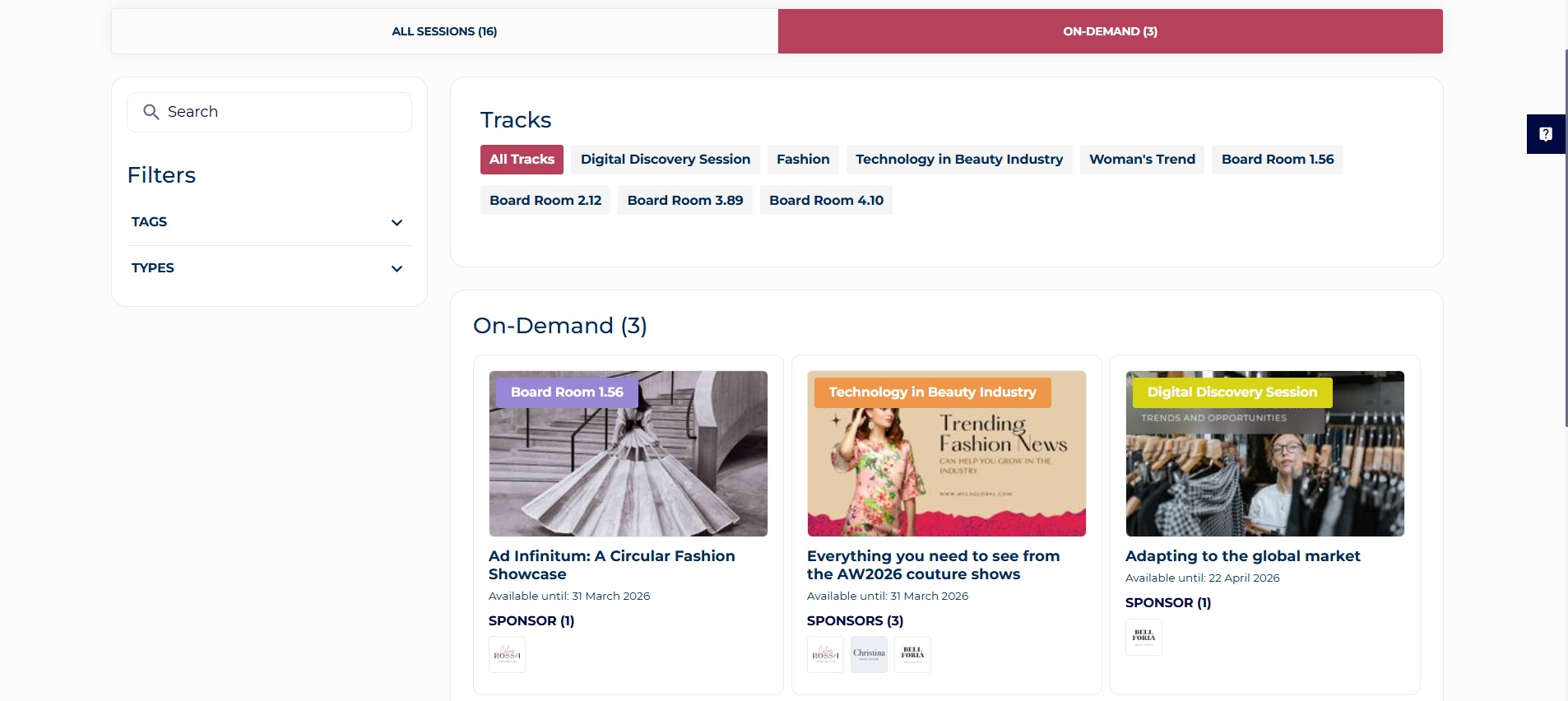
Session Image
-
Session images are managed in the Admin Panel admin panel (Admin panel → Management → Sessions). If a session image is not uploaded, a placeholder image is displayed.
-
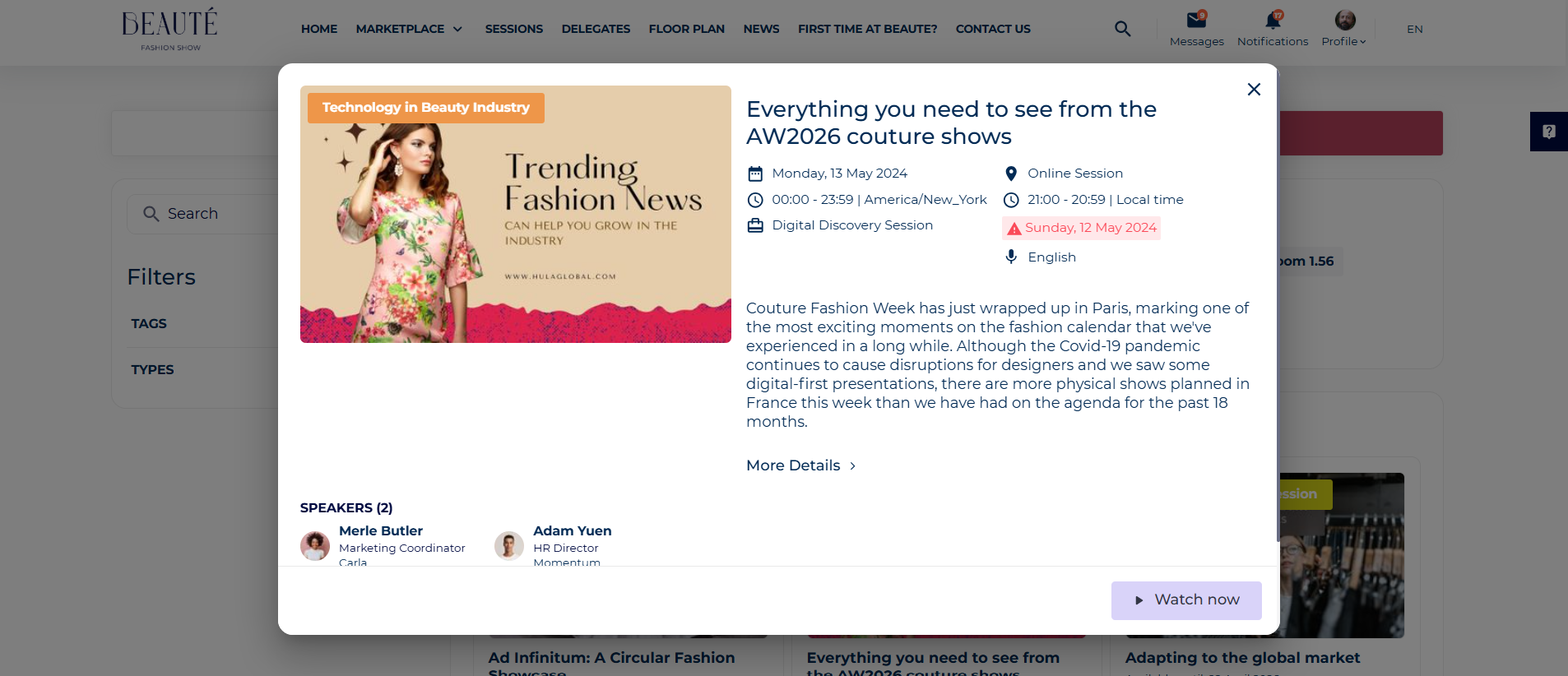
On the session image under the ‘On-demand’ tab, an interactive ‘Watch Now’ button is displayed and clicking on it will redirect us to the session room where the video will play. Please watch the below video for reference.
Session track
The track a session belongs to. This is a required field. Examples of tracks could be Fashion Retail, Women’s Trends, etc.
Session title
The Name/Title of the session
Session Info
-
Only “Available until “ date - The date an on-demand session can be watched until. Once this date passes this session will no longer appear on the on-demand page.
Tags
Session subject tags
Description
Session description explaining what the session will be about
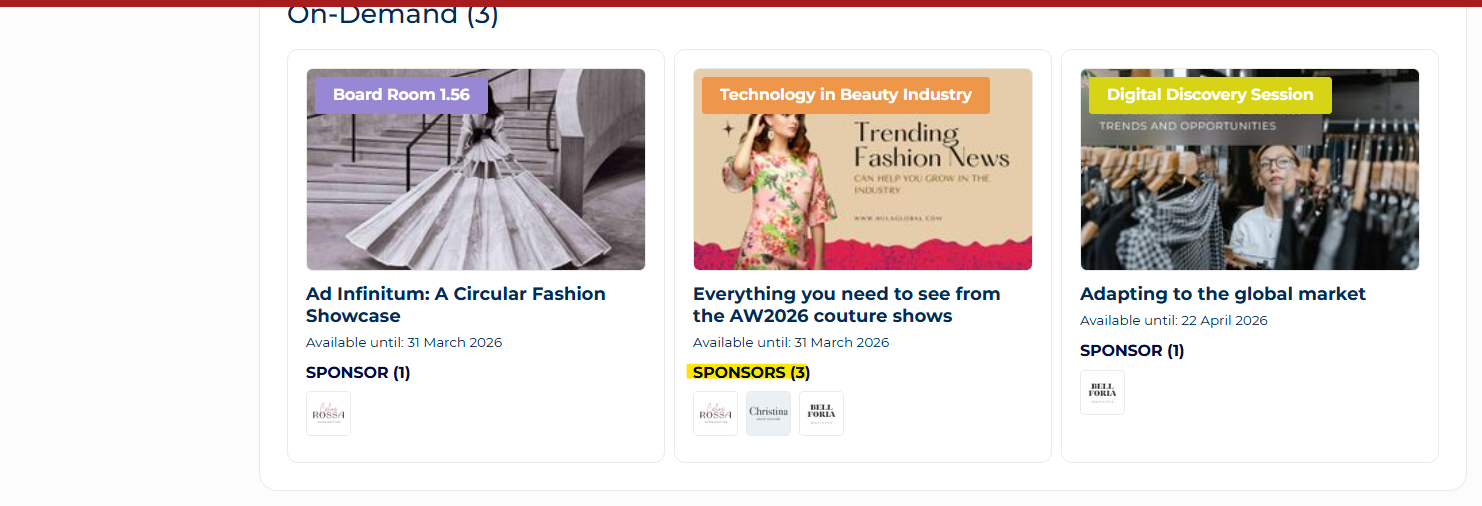
Sponsors Block:
-
Session Sponsor Exhibitor Cards: These cards feature interaction buttons (such as "mark as favorite") for exhibitor accounts, which are displayed based on the participant's networking opt-in settings. These buttons are not visible for users who are not logged in.
-
Sponsor Cards: These cards do not include interaction buttons.
-
Exhibitor Card Interaction: Tapping on an exhibitor card opens the exhibitor’s public page.
-
Sponsor Card Interaction: Tapping on a sponsor card redirects to the sponsor's website as managed in their profile.
Speakers/Moderators:
-
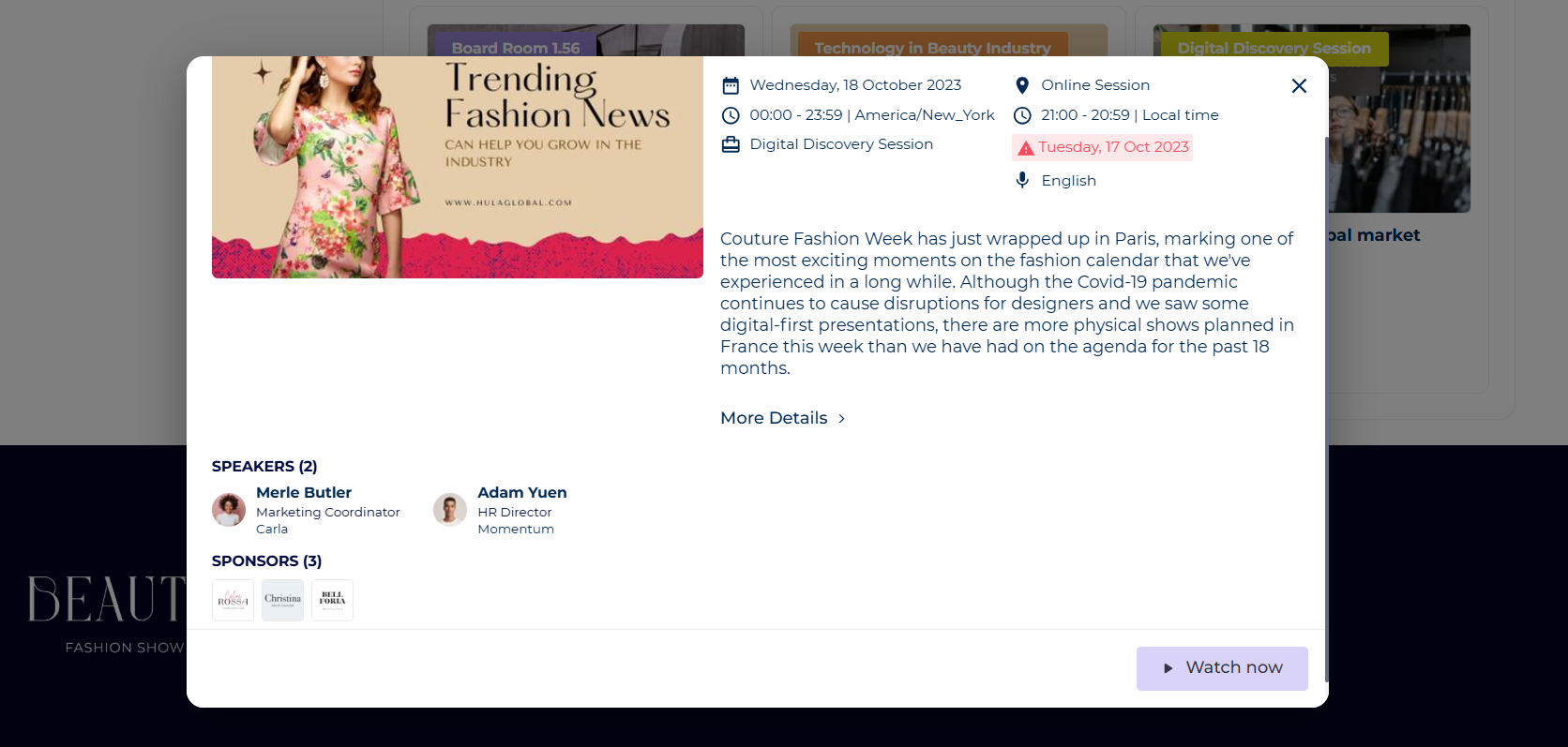
The list of session speakers and moderators is based on the permission matrix and networking opt-in settings.
-
Each speaker/moderator card includes interaction buttons (like "mark as favorite"), based on the participant’s networking opt-in settings. These buttons are not displayed for users who are not logged in.
-
Speaker/Moderator Card Interaction: Tapping on a speaker or moderator card opens their public page.
Interaction Buttons:
“Watch Video” Button: Tapping this button redirects to the session room.
Troubleshooting:
Question:
Can an exhibitor watch an On-demand session through their exhibitor profile?
Answer:
No, the ‘Watch Now’ interactive button will disappear if an exhibitor logs and tries to watch an On-demand session. Only “people” logins (visitor, team member, etc.) can watch videos, not exhibitor company logins.
Question:
Can I get an enlarged view of an On-demand session page?
Answer:
Yes, please click on ‘More Details’ under the On-demand session card and it will open a new page: