Feature Purpose
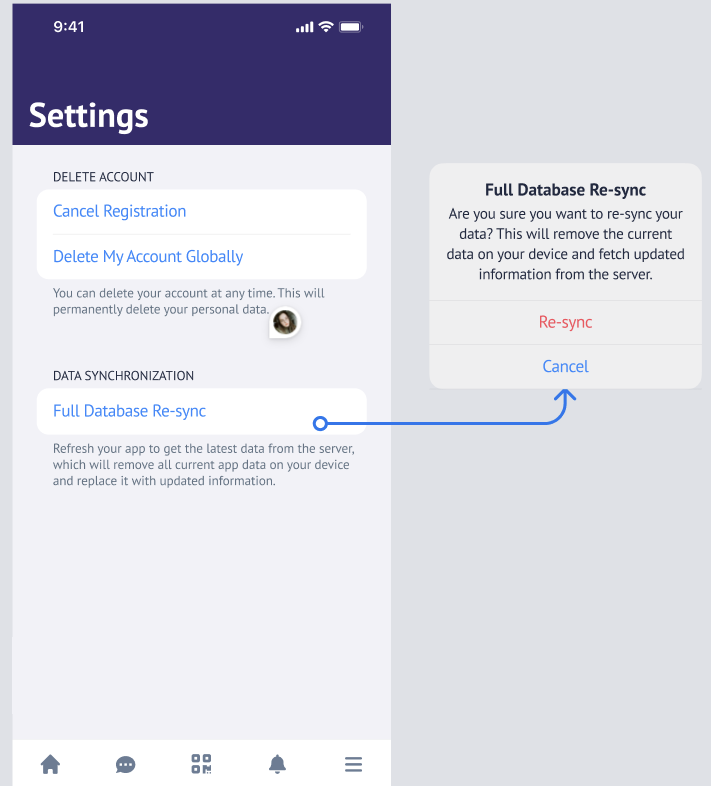
The "Re-sync" button, located on the mobile app Settings page, allows users to manually fetch the most up-to-date event data, including exhibitor details, from the server.
Working with this Feature
-
Re-sync Button Behavior:
-
The "Re-sync" button is available on the Settings page for all users, both logged-in and non-logged-in. No special setup is required
-
The button becomes active only if at least 1 hour has passed since the last manual re-sync.
-
If less than 1 hour has passed, the button remains disabled (grayed out), with text explaining when it will become available again.
-
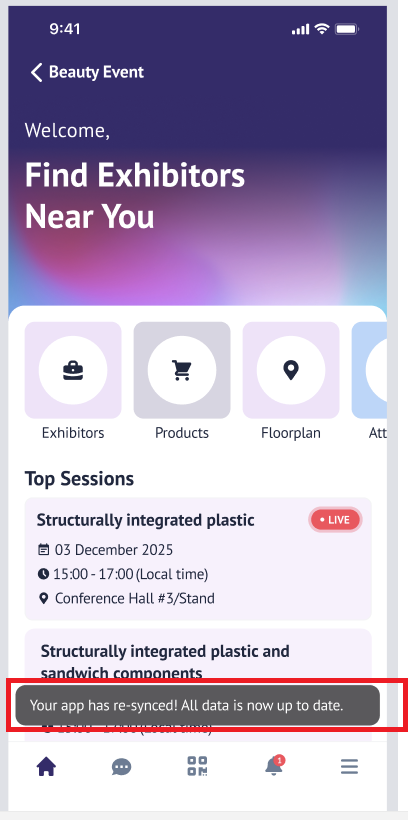
Once the sync is complete, the user will receive an onscreen confirmation in the app.
-