
Feature Purpose:
Allows organisers to provide app users with documents that can be downloaded through the mobile app
Working with this Feature:
For each app section (Event Info/ My Account/ My Company ( Team-Member) / My Company ( Exhibitor) up to 3 separate “Custom Documents” pages can be created:
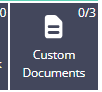
-
In each “Custom documents” page it’s possible to upload .xls, .doc or .pdf files and these files can then be dowloaded using the app:
-
The sorting and uploading of files is managed in the app builder on the “Content” page:
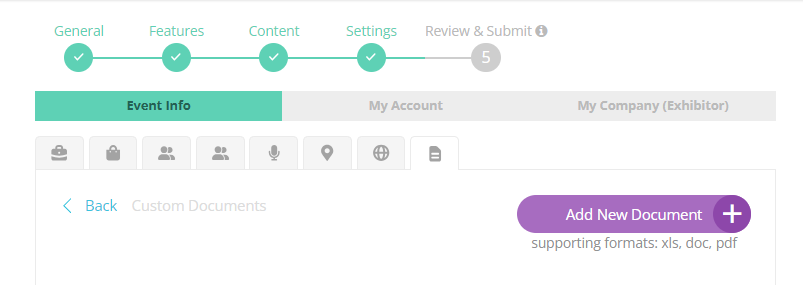
Example of the Document section in App Builder
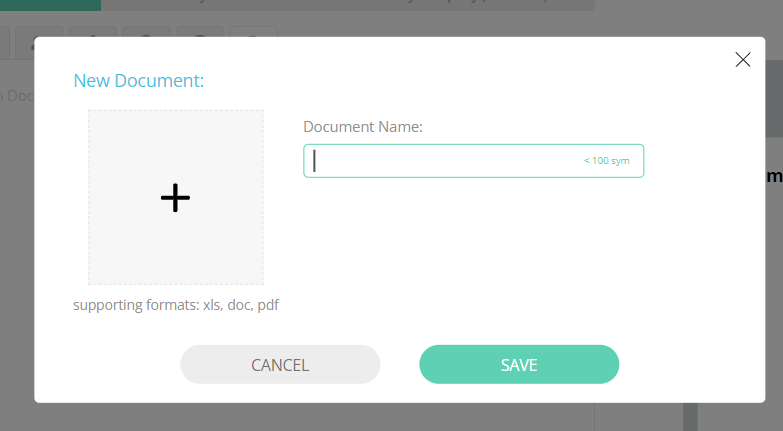
To upload a document, a backend admin can click the “Add New Document” button, type the document name and upload the document from their computer as per the supporting formats:
There is no limit on the number of documents and document position can be changed using “drag and drop”. Here you can also remove a document or edit it, and preview the app view:
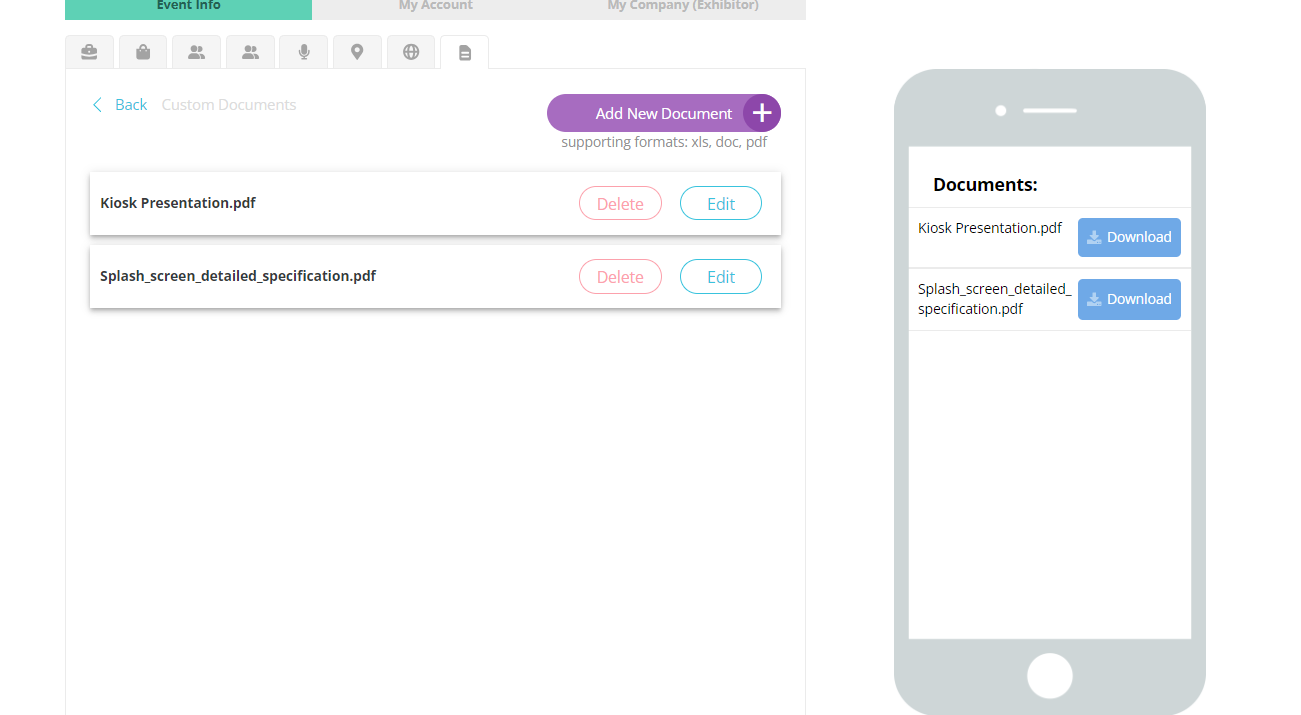
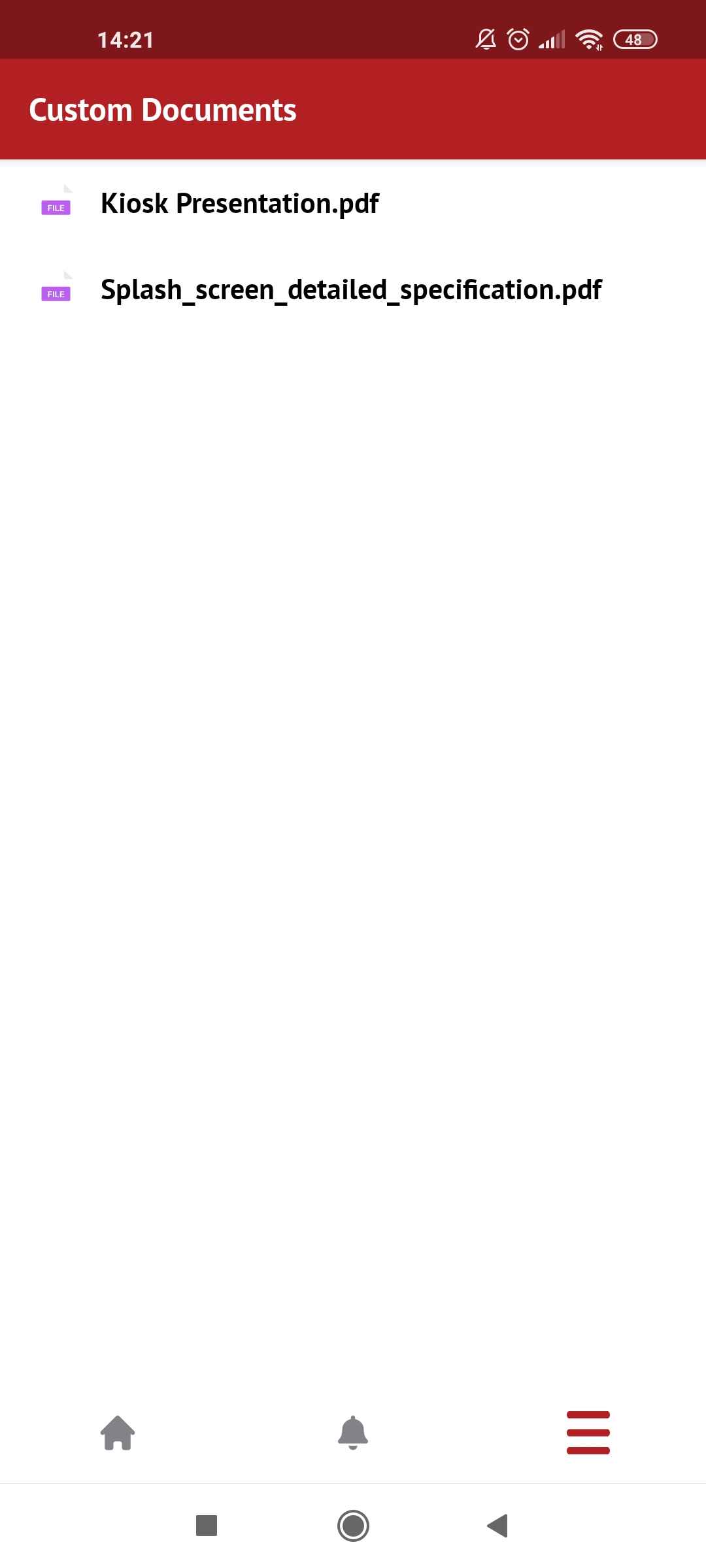
In the mobile application these documents are then clickable and downloadable:
Troubleshooting:
-
Always ensure that the file which you try to upload for Custom Documents section is in a supported format (.xls/.doc/.pdf)
-
If the Documents section is not visible in the mobile application, please ensure that you have saved your changes using the “Submit” button at the end of the App Builder and that the feature you added is visible for the category of the user for whom it is not being seen. The visibility settings in the app builder can be configured in the Feature tab:
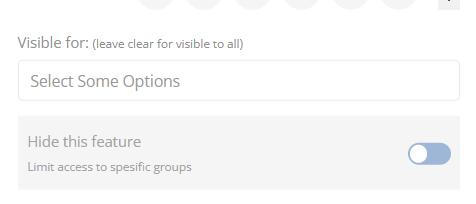
Select the neccassary user categories here or leave it blank if you need the tab to be visible for all