Feature Purpose:
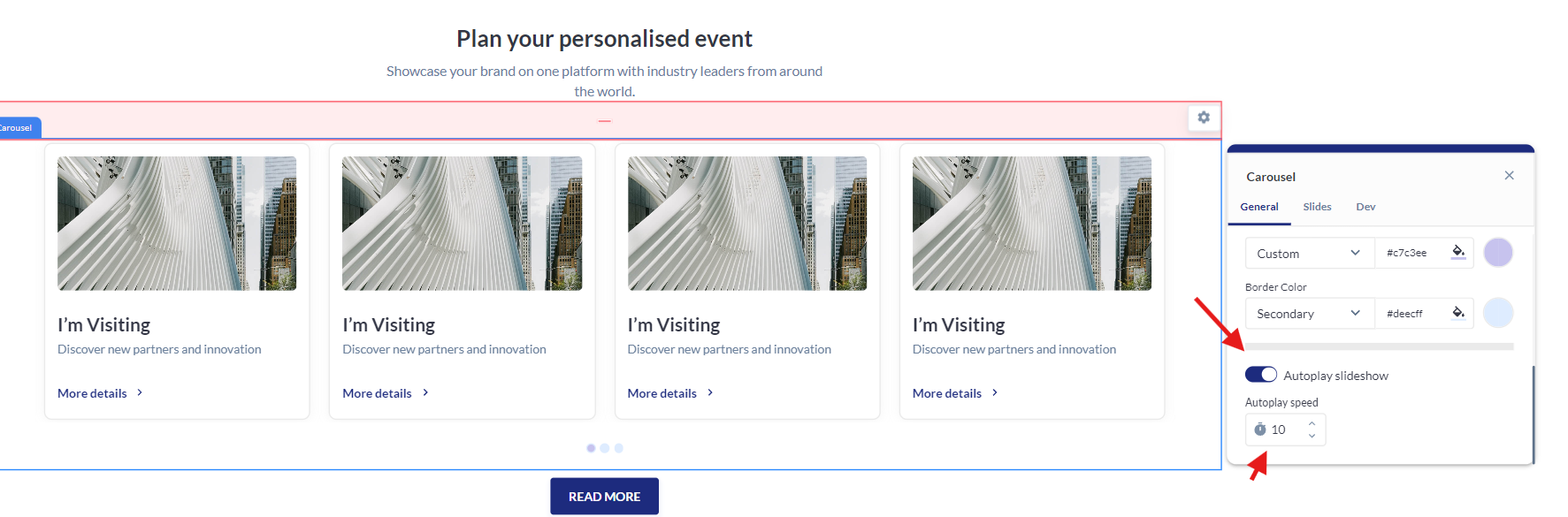
This feature provides customizable settings to control the appearance and behavior of blocks that use carousels, enhancing the user experience on your website.
Working with this Feature:
Available Settings:
-
Slides per view → This setting allows you to set the number of cards per block
-
Total number of slides → This setting allows you to set the total number of cards in the carousel
-
Carousel Arrows → This setting allows you to enable or disable the arrow on your carousel.
-
Colors → This setting allows you to change the arrow color, arrow button background color and arrow button border.
-
Reset To Default → This button will reset the colors to the default EP system colors
-
Thicknesss → This setting allows you to change the size of the arrow button border
-
Carousel Pagination → This setting allows you to keep the pagination as dots or numbers
-
Fill color → Inner pagination dor or number color
-
Active color → Color when the page is selected
-
Border color → Color of the button border, selected or not
-
Autoplay Slideshow → This settings allows you to enable autoplay When autoplay is enabled the carousel will automatically slide.
-
Autoplay Time → This setting allows you to set a time for autoplay. The carousel will automatically slide after the time set.