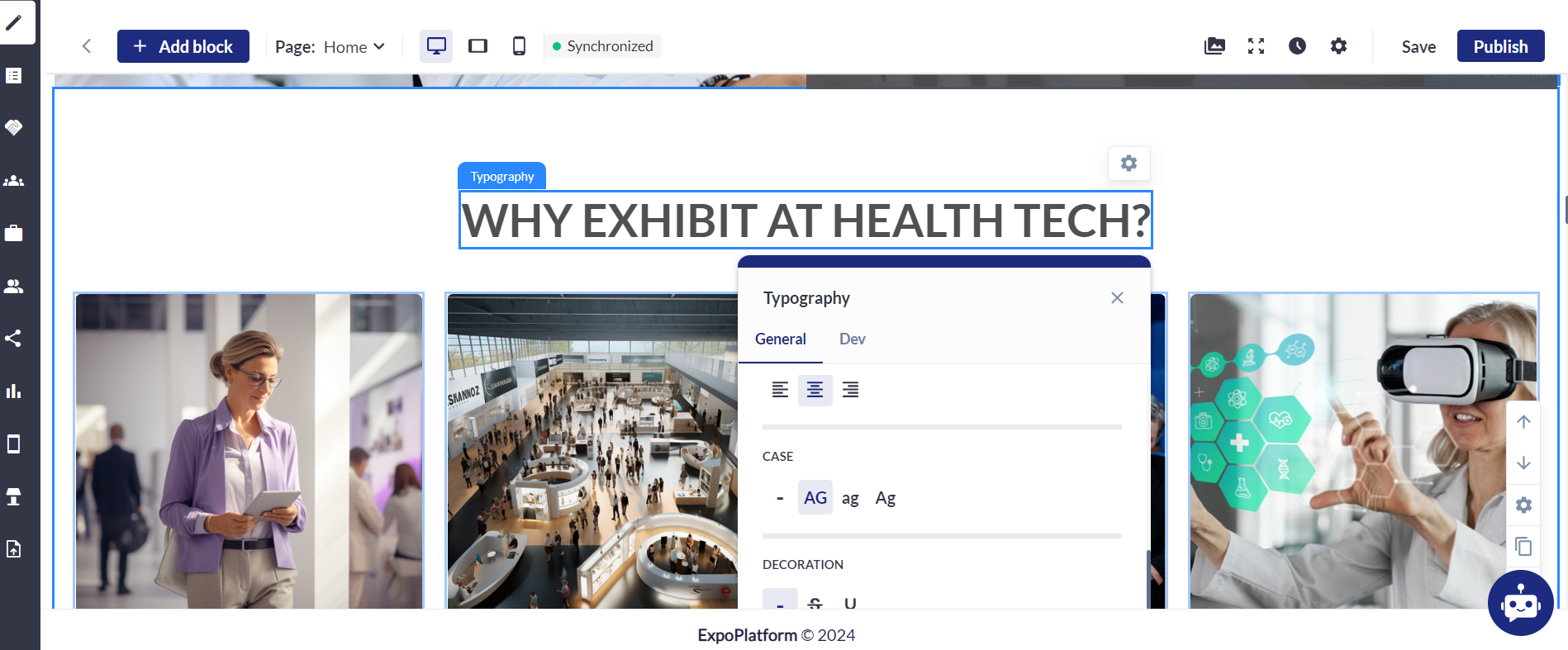
Feature Purpose:
Ability to input text within the website builder for modules that support text, enabling customization of text color, style, and font preferences.
Working with this feature:
In every section of the website builder where text can be added, there exists a text editor.
Within this editor, users have the ability to customize or choose:
-
Bold (B): Makes selected text bold.
-
Italic (I): Italicizes selected text.
-
AG: Convert to ALL capital letters
-
Strikethrough text setting
-
Underline (U): Underlines selected text.
-
Text Color (A with a color bar underneath): Changes the color of the selected text.
-
Highlight (Pen icon): Highlights the selected text with a background color.
-
Font Size: Change the size of the text
-
Hyperlinking: Please add an option to hyperlink a text
Text Editor Options:
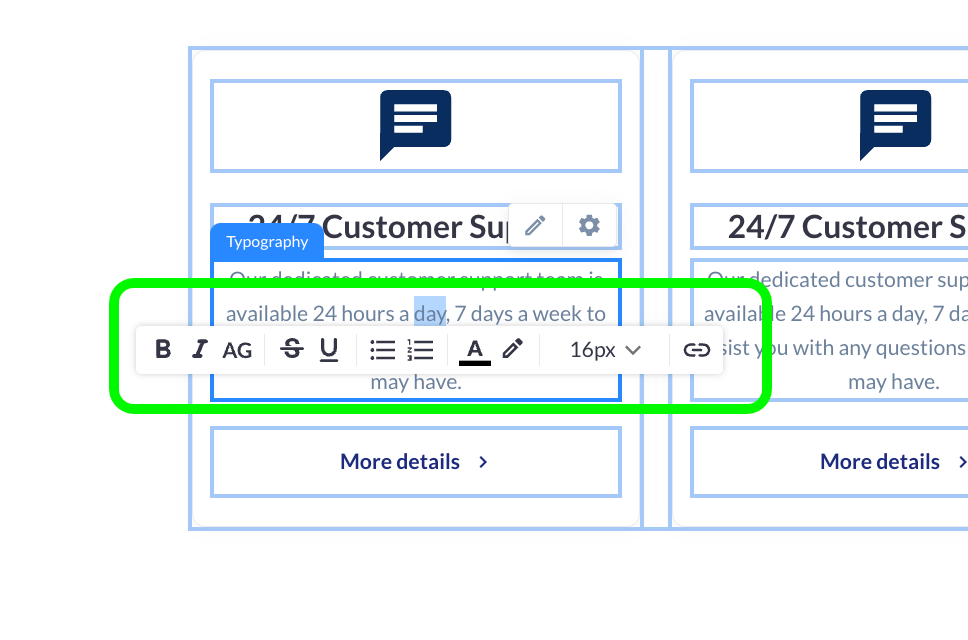
Text Settings:
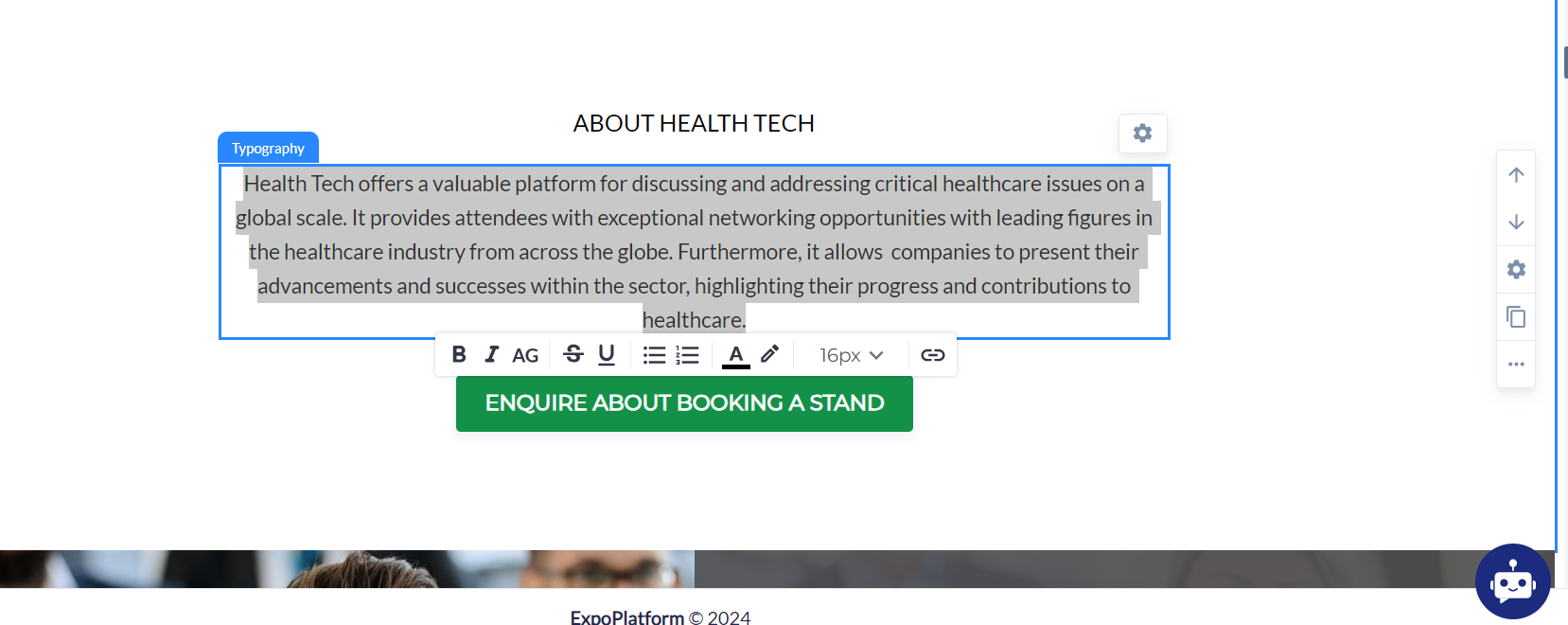
Typography Settings:
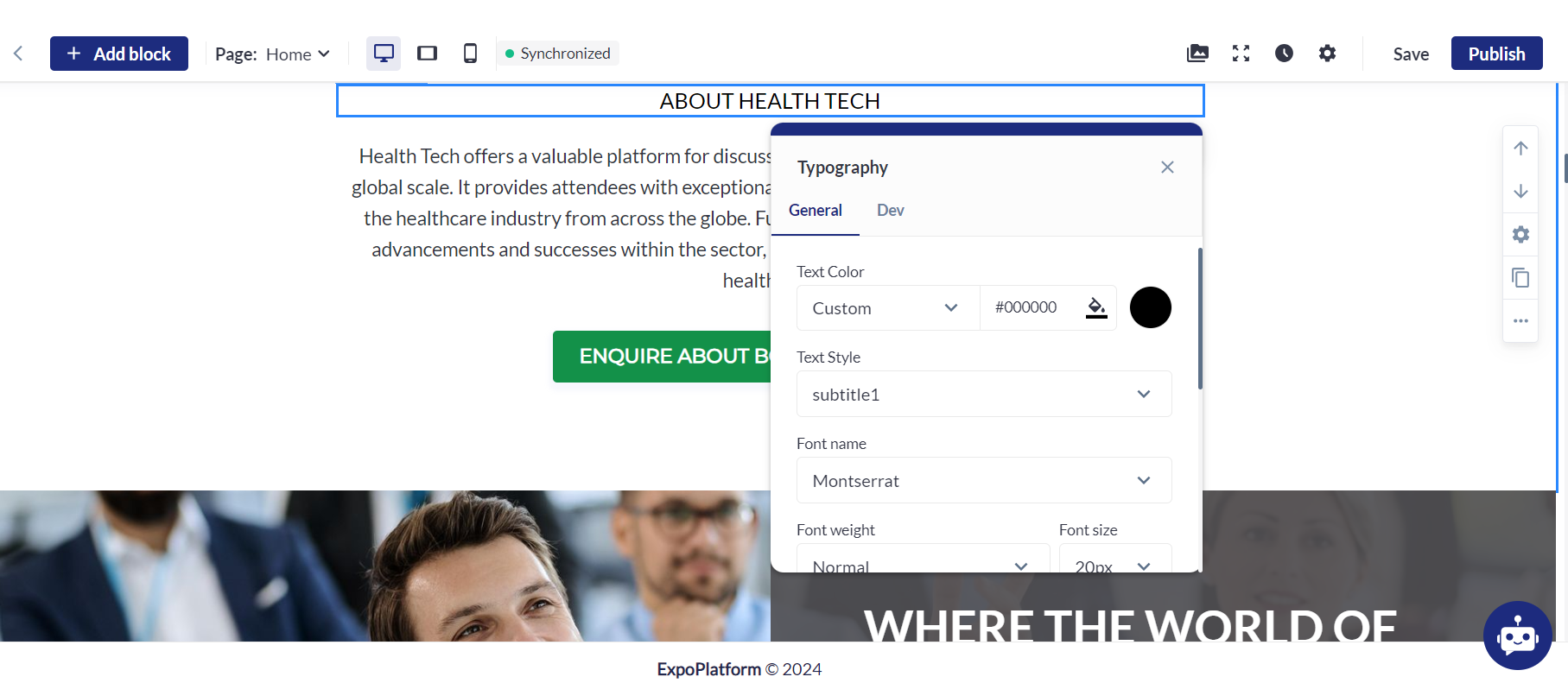
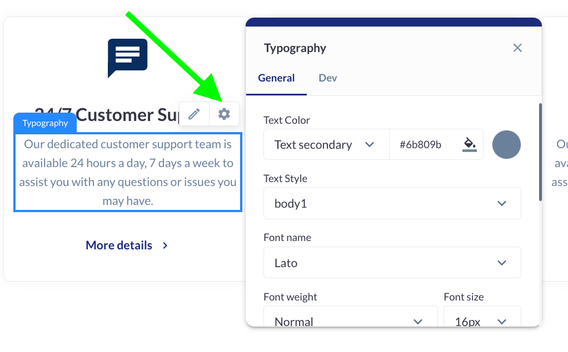
The following elements can be customized using the Typography settings:
-
Pre-selected text style
-
Text color
-
Font name
-
Font weight
-
Font size
-
Alignment
-
Case
-
Decoration
Troubleshooting:
Question:
Can I add a custom font for the text throughout the website?
Answer:
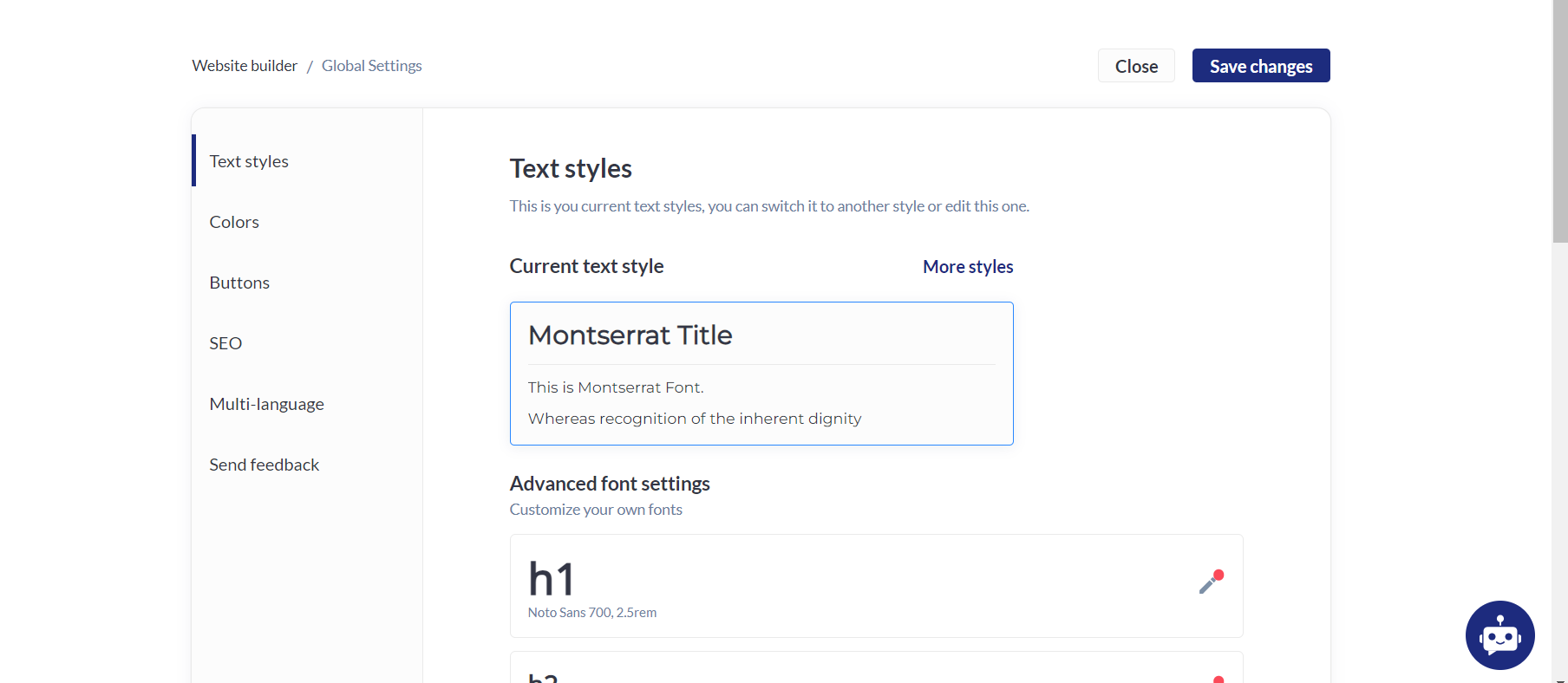
You can only select the fonts that are available under the ‘Font Name’ drop down but if you want to add a custom font, this can be done by going to the event settings:

Question:
Can we hyperlink a text within the text addition section?
Answer:
Yes, we can use the hyperlink option under the editor.

Question:
Can I update all the text entered from lowercase to uppercase automatically?
Solution:
Yes, we can do that using the General settings under Typography.