
Under Registration settings > Exhibitor > Additional Settings, organisers have the ability to customise the wording used for parent-child exhibitor relationships.
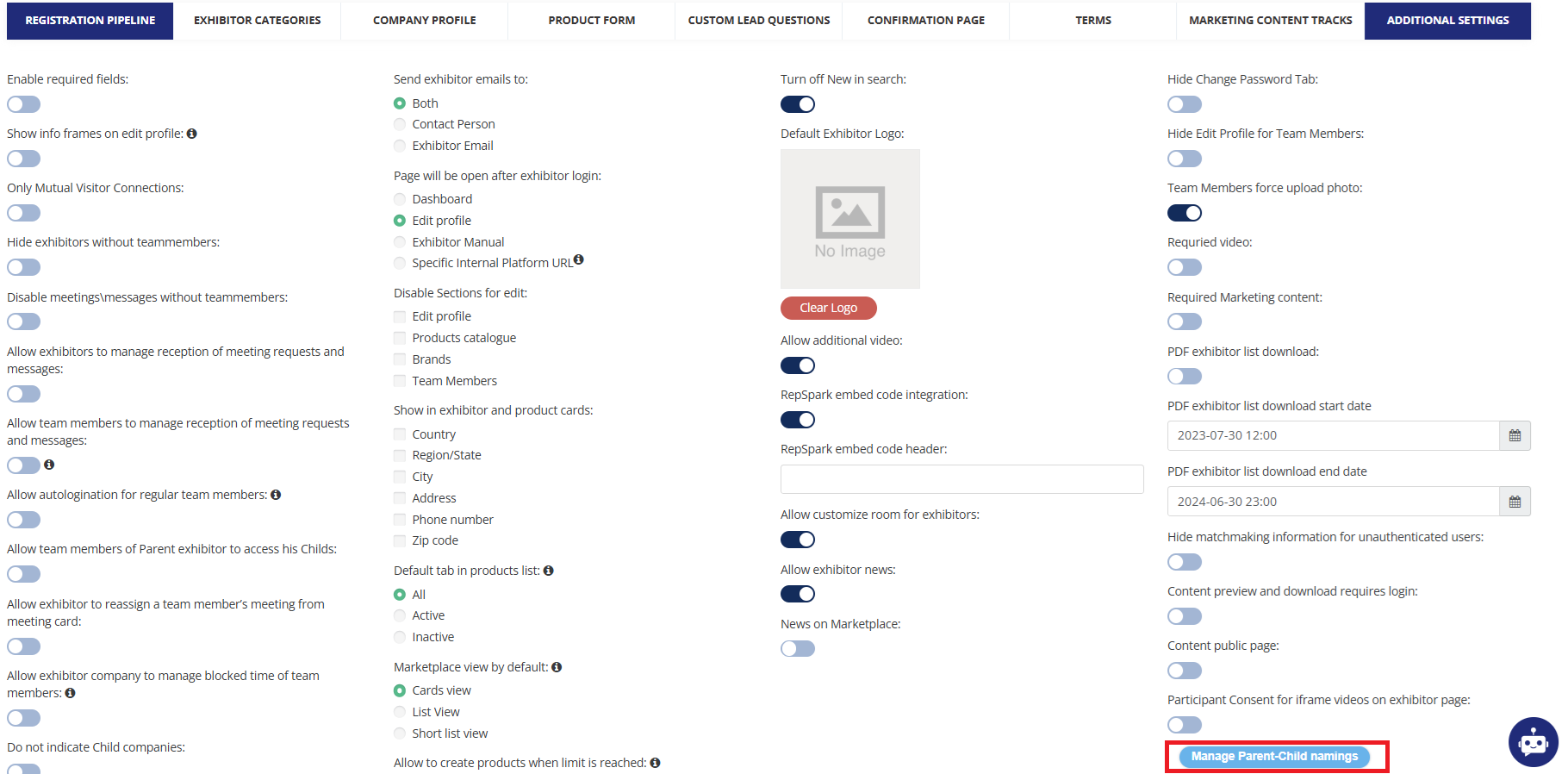
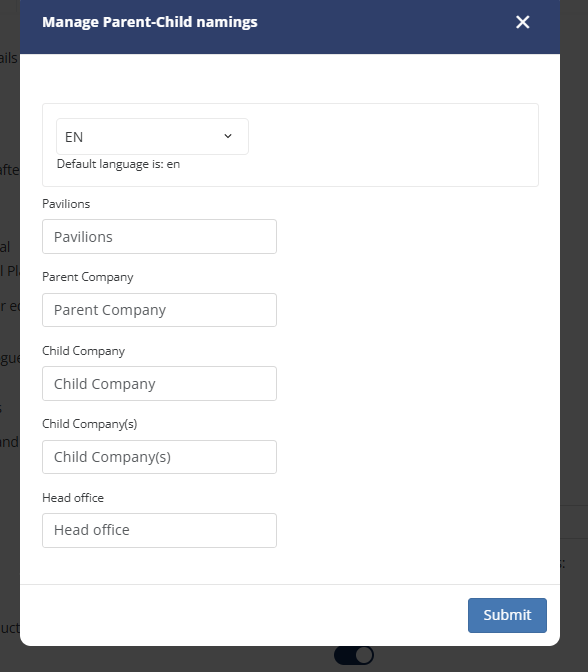
When the blue “Manage Parent-Child namings” button is clicked, a pop-up will appear where these default labels can then be replaced by custom text:
-
Pavilions
-
Parent company (singular and plural)
-
Child company (singular and plural)
-
Head Office
Each label can be customized in each of your event languages
This table shows where these labels are used on the platform:
|
Default value |
Usage |
|---|---|
|
Pavilions |
|
|
Parent Company |
|
|
Child Company |
For cases where this label is always used with a singular meaning:
|
|
Child Company(s) |
For cases where this label dynamically can have either singular or plural meaning:
|
|
Head office |
Option of Parent-Child filter |