
Feature Purpose:
Shows a table of all messages that were sent by participants.
Working with this Feature:
To access General Analytics, navigate to the Analytics module and select "General."
Upon opening General Analytics, you will find several tabs within this section.
Click on the Messages tab to open this page:
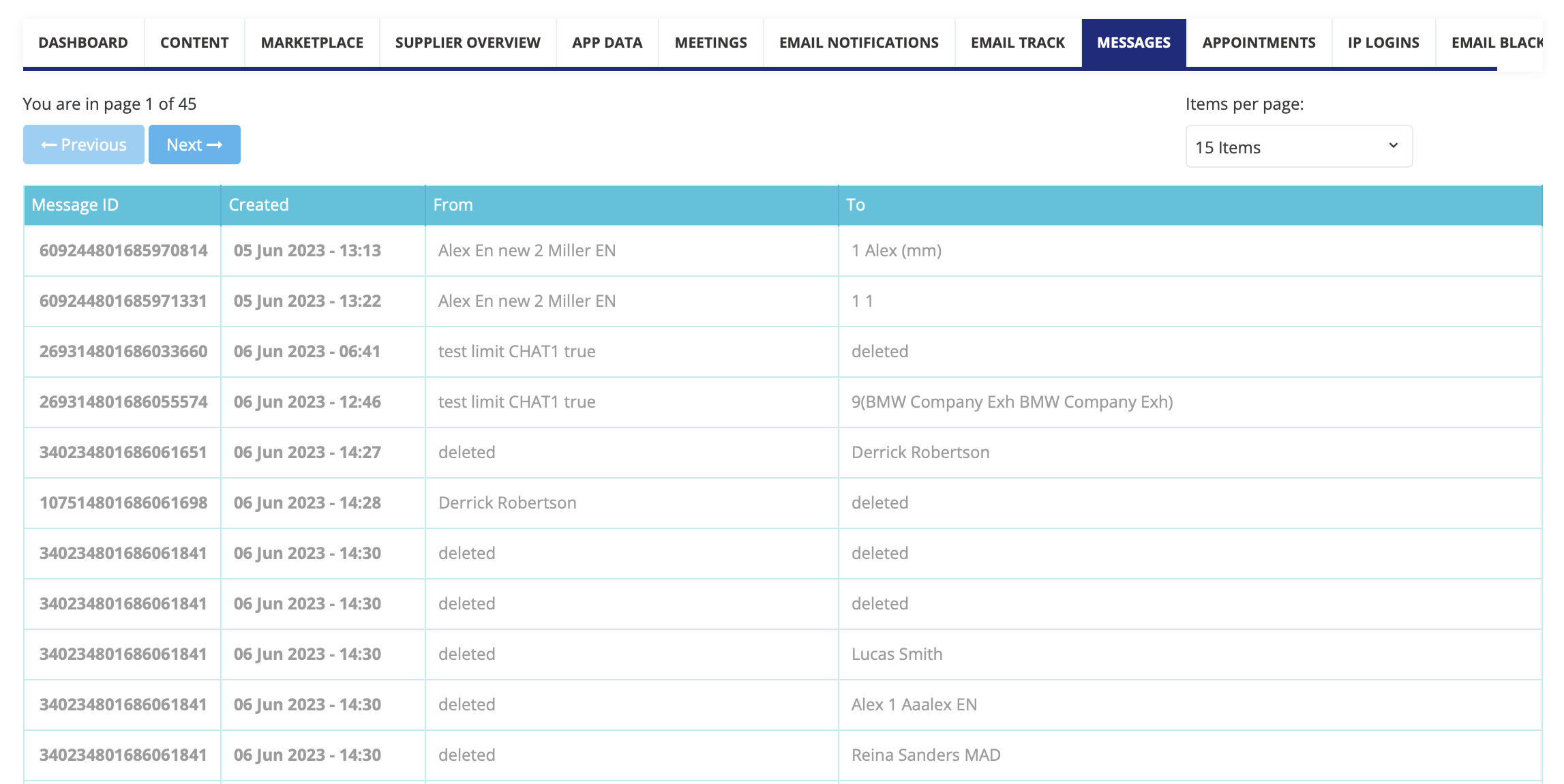
Elements of the page
-
Pagination - options to show 5, 10, 15, 20, 25, 50, and 100 rows on the page. There is also a page switcher with the total number of pages.
-
Table:
-
Message ID
-
Created - date of the creation
-
From - sender of the message
-
To - receiver of the message