
Feature Purpose:
Shows the data of the emails that were blocked for some reason. An email is blocked if there is a bounce coming from this email address after an email has been sent to it.
Working with this Feature:
To access General Analytics, navigate to the Analytics module and select "General."
Upon opening General Analytics, you will find several tabs within this section.
Click on Email Blacklist to open this page:
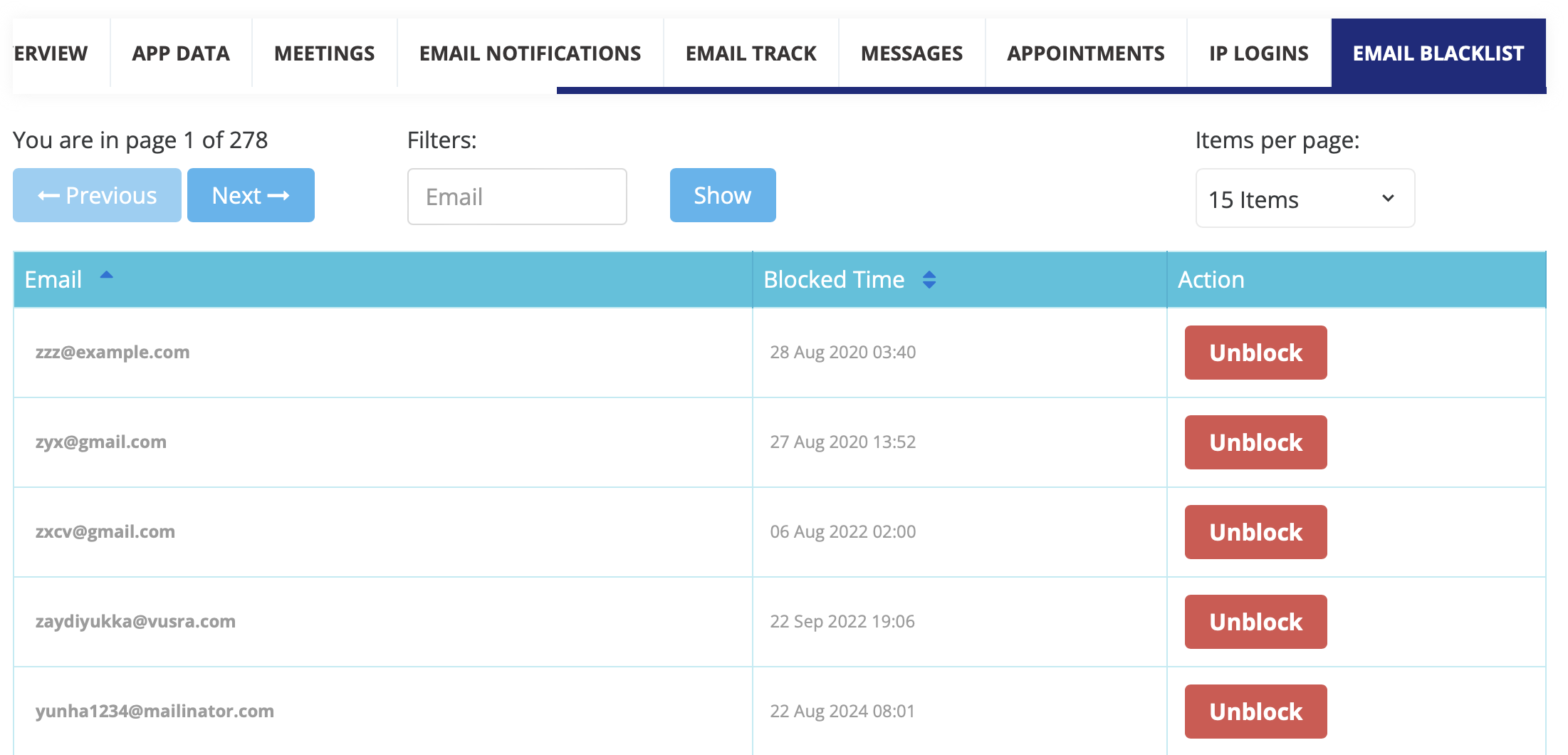
Elements of the page
-
Pagination - options to show 5, 10, 15, 20, 25, 50 or 100 rows on the page. There is also a page switcher with the total number of pages.
-
FIlters - search by the email address.
-
Table:
-
Email - email address that was blocked.
-
Blocked time - the time when the email address was blocked.
-
Action - provides a button to unblock that particular email.
Please note - There is sorting available for the Date - Email and Blocked time columns.