
Feature Purpose:
Shows information about user logins. Customer service logins are not counted.
Working with this Feature:
To access General Analytics, navigate to the Analytics module and select "General."
Upon opening General Analytics, you will find several tabs within this section.
Click on the IP Logins tab to open this page:
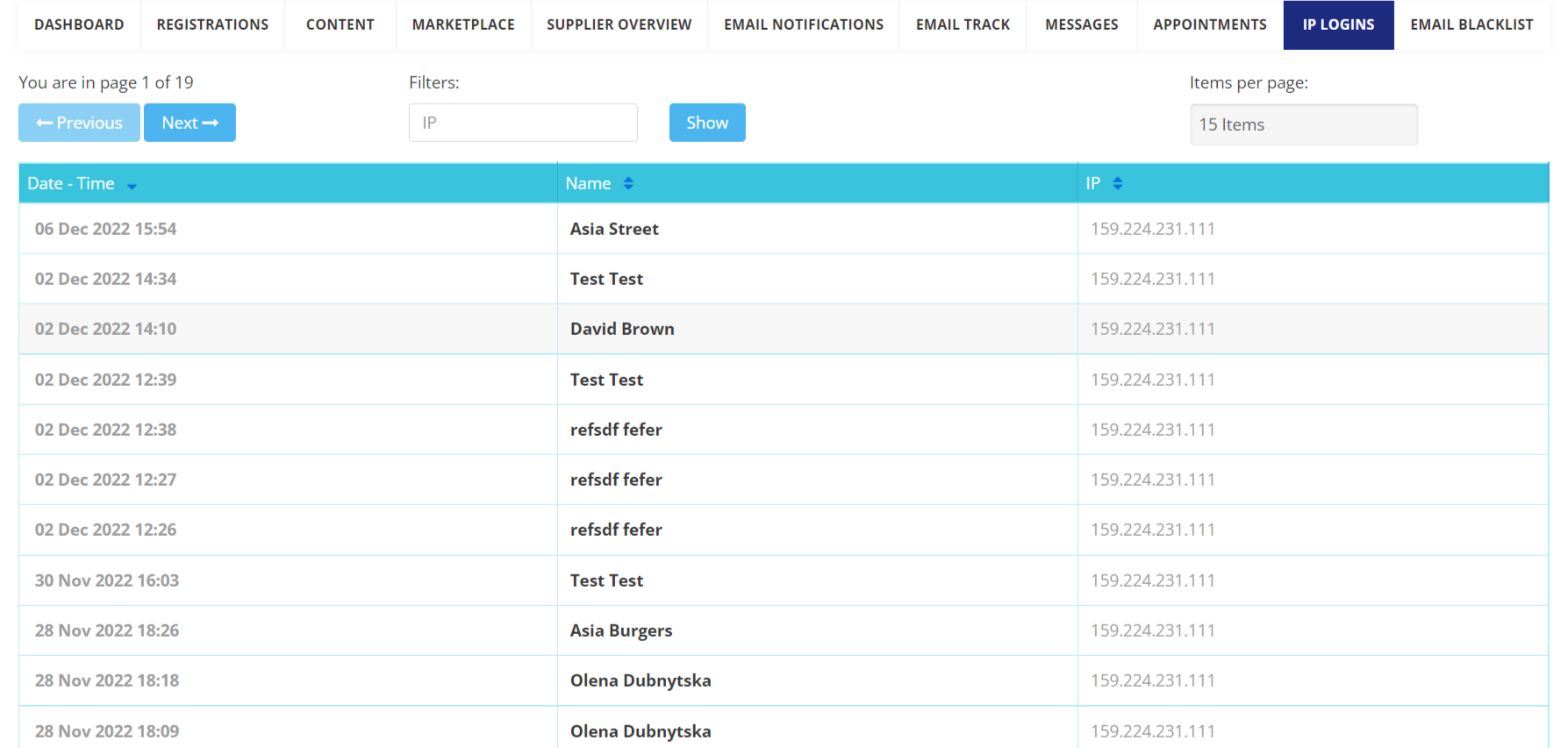
Elements of the page
-
Pagination - options to show 5, 10, 15, 20, 25, 50 or 100 rows on the page. There is also a page switcher with the total number of pages.
-
FIlters - search by the IP address.
-
Table:
-
Date - Time - the time the login was made.
-
Name - name of the user who logged in. It can be both a participant or an exhibitor
-
IP - user’s IP address.
Please note -Sorting is available for the Date - Time, Name and IP columns.