
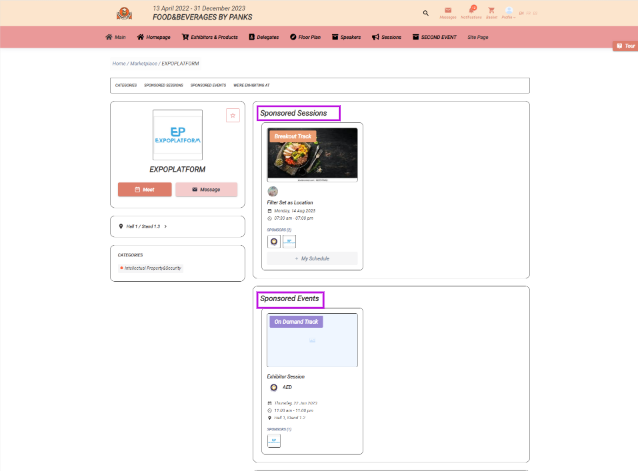
This article explains how the session block appears in the exhibitor profile when the exhibitor is mapped as the sponsor for any of the sessions.
The Sponsored Session block gets added to the exhibitor profile when that exhibitor has been added as a sponsor to the session/sessions added to the event
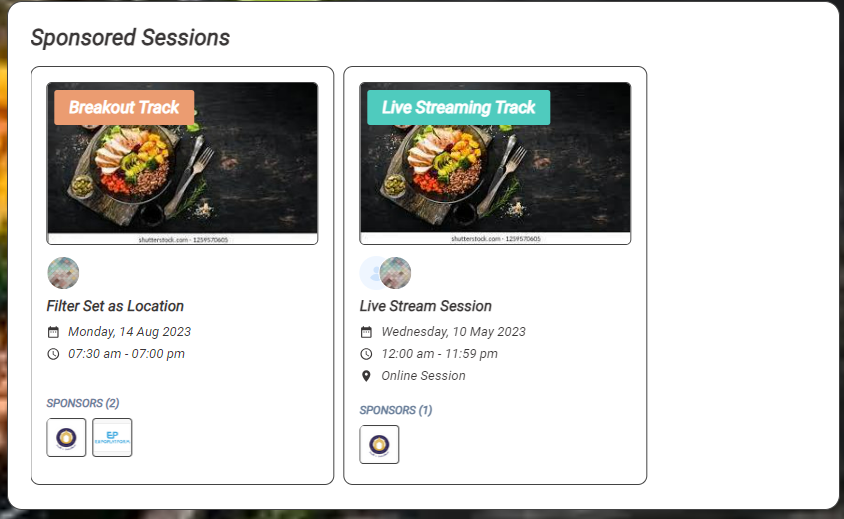
If the exhibitor has been added as the sponsor for any of the Exhibitor Events, the sponsored exhibitor events will be displayed in Sponsored Event Block of the exhibitor profile
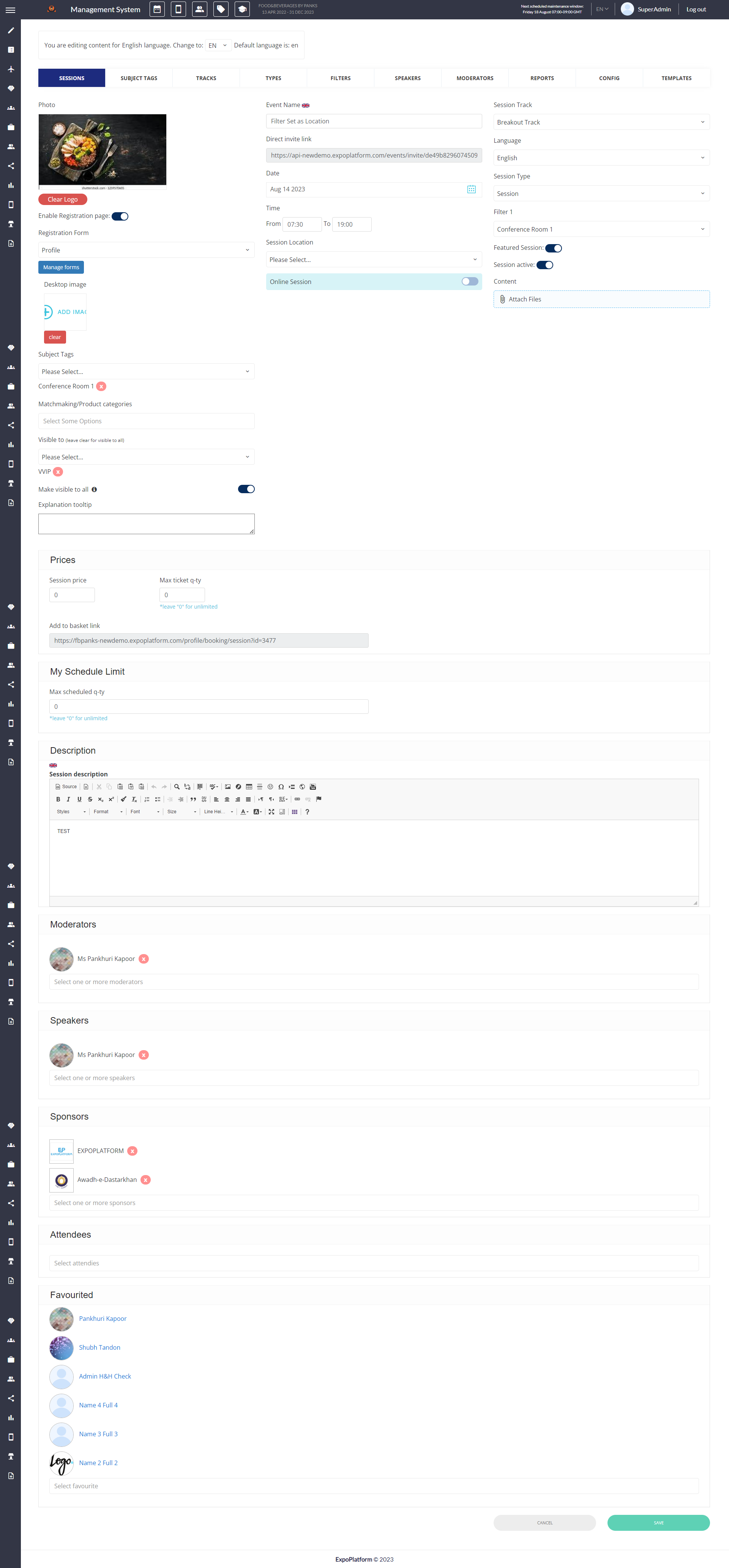
How to add a sponsor to the session
Go to the session edit page → Select the sponsor from the Sponsor drop-down list → Click on Save
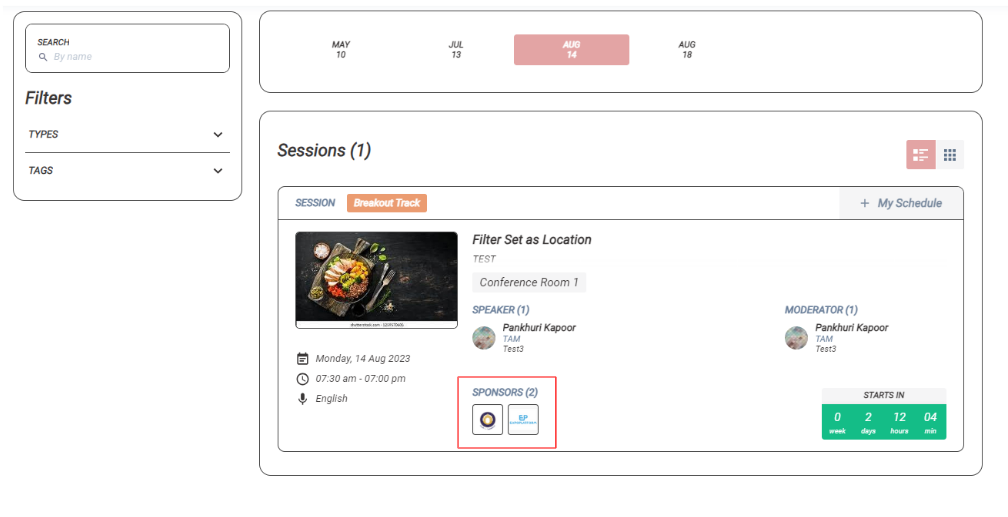
The sponsors wil be added to the session and will be visible on the session card on page /newfront/sessions
Clearing your cache will help the updates appear more quickly.
To do so, copy this path: /admin/general/clearcache then add the admin panel url at the beginning to to end up with a URL that looks like this:
https://api-newdemo.expoplatform.com/admin/general/clearcache