List View for Schedule Page: App
The schedule page on the event mobile app previously only had a calendar view. We have now added a list view for the Schedule Page on the mobile app.
All items are displayed in chronological order, starting from the earliest time to the latest.
The timezone used is the same as for the calendar view.
In the admin panel at /admin/general/settings, the setting “Schedule view by default (WEB) is renamed as setting “Schedule view by default (WEB & App)
|
|
|
Benefits
-
Option to view the Schedule in both List and Calendar view on the app
Block <iframe> video until consent given
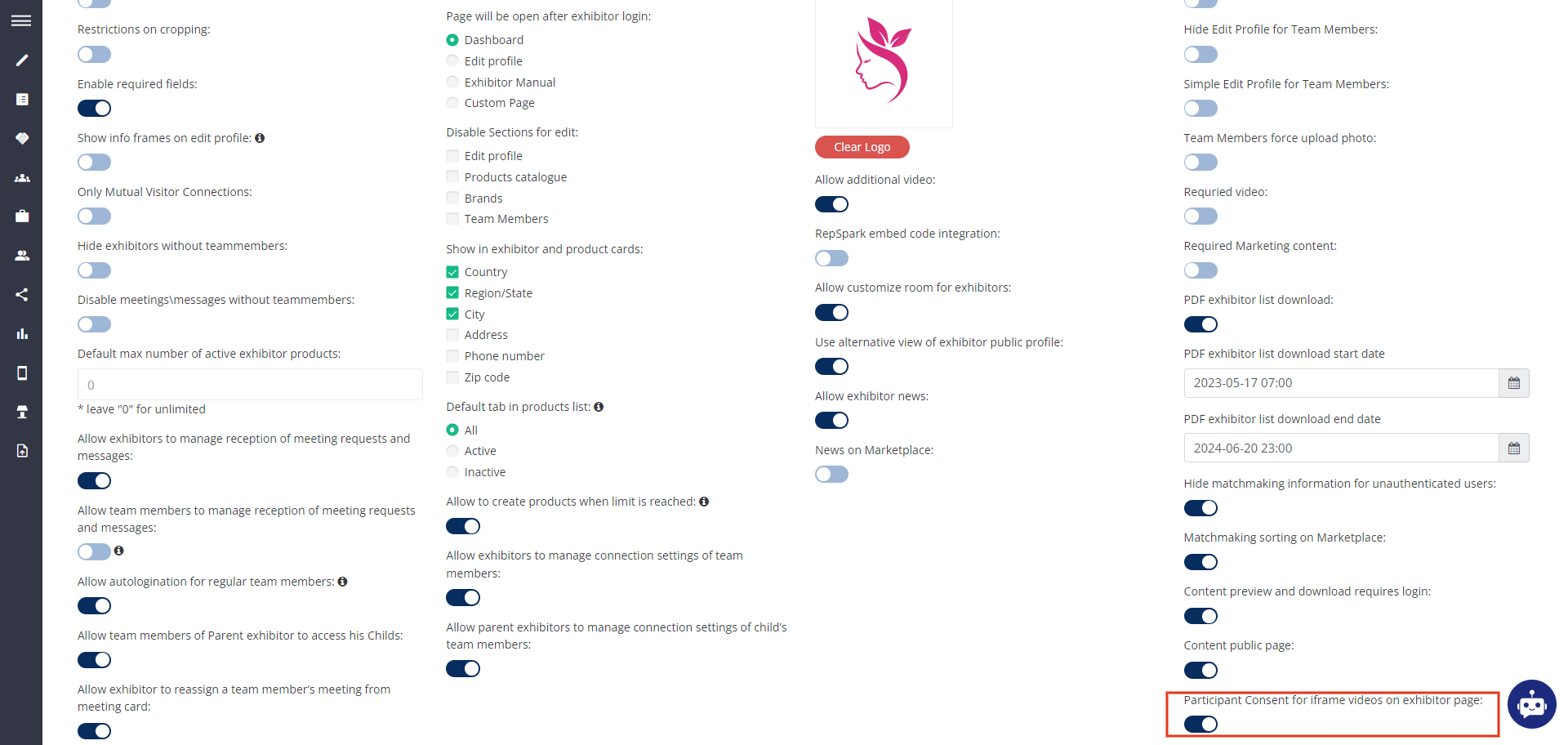
A new setting is enabled where users can watch videos added by exhibitors in their profiles using <iframe> after giving consent.
The video is blocked and unavailable until the user gives consent.
Consent is required only once for the entire service, not for each individual video.
No statistics will be collected; the focus is solely on blocking the video until consent is given.
Admin Panel Setting: A new checkbox is added on the Exhibitor Additional Setting Page Participant Consent for iframe videos on the exhibitor page
By Default= OFF