
Re-usable fields: Registration Forms
Within the registration form, the organizer can now re-use:
-
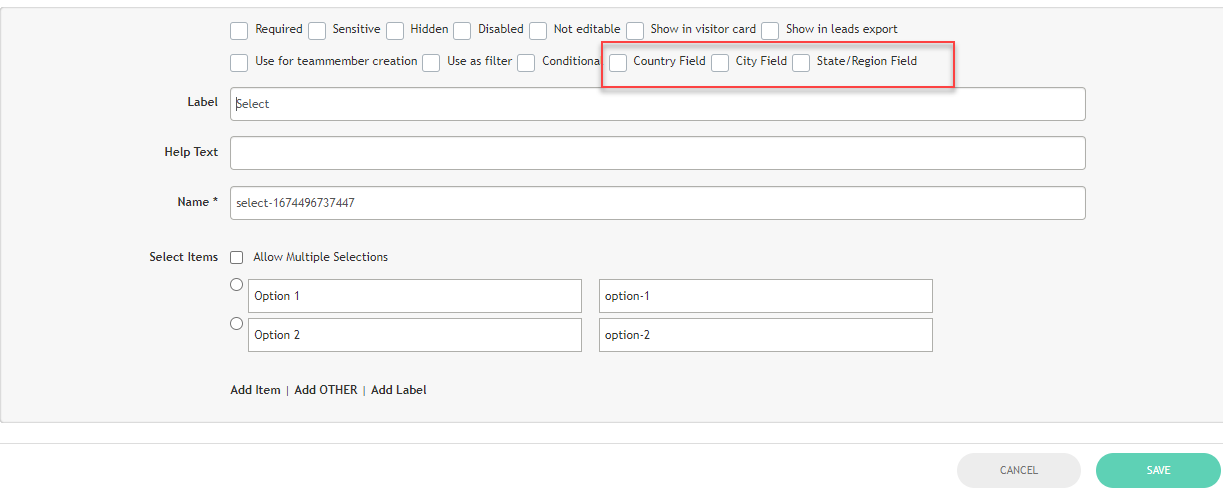
country, state & city field
-
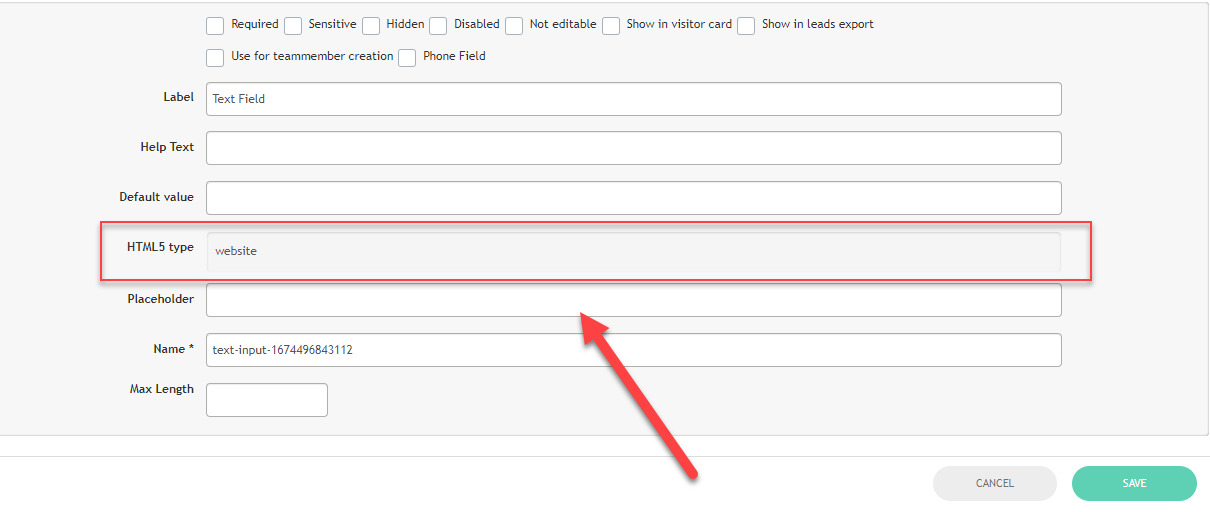
add an additional clickable website field
Benefits:
-
Added flexibility for the organizer
-
Exhibitors can define their warehouse / distribution country separately
Parent-Child Creation - Exhibitor Level
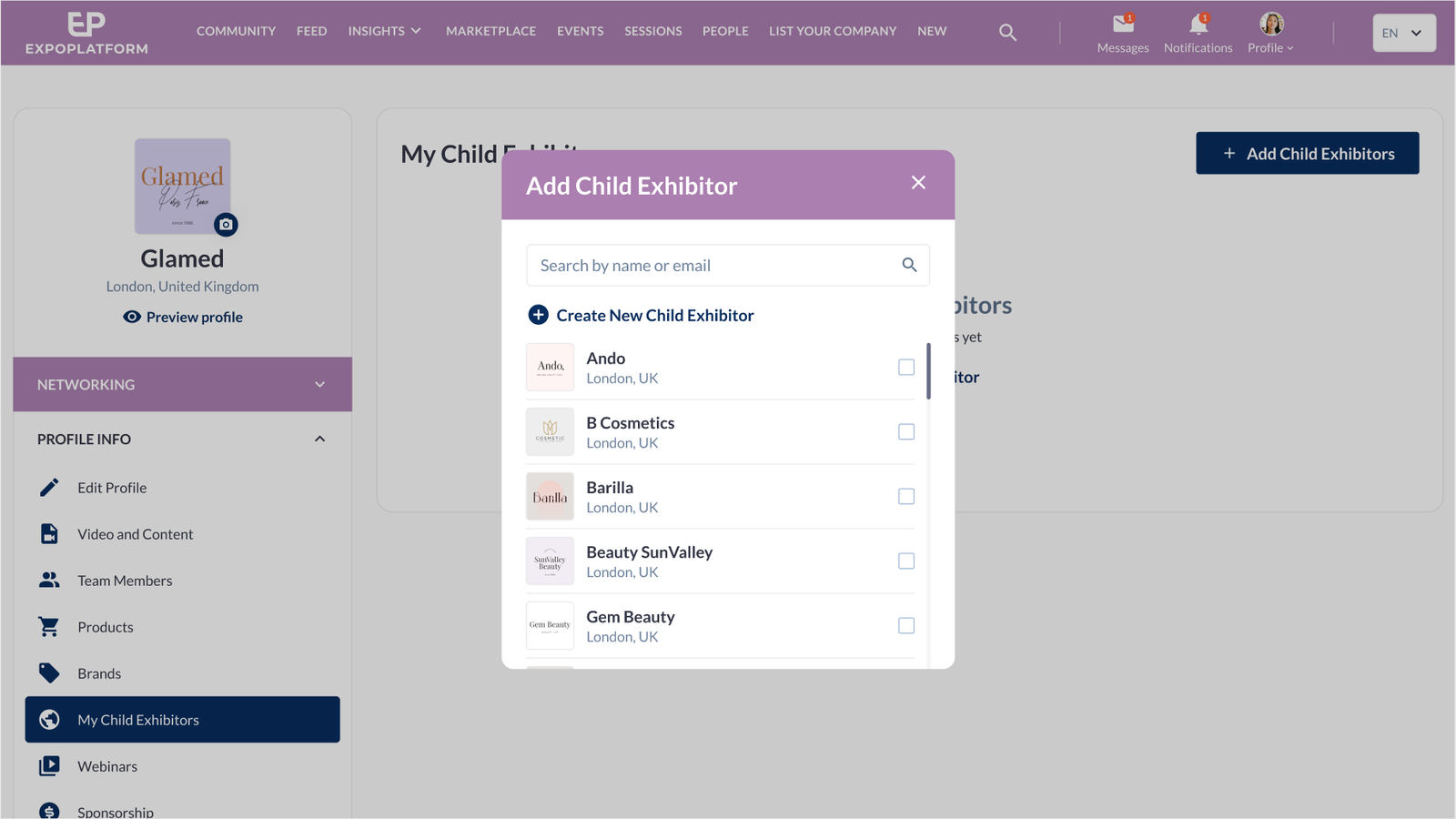
It is possible to enable a new tab on the Frontend for parent exhibitors: "My child exhibitors". Upon adding, the exhibitor will have access to:
-
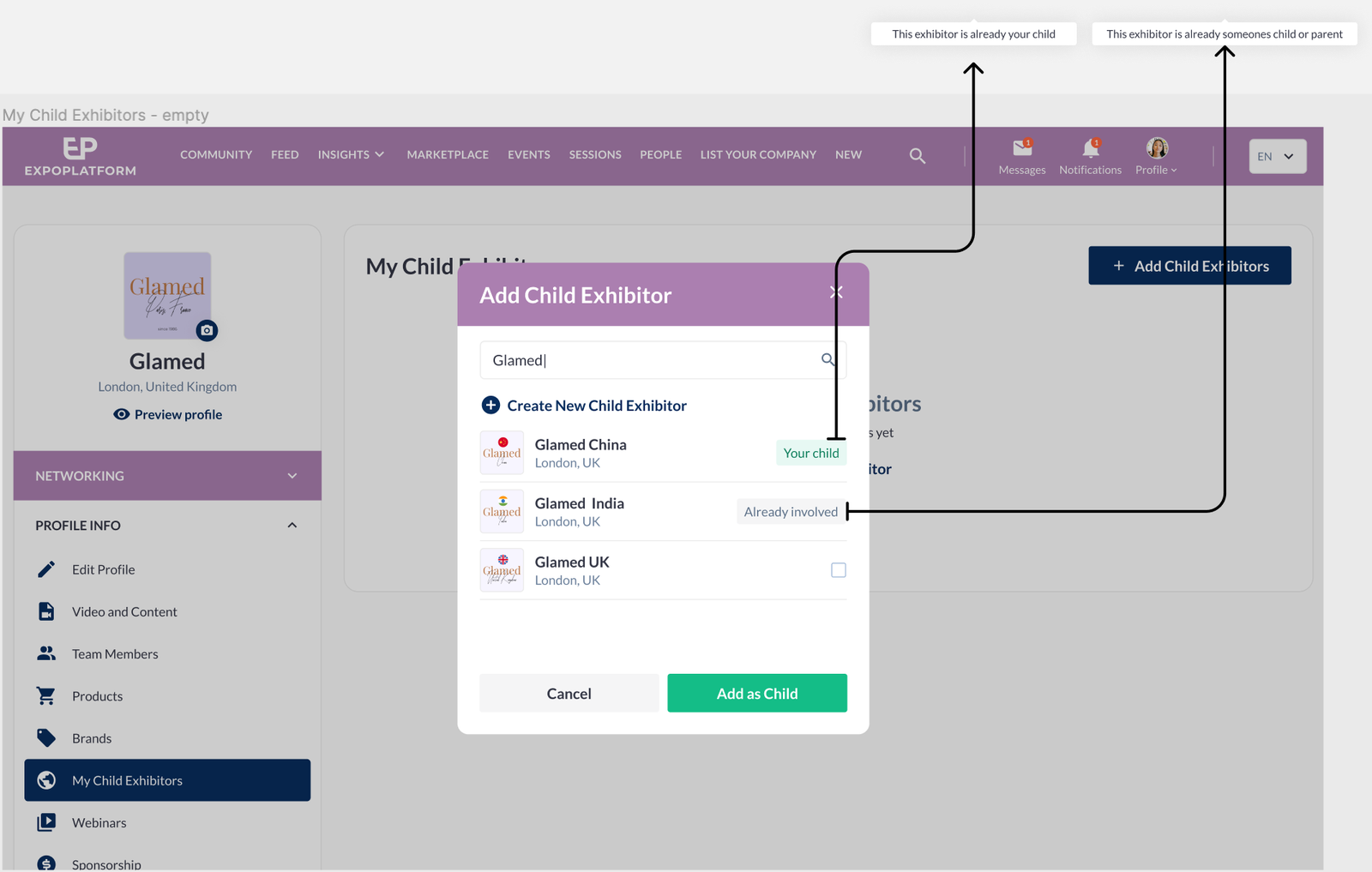
add new child exhibitor( s)
-
see the list of current child exhibitors attached to the profile
The organizer can configure in the admin panel what category will be assigned to newly added Child exhibitors. Admin panel-Registration settings-Exhibitor-Additional settings contain a new setting "Child Exhibitor is created" with three options:
-
Without category
-
"Inherit from parent
-
Can have the following categories: When this option is selected — appears a multi-select field where the Organizer must choose at least one available category for child creation form from the list of exhibitor categories on this event, and one of those categories may be selected by the parent exhibitor during child creation.
|
Flow 1: Direct Attachment from list |
|
|
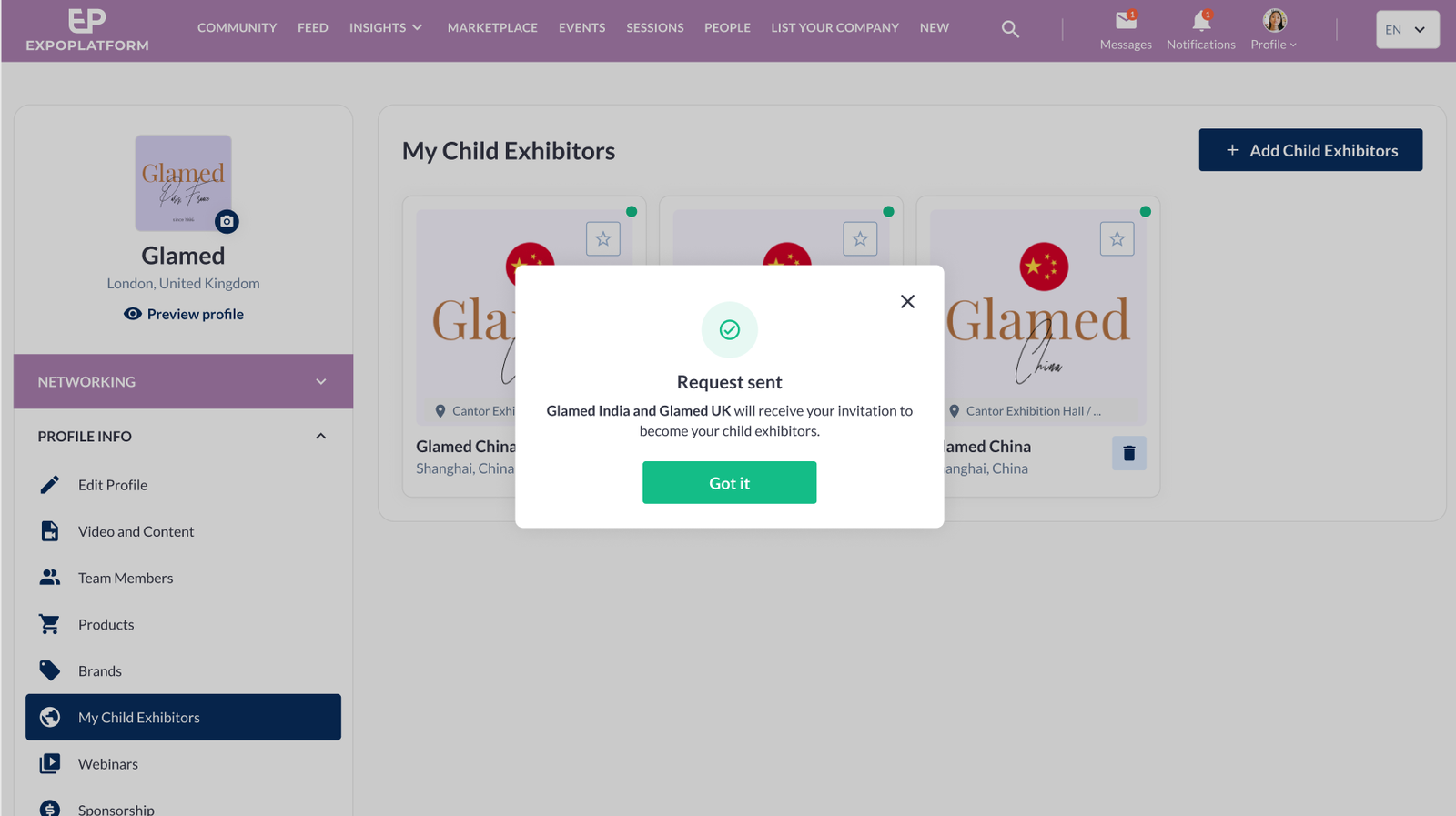
|
|
Flow 2: New Creation |
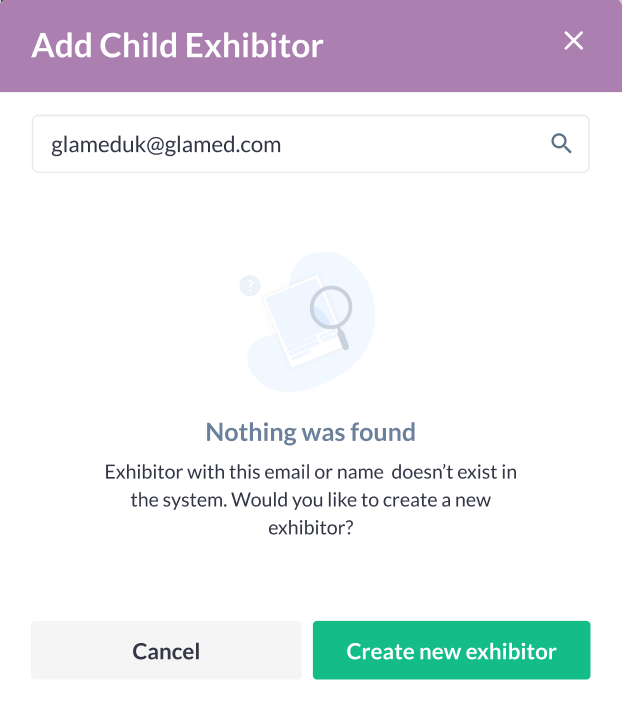
|
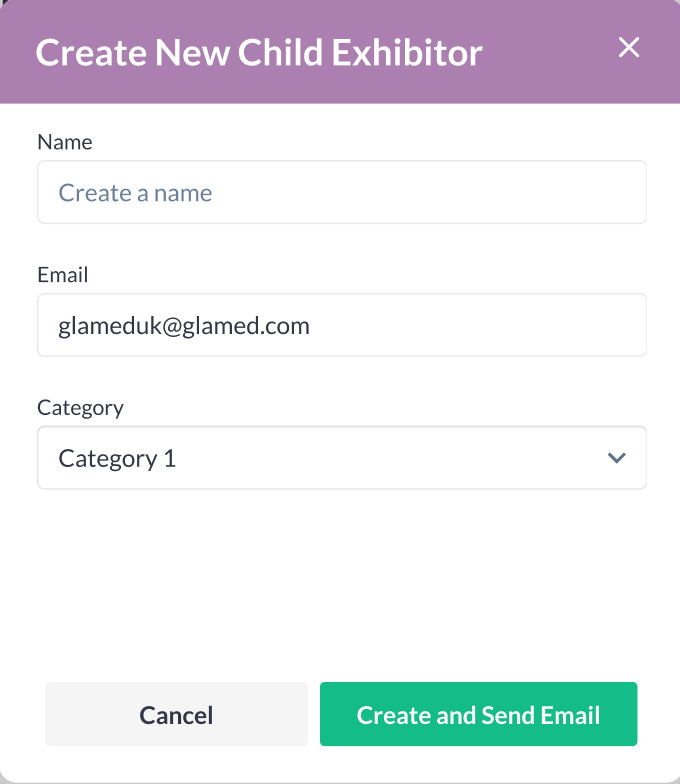
|
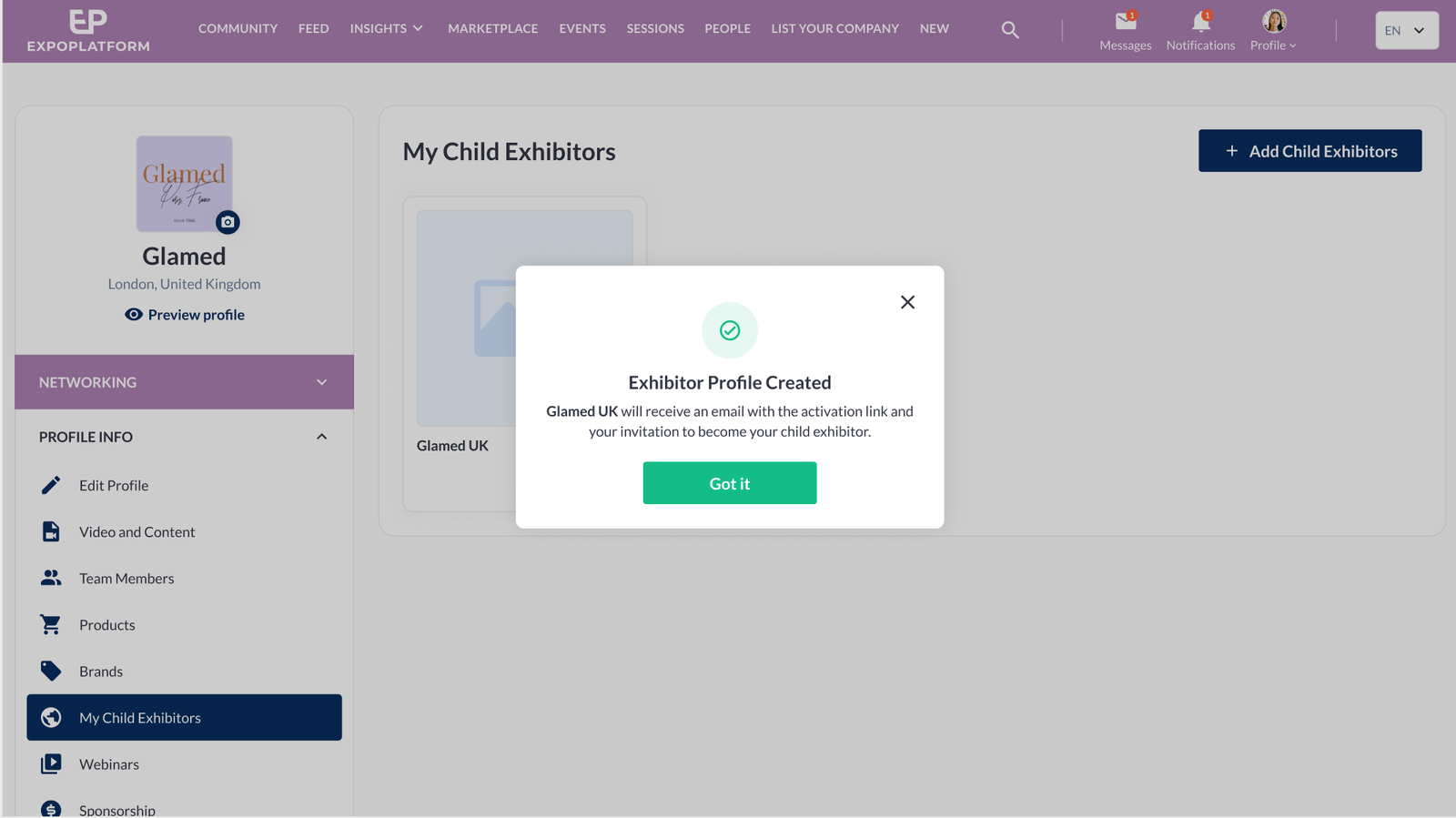
|
Benefits:
-
Driving exhibitor engagement by providing additional controls at the frontend
-
Less admin work for the organizer
Floorplan Admin Panel - Label Settings:
The exhibitor and stand names are displayed by default on the floorplan when a user zooms in, and if there are multiple exhibitors on a stand, only the parent exhibitor's name is displayed. At the backend, a new setting allows the stand name (or) exhibitor name to be hidden if required.
Benefits:
Clear labelling of the floorplan for users.
Improved flexibility for organizers.