
Exhibitor/Product Card - Additional Field Settings:
New setting “Show in exhibitor & product cards“ inside /admin/registration/esettings is introduced.
Checkbox options are: “Country”, “Region/State”, “City”, “Address”, “Phone number”.
Web only feature
|
Field |
Default state |
|---|---|
|
Country |
Selected |
|
Region/State |
Unselected |
|
City |
Selected |
|
Address |
Unselected |
|
Phone number |
Unselected |
|
Before |
After |
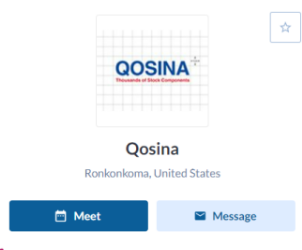
|
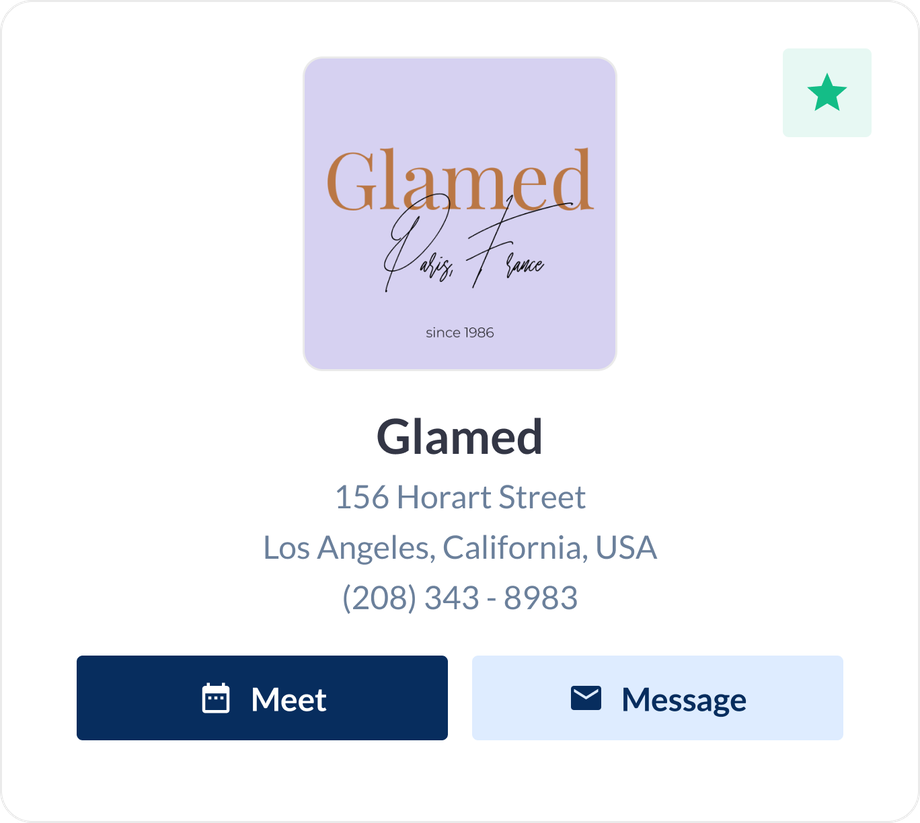
|
Benefits:
-
Ability to customize the location fields outputted on the public pages.
-
Higher visibility of address fields on exhibitor listing & pages.
Custom Banners for Category Pages:
In Admin panel-Event Setup-Networking&Matchmaking-Categories for local categories a new setting is added to attach custom banners with category pages. Category banners have a higher priority & replace the default marketplace banners when the user lands on the category pages.
Web only feature
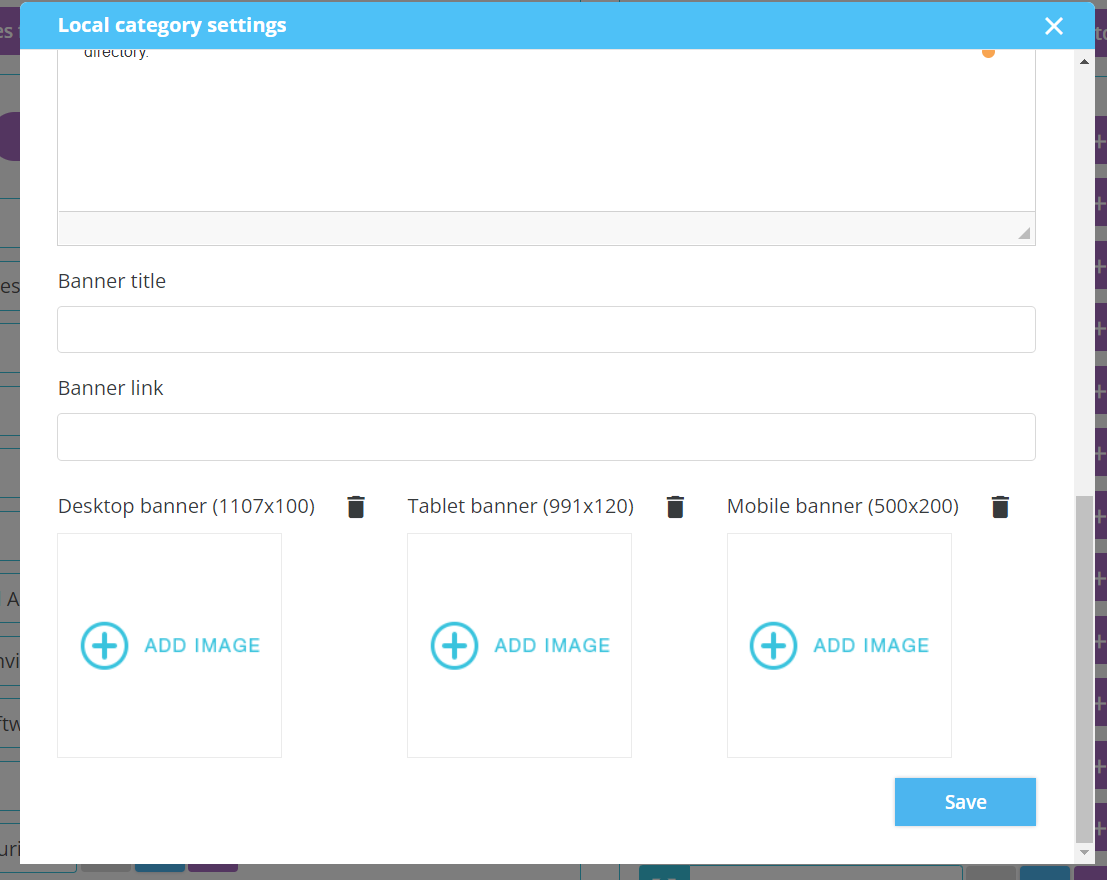
Benefits:
-
Additional Monetization opportunity
-
Personalized display of banner based on category pages visited by the user
Content Download Email Notification - Exhibitors:
A new e-mail template is added “Marketing content download“ to the “General“ section of Registration e-mails builder (/admin/emails) which will fly to exhibitors whenever a user downloads their marketing content.
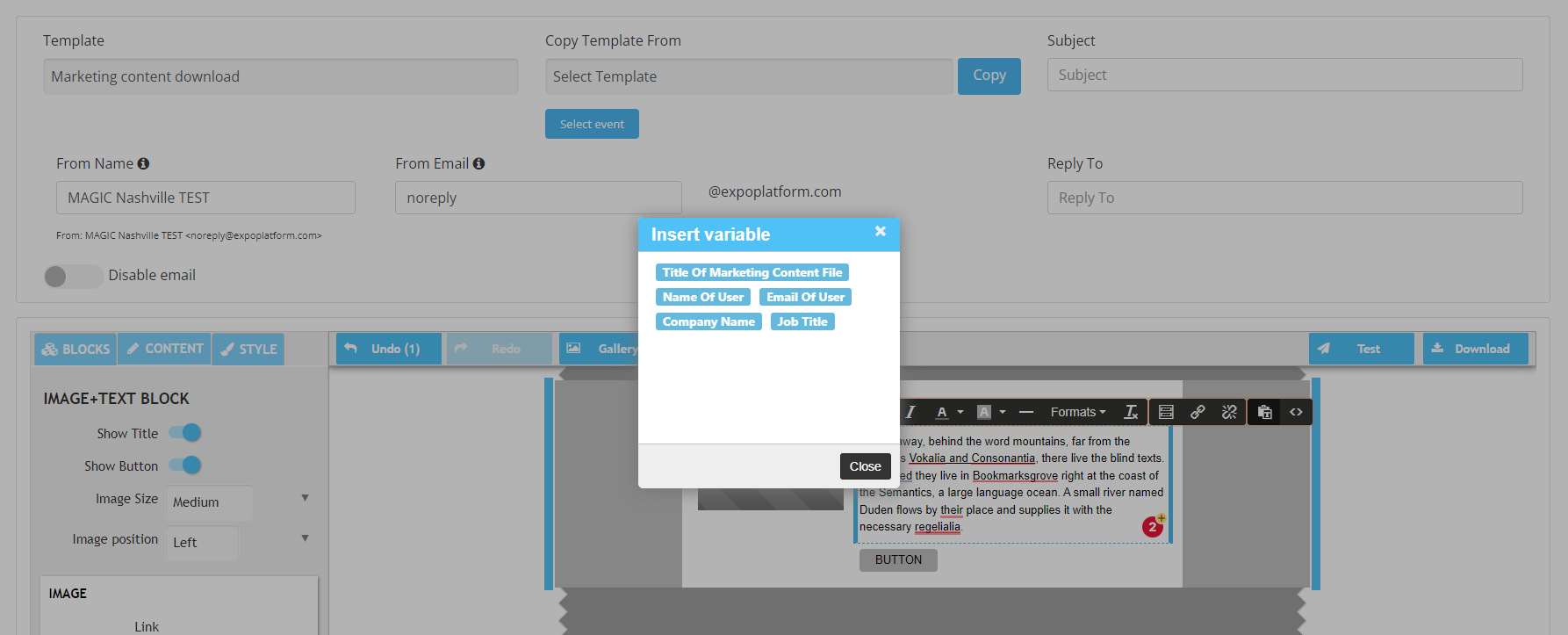
Benefits:
-
Show admin can now notify exhibitors by triggering an automated email for marketing content downloads.
-
User information can also be added to the email for lead visibility.