
Favourite Dashboard
In the Admin panel, there is a new tab added for event admin to have a list of all the users who have been favouriting the profiles of other users along with the meeting details amongst them.
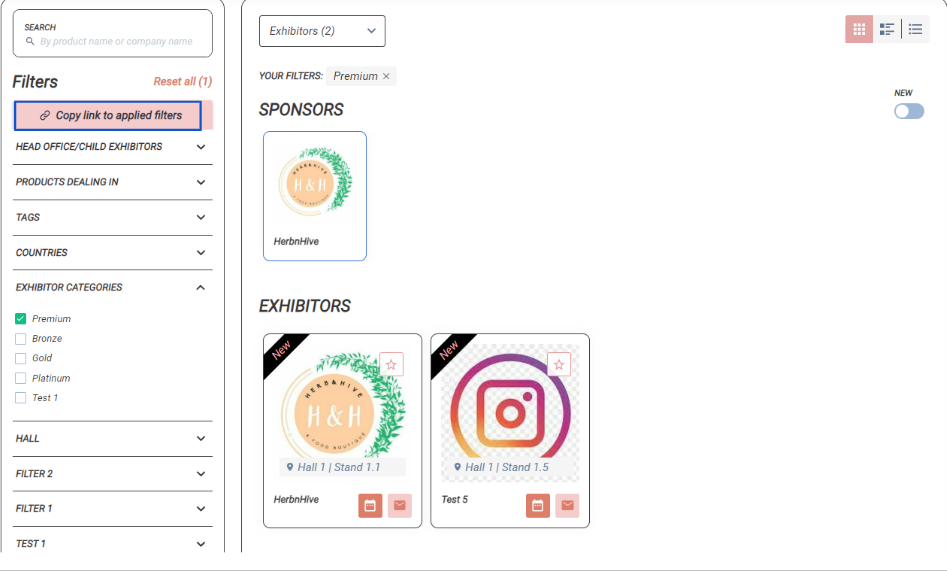
If a user profile is favourited by using the option Copy link to applied filters shared by event admins, the event admin who shared the link his details is recorded in the favourite Dashboard table.
This setting is available under Networking & Matchmaking → User Favourite Dashboard.
Points to be Noted
-
If the user restored their favourite action on the frontend, the record will not be removed from the table.
-
Favourite and unfavorite actions will instead be recorded in Notes.
-
Admin can add/edit Notes
-
In the favourites export file (/admin/data), a new column "Admin" is created. This column shows the admin's name from the "Admin" column of the "Favourites Dashboard" table.
-
The display filter settings are not applicable to the event admins and they will be able to view all data without any restrictions.
-
Event Admin can directly schedule a meeting with users who have favourited the profile of another user from the Admin Panel → Favourite Dashboard
Benefits
-
Detailed information on admin panel about the end users' favourite actions
-
Option for event admin to add notes on the favourite action and can also schedule meeting between the users