New Website Builder
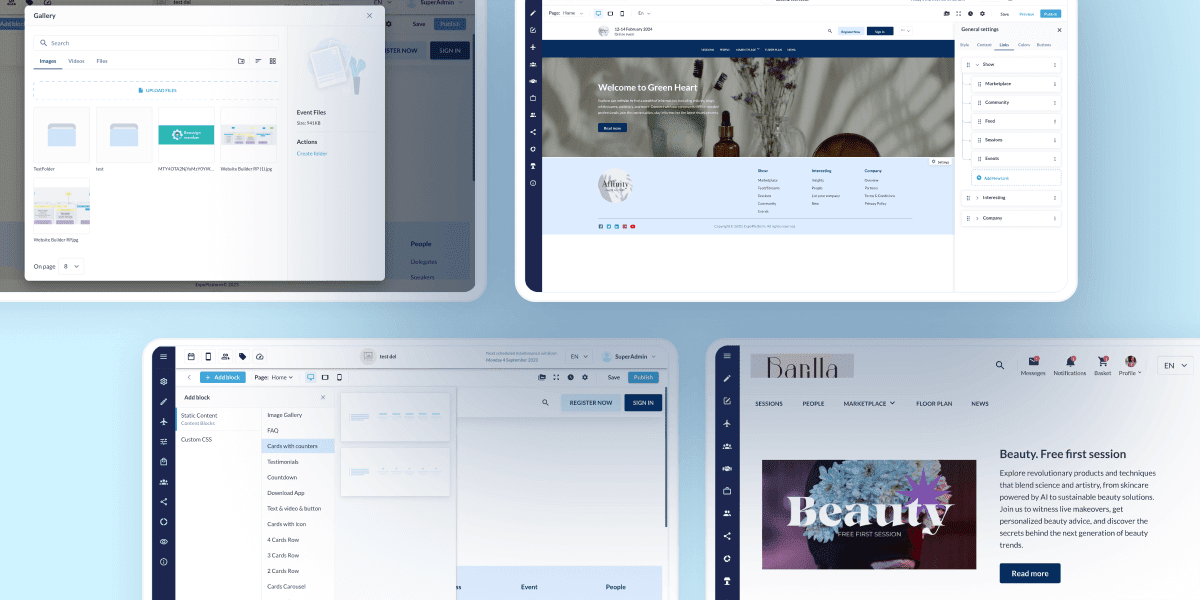
Our all-new intuitive Event Website Builder helps you do this - and much more.
No coding, no complications. Just a platform packed with features to create customised experiences that speak to your audience.
We have now launched the first phase of the builder and the full release is expected by early 2024.
Here are the key features of the new release:
Detailed customisation options: The new builder allows in-depth customisation of your website - each block and sub-block added can be customised individually from settings.
Dynamic changes: Any change made on the website or in the settings is instantly reflected in the block preview, making it easier to comprehend the edits.
Manage branding and style preferences: Set your text style, branding colour, button colours and more for the entire website through the global settings options.
View site history: All changes made on the website by the event admin are visible along with the date and time stamp. You can also restore a previously edited version.
-
If the new Website Builder is enabled, your existing website created on the old builder will no longer work on the front end.
-
If an organiser moves from the old website builder to the new website builder, they must rebuild their event from scratch because there is no data transition from the old to the new module.
Improved UI/UX for My Schedule Page
Sections like Sync to calendar, Download team schedule and Add blocked time have been moved to the top.
A new filter option replaces tabs like All, Meetings and Sessions to help set out your scheduled activities for a specific date.
These changes improve ease-of-function and visibility to help you plan your event schedule better.
Organizer can now set the default view for Schedule page as List View or Calendar View as per the event requirement from Admin Panel Event → Setup Event Setup → General → Settings → Schedule View by Default
The new schedule container will consist of:
-
Team member selection: This element appears on the Team schedule page as a dropdown that lists all the team members once clicked by the exhibitor
The order of team members is in alphabetical order by default, first, it will list all admin team members in alphabetical order and then regular team members in alphabetical order
The exhibitor can select one team member at a time to view his schedule
For parent exhibitors, the list will contain his team members, and also the team members of his child exhibitors, divided into groups according to their child exhibitors
-
Filters: This tab consists of 2 options Activities and Activity Keys
-
Activities: It tab further consists of Diary and Optional activities
-
Diary Activities includes events/activities which blocks the slot for the user like confirmed meeting, sessions and Exhibitor events where the user is a Speaker or Moderator or Exhibitor events that blocks users time slots and the blocked slots
Optional Activities includes Pending or Incoming Meeting or any engagement that doesn’t block the users time slot
-
Activity Key: It consists of all the activities the user is involved in for the specified date like Incoming Meetings, Confirmed Meetings, Sessions Member Speaker/Moderator, Events Member Speaker/Moderator etc.
.png?cb=0feb70058b49a8a1c815eeab1806676c)
Benefits
-
These changes improve ease-of-function and visibility to help you plan your event schedule better.
Download Exhibitors Overview Report
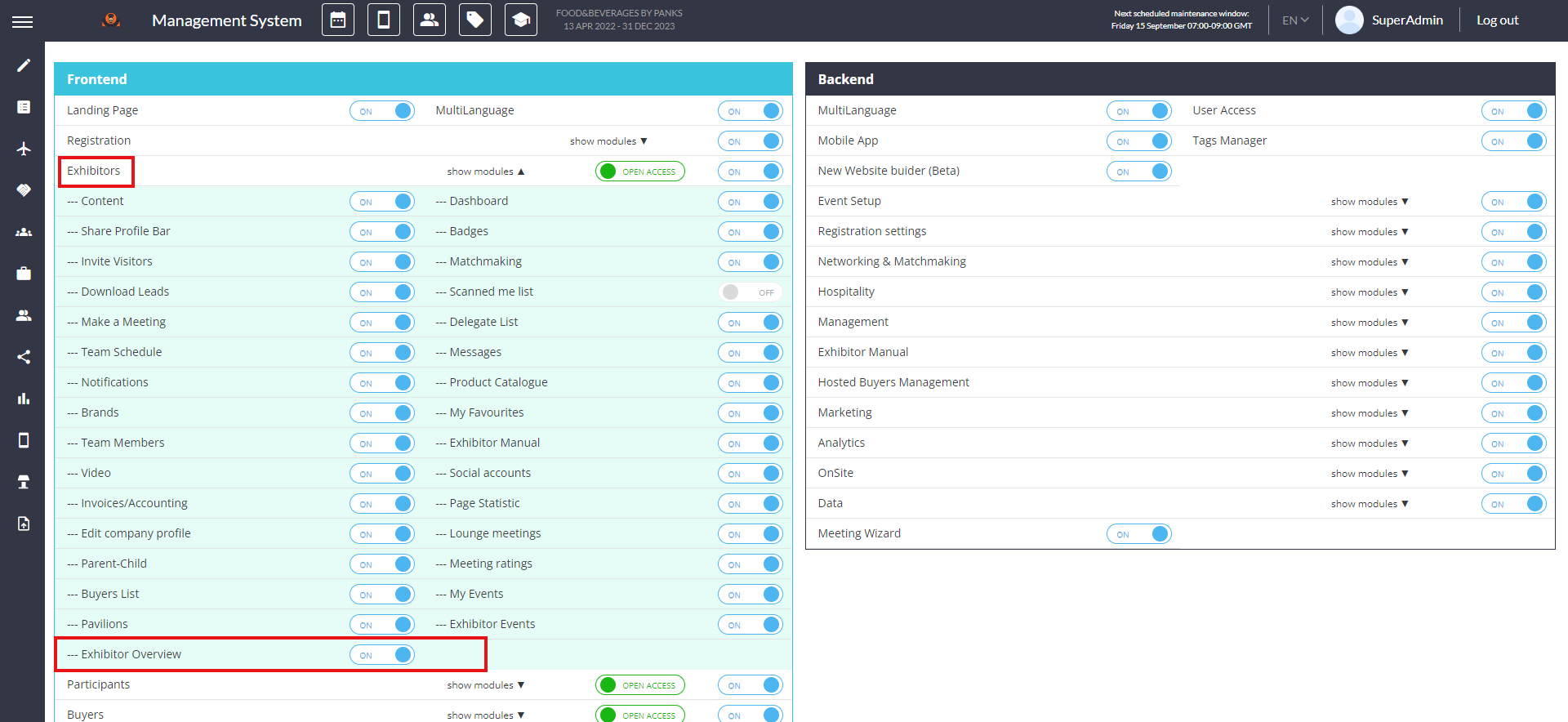
The Exhibitor/Company profile includes the possibility to download the Exhibitor Overview report from the exhibitor profile's left panel menu.
This report includes general information about the exhibitor and its child exhibitors, such as product category, number of TM, profile favourites, profile view, and so on.
This setting can be enabled from Module Management for the exhibitor profile