
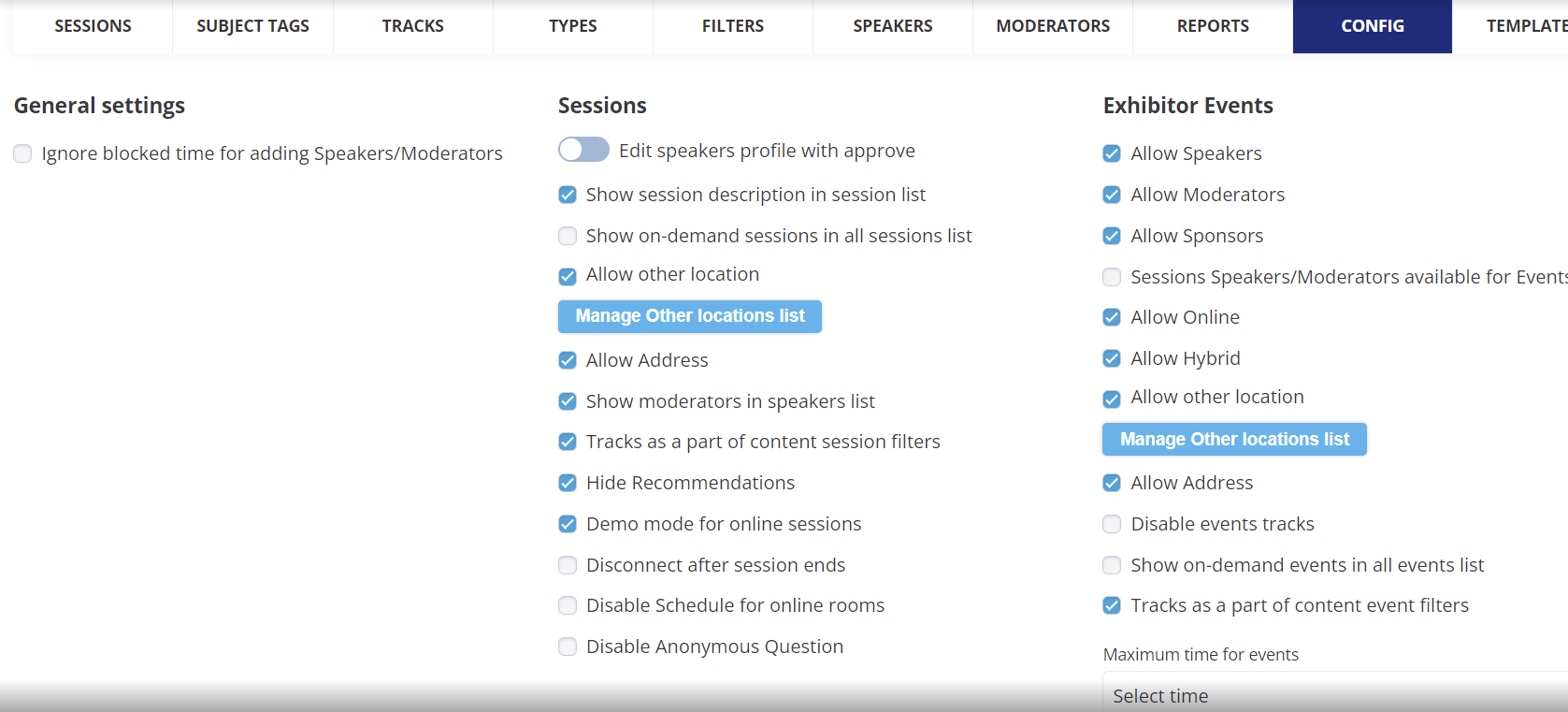
After enabling Exhibitor Events in module management, and then in each of the exhibitor categories that should be allowed to create exhibitor events (if allowing at the category level), the next step is to complete global configuration under Admin > Events > Config.
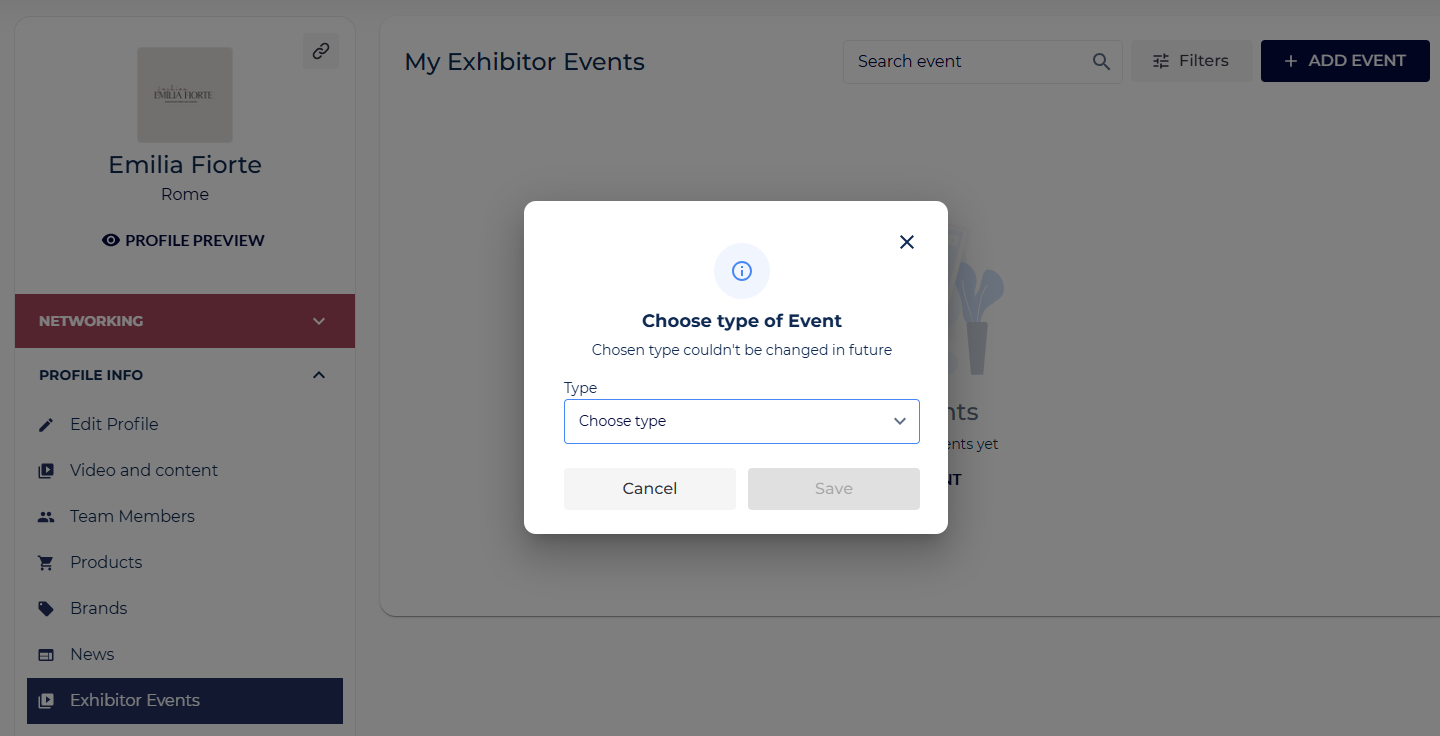
Here, you will be able to configure the global settings for exhibitor events which will govern the output of the page presented to the exhibitor in their frontend profile at the time of the creation of an exhibitor event.
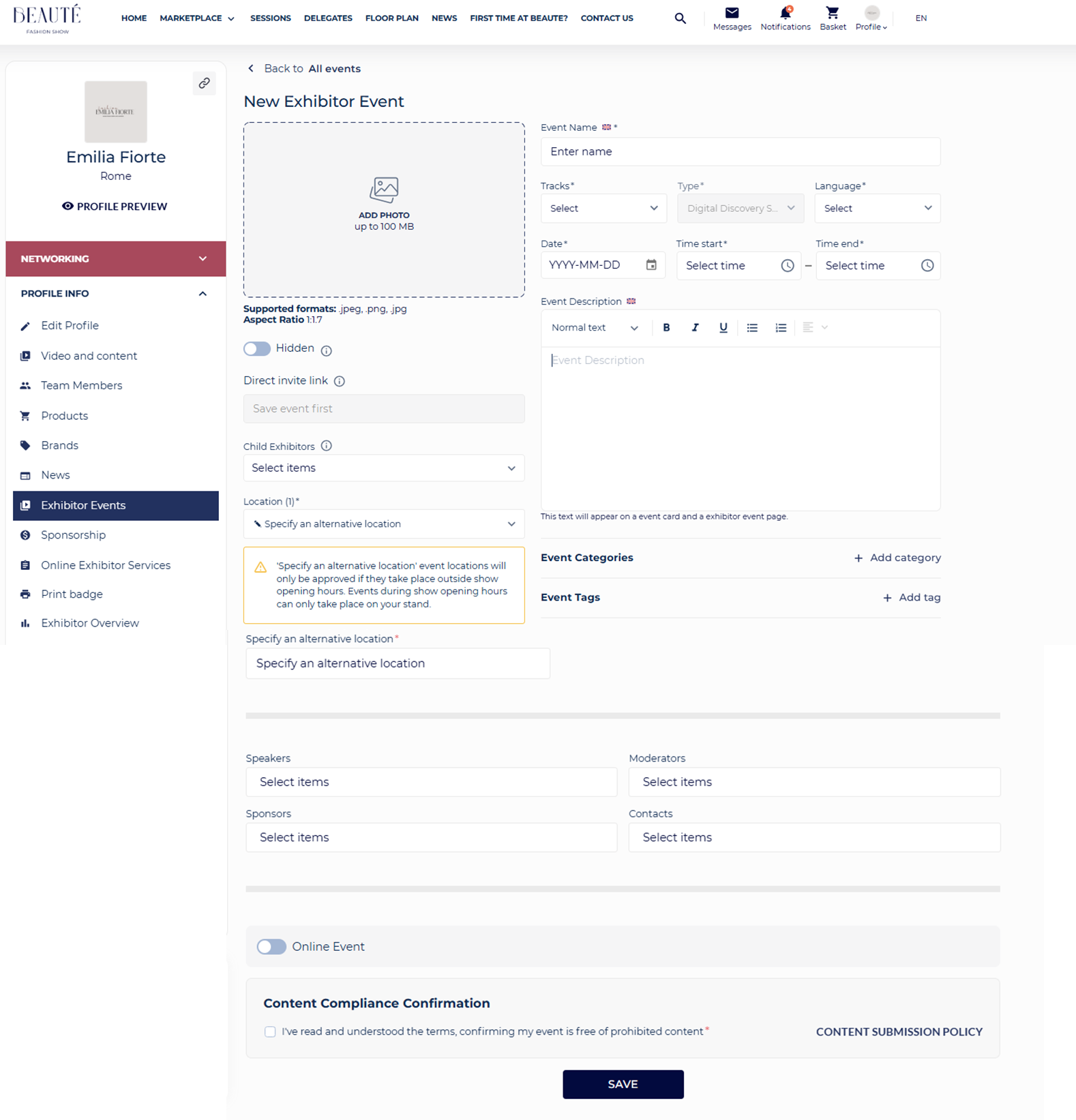
Speaker, Moderator, and Point of Contact can be exhibitor team members of the exhibitor creating the event. If allowed by the organiser session speakers and moderators can also be added as the speakers and moderators for exhibitor events.