
Speaker Block: Website Builder
Similar to other platform blocks, the speaker block can be employed by the organizer to showcase their speakers on the website. There are three distinct layout blocks for speakers, each offering varied displays based on their unique settings
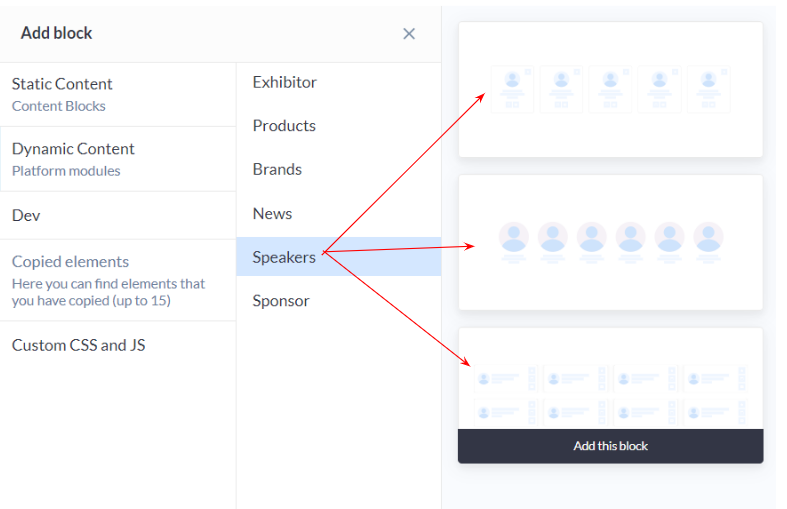
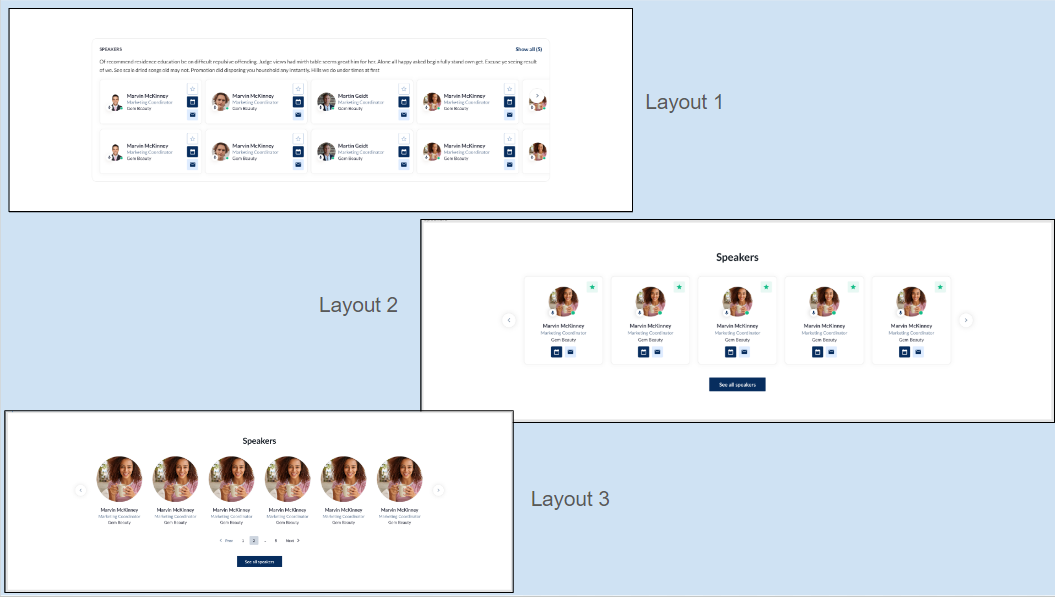
Customization/Settings Available for Exhibitor Block
-
Blocks can be configured to function as either a slider or a static block.
-
Number of cards per row and max number number of card
-
Sorting by Last Name - A-Z, Z-A, Random
-
Include speaker based on speaker tags which will be displayed in the block.
-
Search for a particular speaker to include in the block display
-
Other usual block settings.
Each layout within the speaker block comprises various elements that can be personalized by clicking on the settings icon for that specific element.
Benefits
-
Allows customization of the block as per the overall theme of the website
-
Different variations offer organizers flexibility in choosing layouts and display styles for presenting speakers
Sponsor Block: Website Builder
Within a website builder, the Sponsors Block plays a pivotal role, providing organizers with advanced platform settings to recognize and showcase the invaluable support of sponsors. This functionality extends beyond mere acknowledgement, presenting sponsors in a visually appealing and strategically organized manner.
There are five distinct layouts available for the Sponsor Block allowing organizers to choose the presentation style that best suits their website aesthetics.
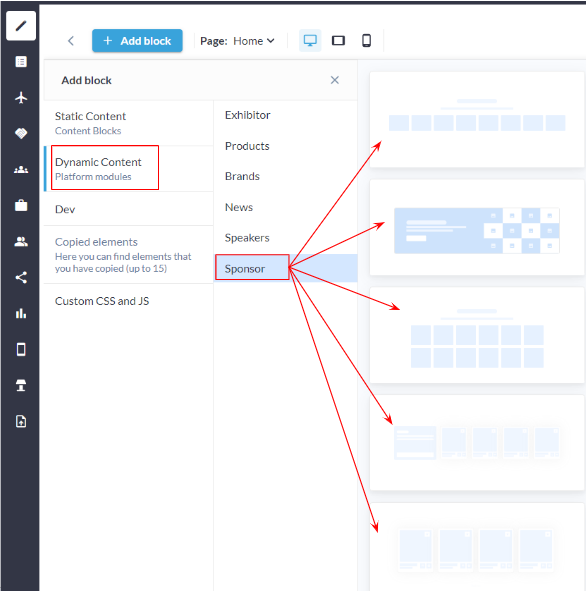
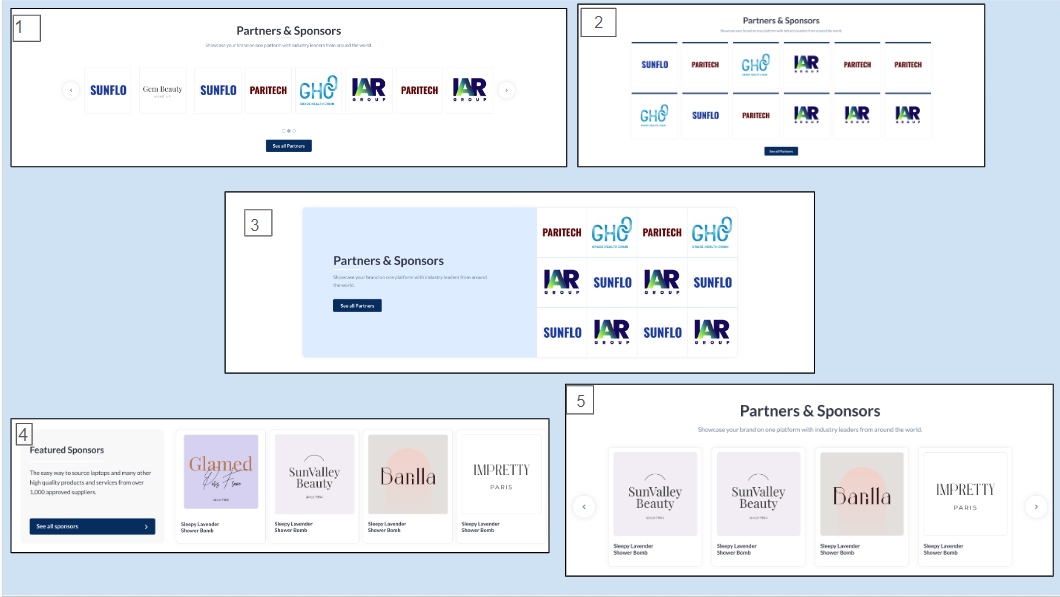
Customization/Settings Available for Exhibitor Block
-
Number of cards per row and max number of cards that can be set for the block
-
Sorting - Alphabetical and Random.
-
Display sponsors based on sponsor categories in the block.
-
Search for specific sponsors to add them to the block.
-
Other usual block settings.
Each layout within the sponsor block comprises various elements that can be personalized by clicking on the settings icon for that specific element.
Benefits
-
Enables customization of the block to align with the overall theme of the website.
-
Provides organizers with varied options for choosing layouts and display styles to present sponsors.
-
Puts sponsors in the spotlight in a visually appealing and engaging manner.
Brand Block: Website Builder
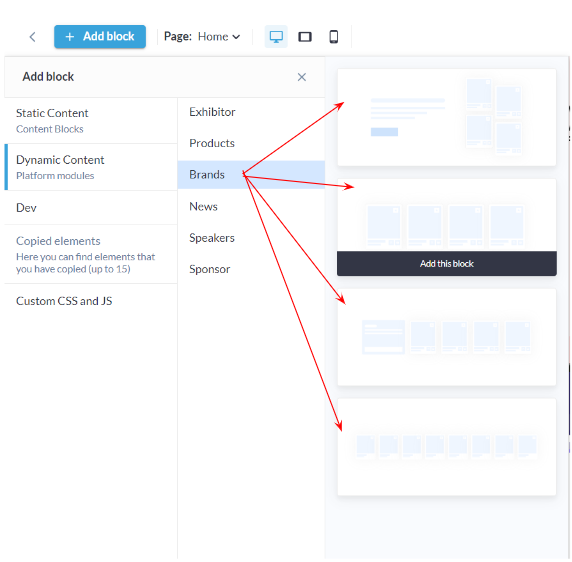
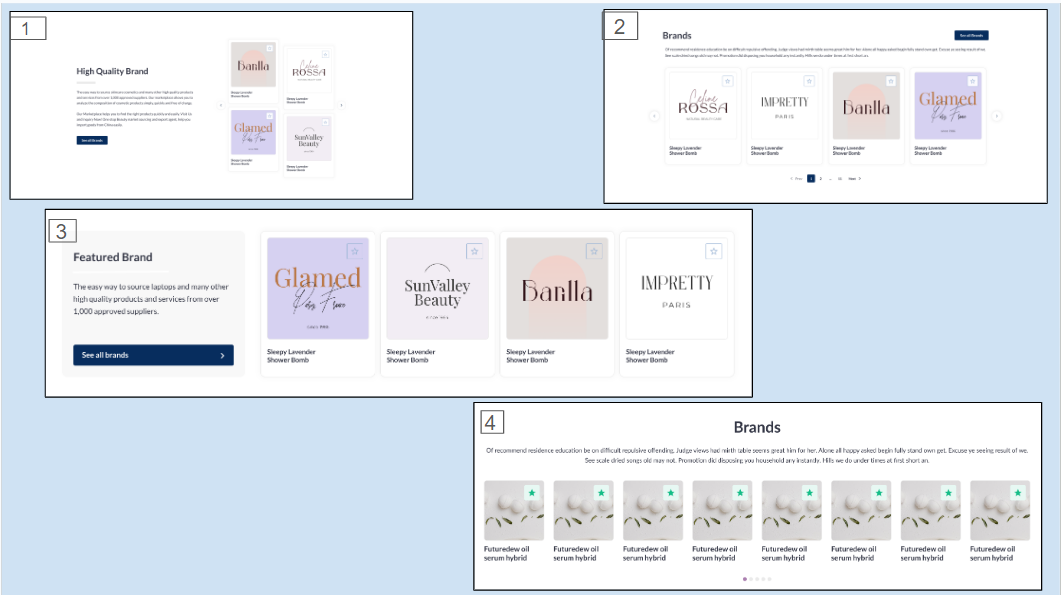
The brand block within the website builder stands out as a crucial feature, allowing organizer to create a diverse array of brand experiences on their websites. The Brands Block's distinction lies in its ability to transform brand showcasing into an immersive visual experience.
There are four distinct layout blocks for brands, each offering varied displays based on their unique settings.
Customization/Settings Available for Brand Block
-
Blocks can be set as a slider or static block.
-
Manage number of cards per row and the maximum number of card
-
Sorting by Last Name - A-Z, Z-A, Random
-
Include brands based on product categories.
-
Search for a particular brand to include in the block display
-
Other usual block settings.
Each layout within the brand block comprises various elements that can be personalized by clicking on the settings icon for that specific element.
Benefits
-
Brand block offers a spectrum of customization options to align with the overall theme of the website.
-
Allows integrating the block with website in a visually appealing and engaging manner.