
Exhibitor Block
In the Admin Panel, we have added the Exhibitor block to the website builder. This block can be customised as per the event and organizers' need for enhancing the visual appeal of the website.
There are 5 distinct layouts available for the Exhibitor block. Each element of the layout can be customised individually.
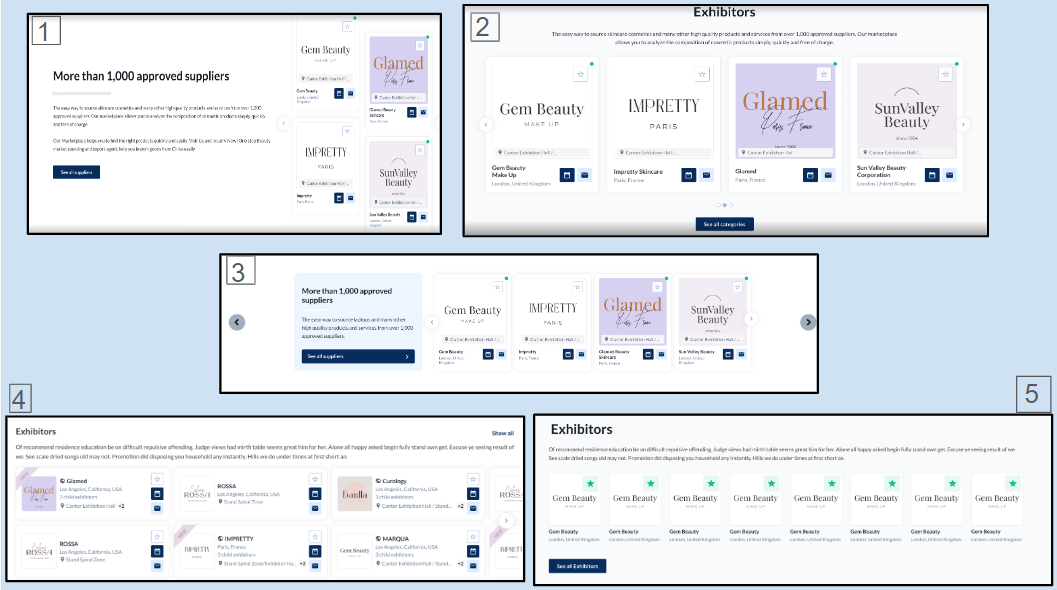
Customization/Settings Available for Exhibitor Block
-
Number of cards per row and max number.
-
Sorting - Alphabetical and Random.
-
Set exhibitors as per exhibitor categories that would be shown in the block.
-
Set exhibitors based on product categories that would be shown in the block.
-
Set exhibitors based on the tags that will be shown in the block.
-
Search for specific exhibitors to add them to the block.
-
And other usual block settings.
Each setting allows the organizer to provide standardized and customizable elements that can be easily integrated to create a cohesive and visually appealing news block
Benefits
-
Allows customization of the block as per the overall theme of the website
-
Different variations offer organizers flexibility in choosing layouts and display styles for presenting exhibitors
Product Block
In the Admin Panel, we have added the Product block to our website builder. This block can be customised as per the event and organizers need to enhance the visual appeal of the website.
There are 5 distinct layouts available for the Product block. Each element of the layout can be customised
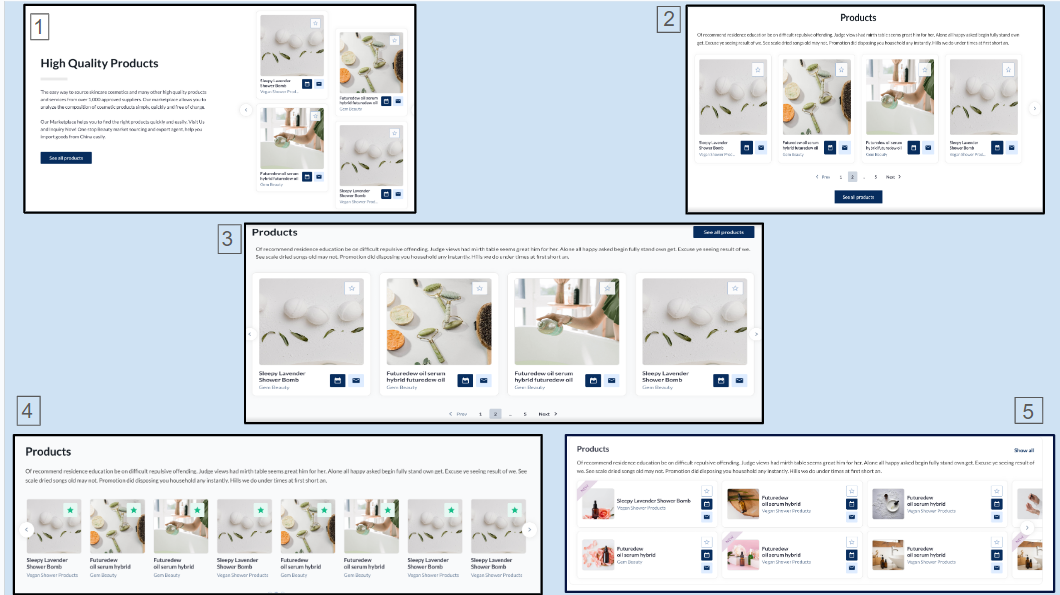
Customization/Settings Available for Product Block
-
Blocks can be set as slider or static a block.
-
Manage the number of cards per row and max number of cards
-
Sorting - Alphabetical and Random.
-
Display products based on product categories that will be shown in the block.
-
Search for specific products to add them to the block
-
Choose what to output on the product card: Product name, Exhibitor name, Stand name. All can be picked combinations of them or nothing.
-
Other usual block settings.
Each setting allows the organizer to provide standardized and customizable elements that can be easily integrated to create a cohesive and visually appealing news block
Benefits
-
Enables customization of the block to align with the overall theme of the website.
-
Provides organizers with varied options for choosing layouts and display styles to present sponsors.
News Block
In the Admin Panel, we have added a News block to our website builder. This block can be customised as per the event and organizers' need for enhancing the visual appeal of the website.
There are 3 distinct layouts available for the News block. Each element of the layout can be customised
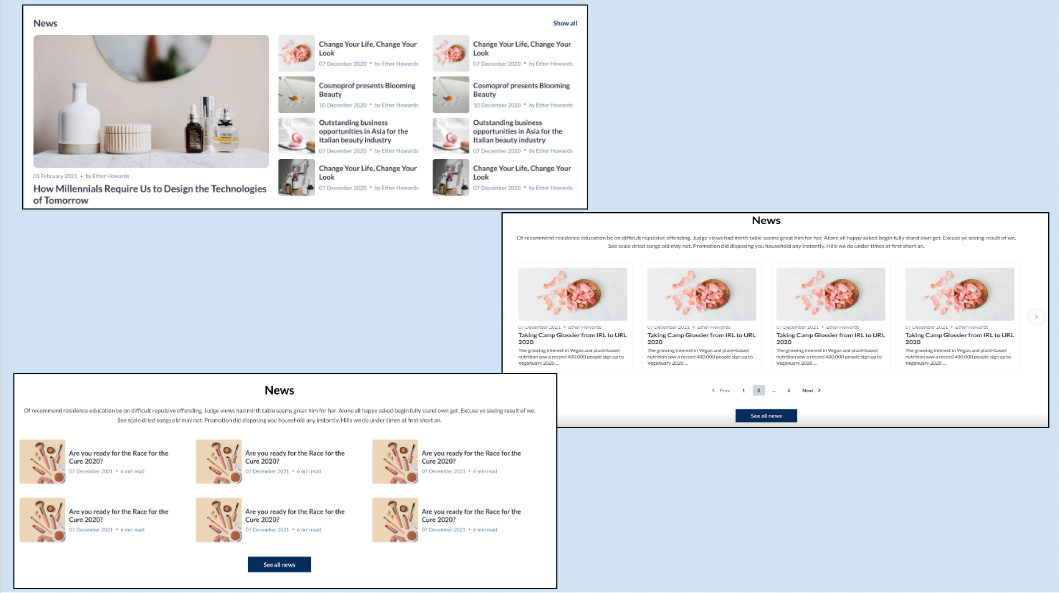
Customization/Settings Available for News Block
-
Blocks can be set as slider or static a block.
-
Manage the number of cards per row and max number of cards.
-
Sorting - The most recent news is displayed first.
-
Display news based on product categories that will be shown in the block.
-
Display news based on tags.
-
Set which news to show - All, Organizer News, Exhibitors News.
-
Search for specific news to add them to the block
The default sorting for the News Block is "Latest News is shown first."
Each setting allows the organizer to provide standardized and customizable elements that can be easily integrated to create a cohesive and visually appealing news block
Benefits
-
Allows adding News block to the Website for better visibility of the News item.
-
Allows customization to integrate the block with the overall theme of the website
UTM Code on Registration Confirmation Page
Google Analytics script can be used to track the registration source for the event. This UTM code is a part of the Registration URL (to collect and track user’s registration via Google Analytics).
These UTM are now available on the Registration Confirmation Page for useful tracking data in Google Analytic
Benefits
-
Ability to track traffic during the entire Registration process via Google Analytics