
Feature Purpose:
The Username Log-in feature allows users to authenticate within the app, ensuring secure access. It can be configured as either an Internal Log-in or a Web View Log-in, providing flexibility in authentication methods.
Working with this Feature:
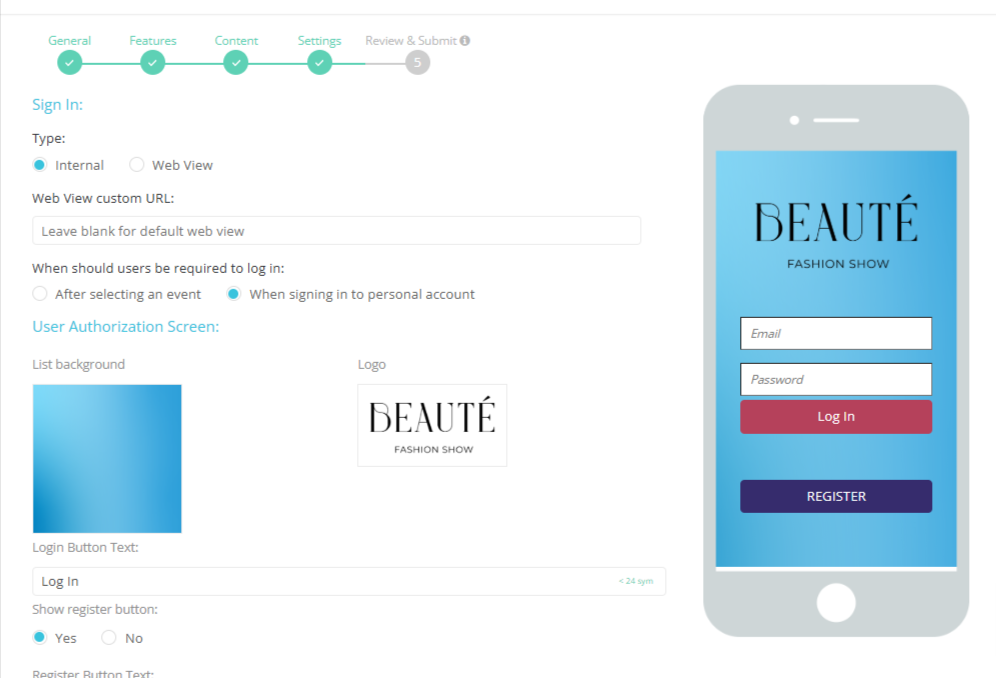
The Username login is managed in the App Builder on the "Features" page. It supports two types of log-in methods:
1. Internal Log-in:
-
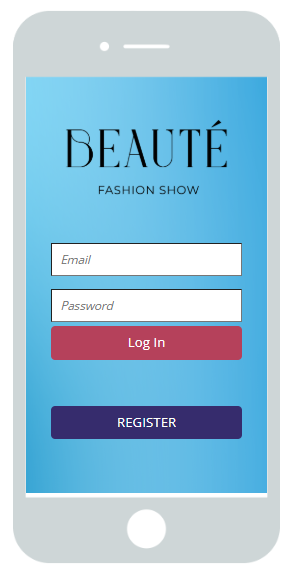
Opens an internal log-in screen within the app.
-
Users must enter their username (email for visitors).
-
Users must enter their password, which is hidden for security.
2. Web View Log-in:
The Web View Log-in allows authentication via a web-based interface and comes in two variants:
-
Default Web View:
-
If the “Web View Custom URL” field is left empty, the app opens the default EP Web View Log-in page.
-
Users log in with their Username (Email) and Password.
-
-
Custom Web View:
-
If a custom URL is provided in the “Web View Custom URL” field, the app opens a specific EP Web View page defined by the admin.
-
This allows log-in through a tailored authentication experience.
-
Troubleshooting:
|
Issue |
Possible Cause |
Solution |
|---|
|
Users cannot log in via Internal Log-in |
Incorrect username or password |
Ensure the correct credentials are entered. Reset the password if needed. |
|
Web View Log-in not loading |
Web View Custom URL is incorrect or unreachable |
Check if the URL is properly configured and accessible. |