
Improvement in Module Management
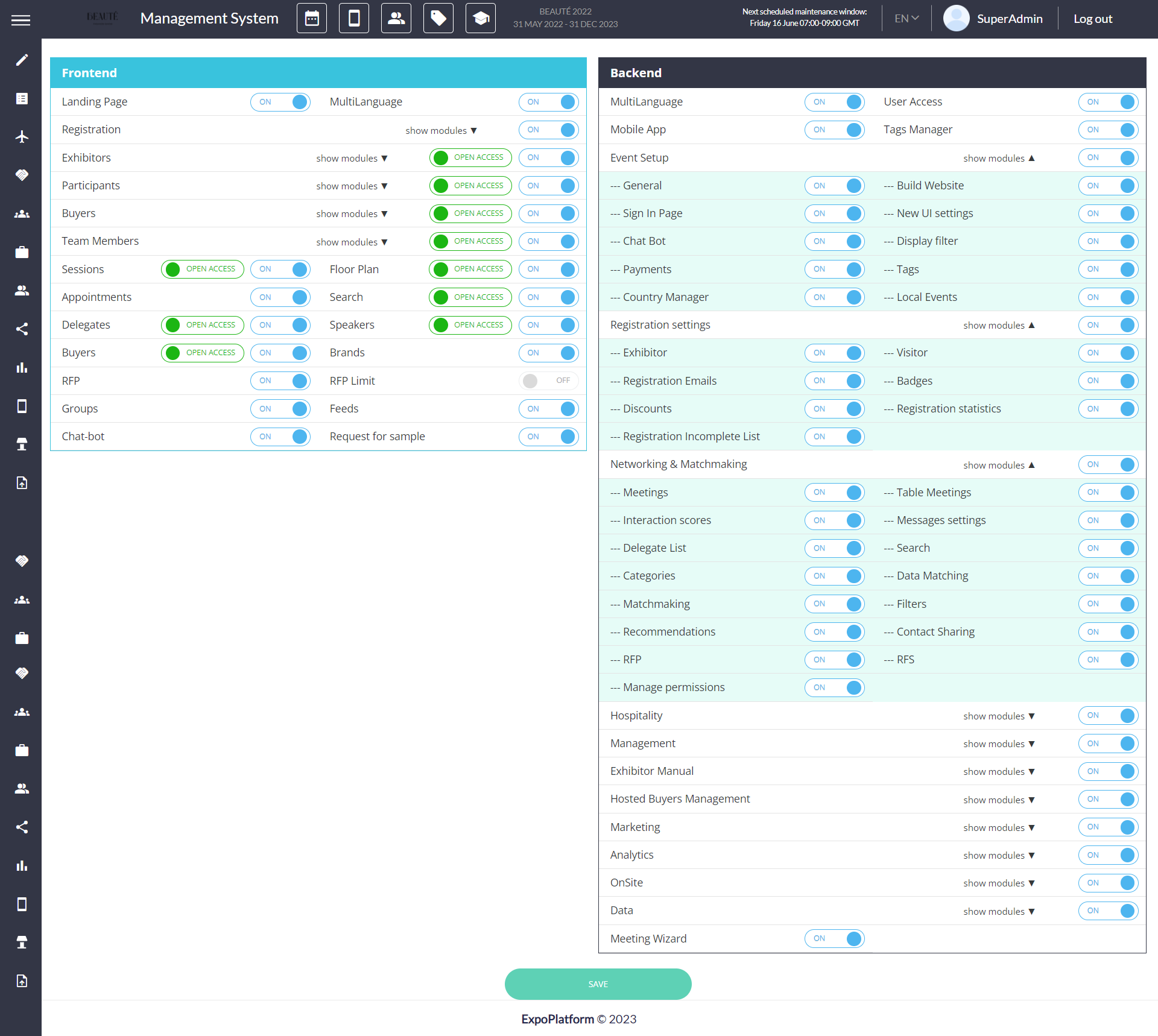
Module Management includes all left panel Tabs and Sub Tabs to be toggled ON and OFF as per the event requirements, making easy to display of features that are relevant and useful to the organizers.
Admin Panel → Event Setup → Module Management → Toggle On & Off the feature relevant to the event
Benefit
-
This help in avoiding the display of features that are neither relevant nor useful to the event.
Assigning Admins to Visitor and Exhibitors
The Admin Panel enables the organiser to designate event administrators to the Visitor and Exhibitor profiles.
Admin Setting: The Visitor and Exhibitor pages contain an assign Admin Column where an administrator can be allocated to each user.
On the Admin Panel, one of the options for filtering the data is Assigned Admin.
Benefits
-
Ease in managing and assigning Concierge Service
-
Ease in handling end user queries at organiser level
Improvement In Sponsor Banner for Mobile and Tablet View
The online view of the exhibitor page on mobile and tablet now displays the page content as well as the banner, eliminating the display of the banner as the first view for the pages.
Benefit
-
Prevents the banner placed to the page from being displayed as the first view.
NOTE: The new sizes for the banner:
Tablet:
Single banner:
height: - 144px;
width: - 736px;
Double banner:
height: 44px;
width: 365px;
Mobile:
Single banner:
height - 62px;
width - 328px;
Double banner:
height: 62px;
width: 159px;
Adding Tooltips in the Admin Panel
We have introduced tooltips for each feature on the Admin panel, making it easier for our event organisers to comprehend and use each element as needed.
Benefit
-
Ease in comprehending each feature and its usage as tooltips quickly illustrate how it can be used.
Hide Reschedule button option
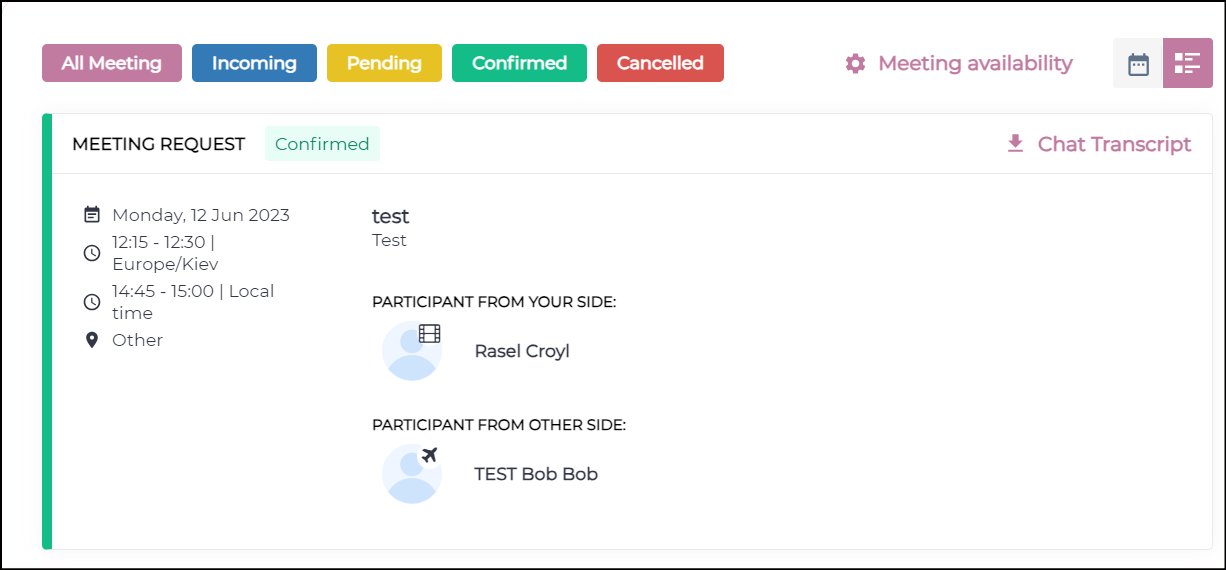
Admin Panel has an option to hide the Reschedule button from the meeting card on both Web & App
Admin Panel Setting: Meeting page(/admin/appointments) has a toggle to disable reschedule meeting button from frontend for specific user category
Default Setting: OFF
Benefit
-
Organizer have better control if they want to allow and disallow reschedule meeting at user category level
Groupings of contact sharing settings under different heads
Settings on Contact sharing page are now further bifurcated into sub heading for better understanding and clarity of data available under Download lead option on frontend
Benefits
-
User Friendly
-
Better UI/UX
-
Ease in understanding what data will be shared in Download lead
Added intro to some Admin Portal pages
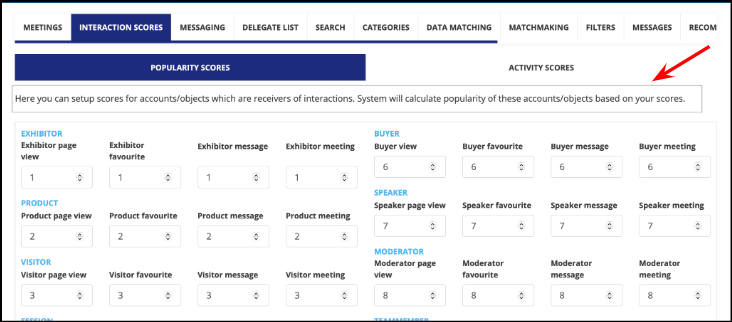
Intro blocks have been added to some of the pages on the Admin Panel to help our organisers understand what the page is about.
Benefits
-
User Friendly
-
Ease in understanding what the page or setting is all about