
Feature Purpose
The onboarding configuration tool allows admins to customize the user onboarding experience by defining interest categories, completion requirements, and reappearance settings. This feature provides admins with flexibility to personalize user interactions while ensuring categories are seamlessly added to profiles across mobile and web platforms.
Web and app users can then select interest categories at the start of their first login and then receive personalized recommendations based on the selected interests helping to drive engagement.
-20250807-191020.png?cb=83fecd3d02bad7ea1d253eae8e6e7882)
Working with this Feature
Admin Panel:
-
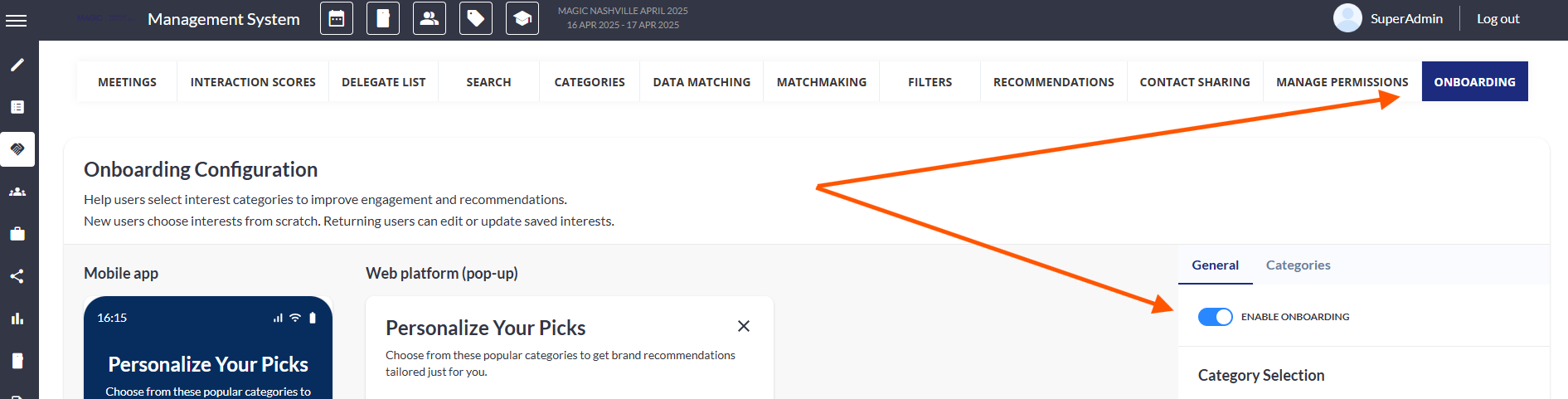
Admin Configuration: Admins can configure onboarding settings via the Onboard tab located under Management System > Networking & Matchmaking.
-
This includes enabling the onboarding feature, setting up category groups, enabling multilingual support, and accessing real-time previews.
-
Note: To access the Onboarding tab, the Onboarding feature must first be enabled in Module Management.
-
User Experience: New users will then be guided through an onboarding process to select categories, which are then reflected in their profiles. The onboarding can be mandatory or optional, with settings to control reappearance if skipped.
App Experience:
-
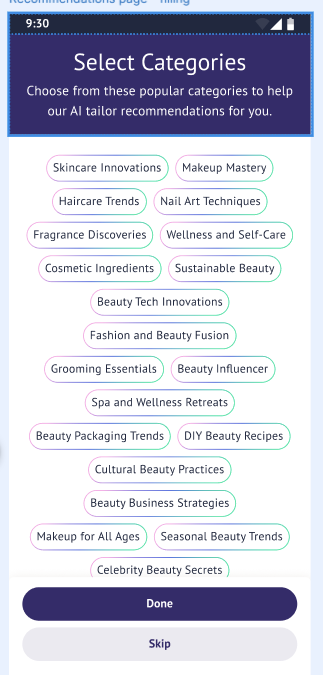
User Flow: Upon first login, participants are prompted with an onboarding popup to select interest categories. This popup can be skipped but will reappear based on admin settings.
-
Submission: Once categories are selected, they are assigned to the user, and a confirmation popup appears.
-
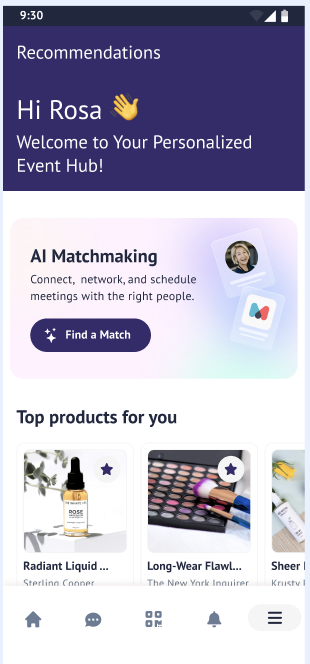
Notification: Users receive push and in-platform notifications 5 minutes after completing onboarding, informing them that their personalized recommendations are ready. Clicking the notification redirects users to the recommendations page.
Important Points to Know
-
Onboarding is exclusive to individual accounts and does not apply to exhibitor accounts.
-
Admins have the ability to customize onboarding text and success messages.
-
The onboarding popup will not reappear if categories have already been selected.
-
Notifications are designed to work even if there are no new matches, displaying random items instead.