
Feature Purpose:
This feature allows you to assign a specific category to different Sponsors and determine which sponsors will be displayed in the sponsor block of the website builder.
Working with this Feature:
Configure Categories
This is a separate category type that is related only to sponsors or sponsored exhibitors. Unlike exhibitor categories, sponsor categories do not have any category-related settings.
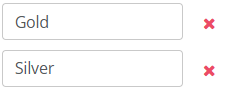
To set up the sponsor categories, you need to open Sponsorship → Categories and click on the Add Category button:

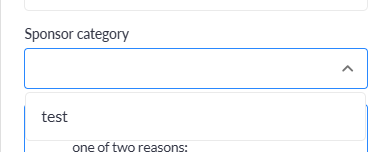
Within the website builder, you can then use these sponsor categories to define which sponsors will be displayed in the sponsor block:
Category Assignment
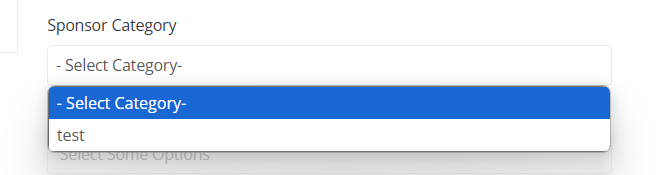
For a sponsor, category can be set up only on its sponsor profile in admin/sponsors/list,
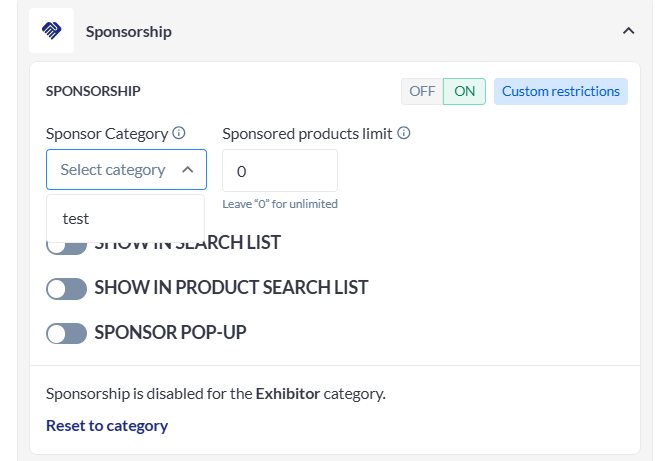
For a sponsored exhibitor, category can be set up in its sponsor profile (admin/sponsors/list) or in its exhibitor profile in admin/exhibitors/list:
Troubleshooting:
-
If a sponsor is not displaying on the website, please check that they are assigned to a category that you have chosen to display.
-
For exhibitor sponsors this can be checked under its company backend profile → Sponsorship tab
-
-
Please note that the Sponsor category is set up only at the individual level and does not depend on exhibitor category