
Pagination
By default there is pagination in the brands list. The number of items per page can be defined in the admin panel at /admin/general/settings, setting “Default Number of Items to Show“.
Alternatively, an endless scroll can be enabled in the admin panel at /admin/general/settings, setting “Search“.
Search
Search can be regular or Elastic. Elastic search can be enabled in the admin panel at /admin/appointments/search.
ElasticSearch offers a more comprehensive search functionality, allowing you to search site content that is not covered by the regular search and doesn't require an exact keyword match.
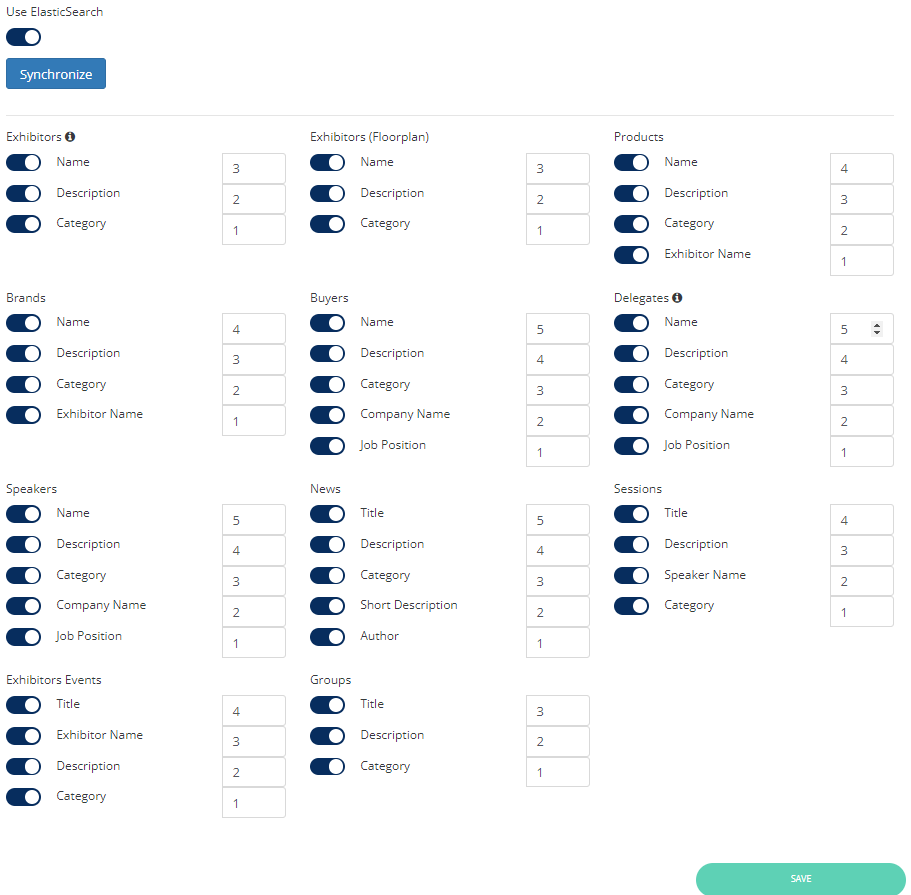
When ElasticSearch is enabled, the numerical values in each box determine the priority of the corresponding field within its group. For example, in the Exhibitor block, the multipliers are as follows: Name - 0, Description - 2, Category - 3. This means that matches in the Category field have more significance than matches in the Description field. In a scenario where two exhibitors have 5 matches each in Description and Category, the one with 5 matches in the Category field will be ranked higher in the search results.
If ElasticSearch is disabled, no prioritization is applied to the search fields. The active toggles indicate which fields should be searched for matches. The search results will then be sorted based on category weight and arranged alphabetically.
Filters
Filters can be set up in the admin panel at /admin/displayFilters/list/exhibitors.
System predefined filters are:
-
Hall
-
Exhibitor Categories
-
Product categories
-
Countries
-
Tags
Copy Filters
The “Copy link to applied filters“ button allows to copy to the exchange buffer a direct link to the marketplace page with applied filters.
Switch Views
Available views:
-
Cards view
-
List view
-
Short list view
Cards Display
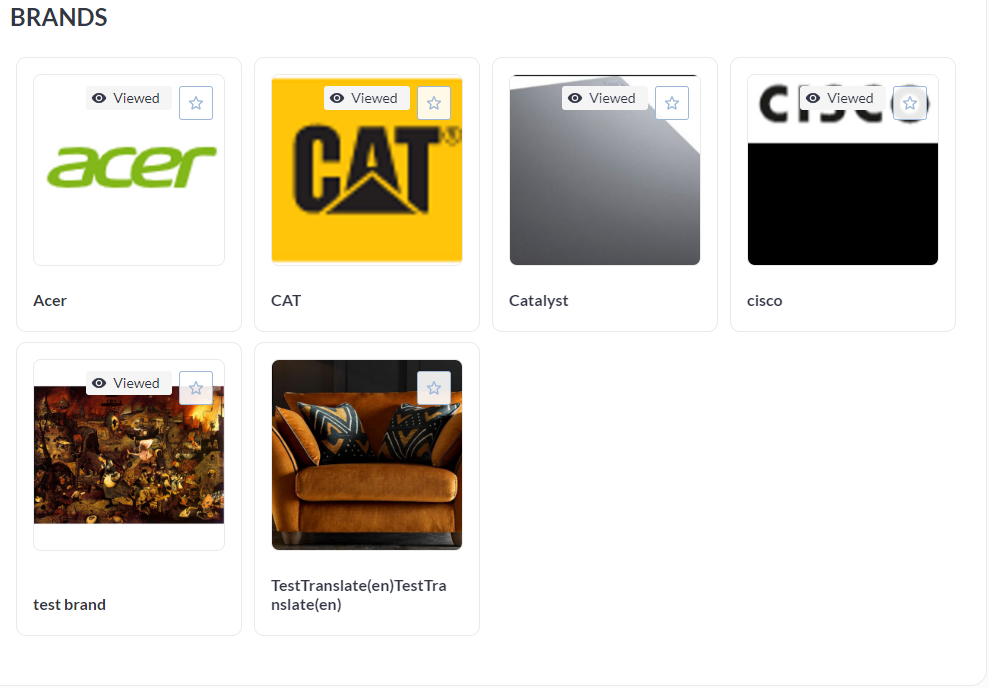
In the card view the brand card can contain:
-
logo
-
“Favorite“ button
-
brand name
-
“Viewed“ mark
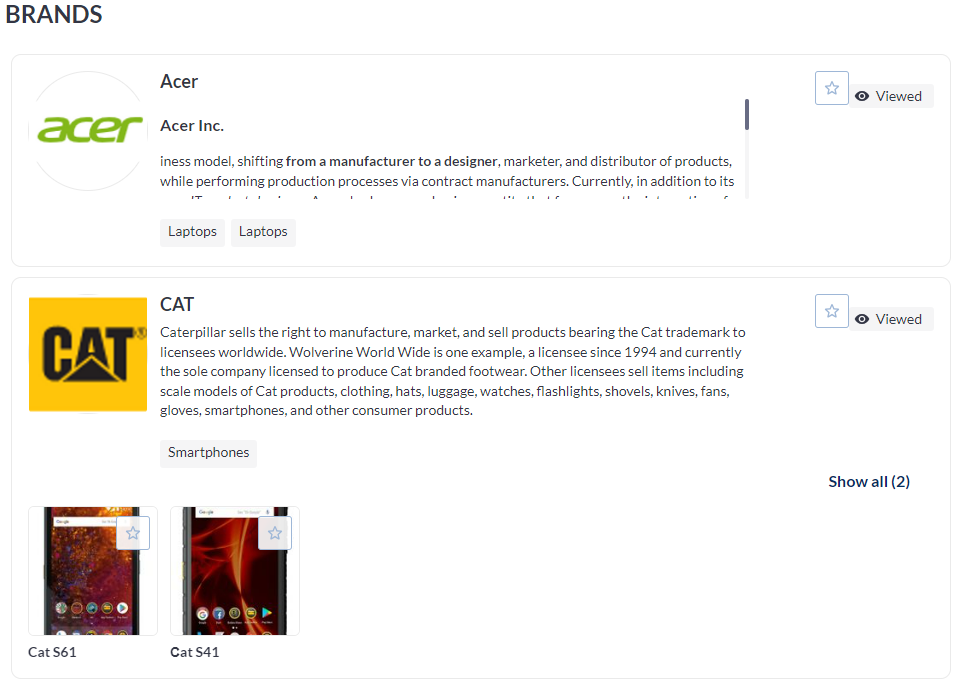
In the list view the brand card can contain:
-
logo
-
“Favorite“ button
-
brand name
-
“Viewed“ mark
-
Products (photo, name, favorite)
-
Categories
-
“About” info
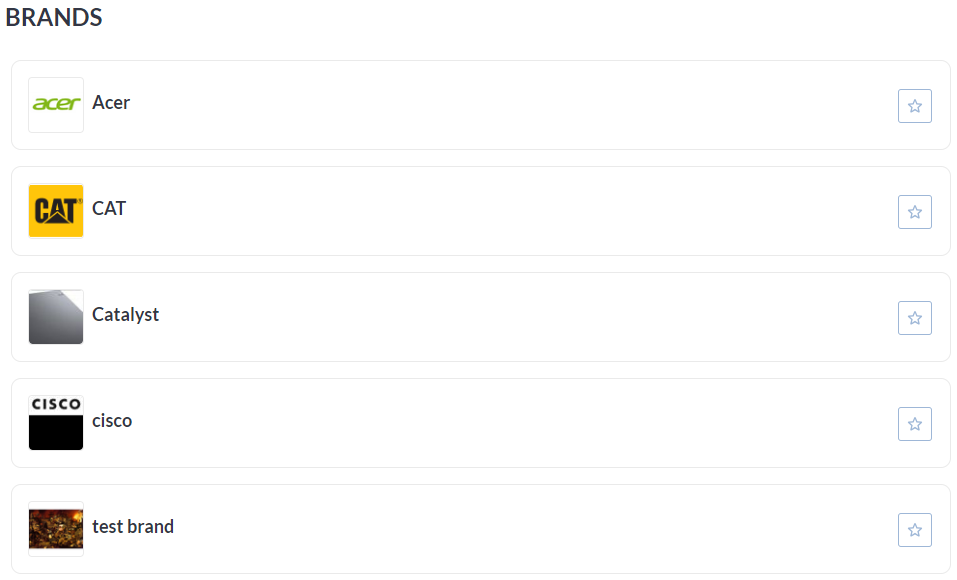
In the short list view the brand card can contain:
-
logo
-
name
-
“Favorite“ button
Switch between Objects
Same as described here.
Banner Ad Space
Same as described here.