
Attaching events:
To attach events to a community, so that these events show up at the bottom of the communtiy home page, these steps should be followed:
-
Under Event Setup > General, on the General Info page, toggle on both the Community Event and the Allow SSO logination toggles as shown below

-
In the field below that, called “Events that belong to this Community”, search for the event(s) you want to attach and click on the event name when you find it so that the event tag is added to the field
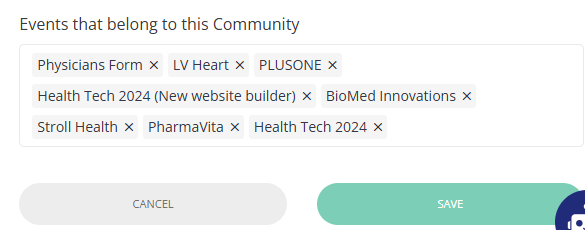
-
Click the green Save button to save your updates