How to Reset your login password?
If the user has missed/forgotten his login password to the event website on ExpoPlatform, follow the below steps to retrieve your password.
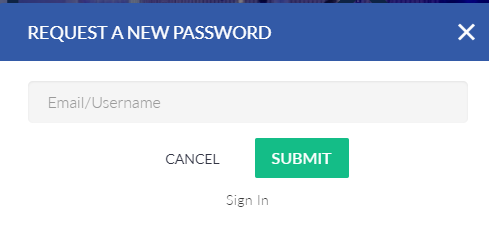
Step 1: To request a new password by clicking on "Forget Password?".
Step 2: After you have clicked on it a new pop-up will appear where you have to enter your username or email associated with the account and click on submit.
Step 3: After that, you will receive a link in your email using which you can access your profile and reset your password.
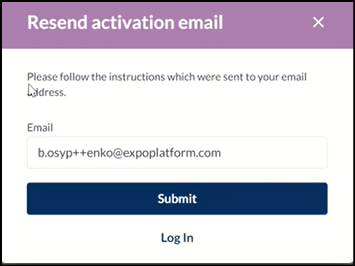
If a user attempts to access the event without activating his Expoplatform profile. the system displays an error message “Account is inactive. Please follow the instructions which was sent to your email address”.
Click on Forgot Password to resend the Activation email to your registered email address.
Error Message in case of Inactive Profile
Users may now send the activation link to their registered email address manually if their account is inactive.