Module management
Within module management, there are 3 settings:
-
Frontend - RFP
-
Frontend - RFP Limits
-
Backend - RFP
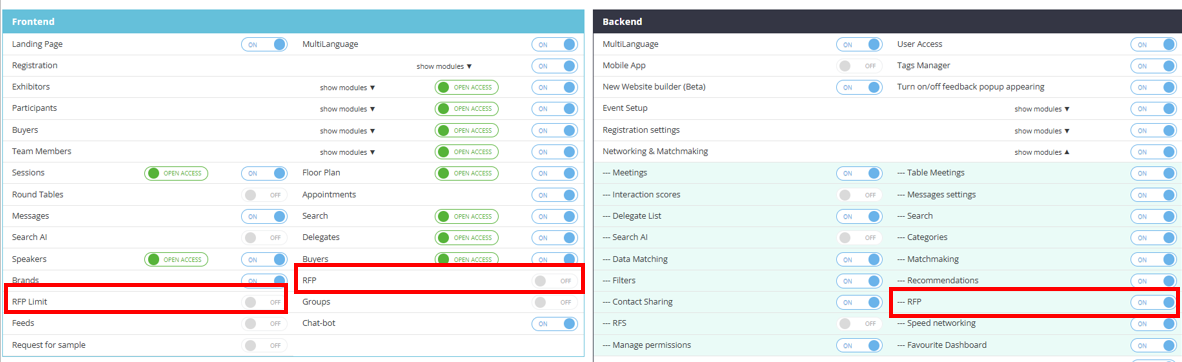
The Backend - RFP toggle and Frontend- RFP toggle must be enabled for RFP fuctionality to work. The Frontend - Limits toggle is optional depending on whether or not you want to set limtis.
Frontend – RFP Setting
Enables/disables:
-
Product finder on the frontend community page
-
My RFP page and menu item for exhibitors
-
My RFP page and menu item for visitors
Frontend – RFP Limit
-
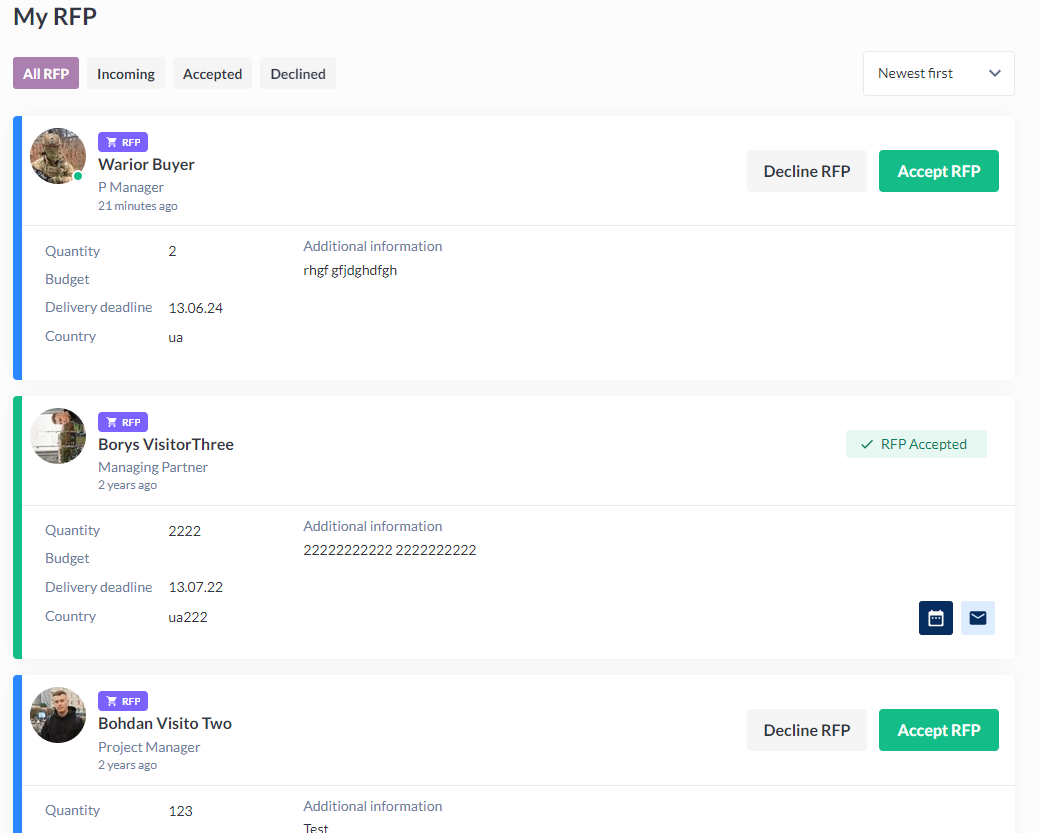
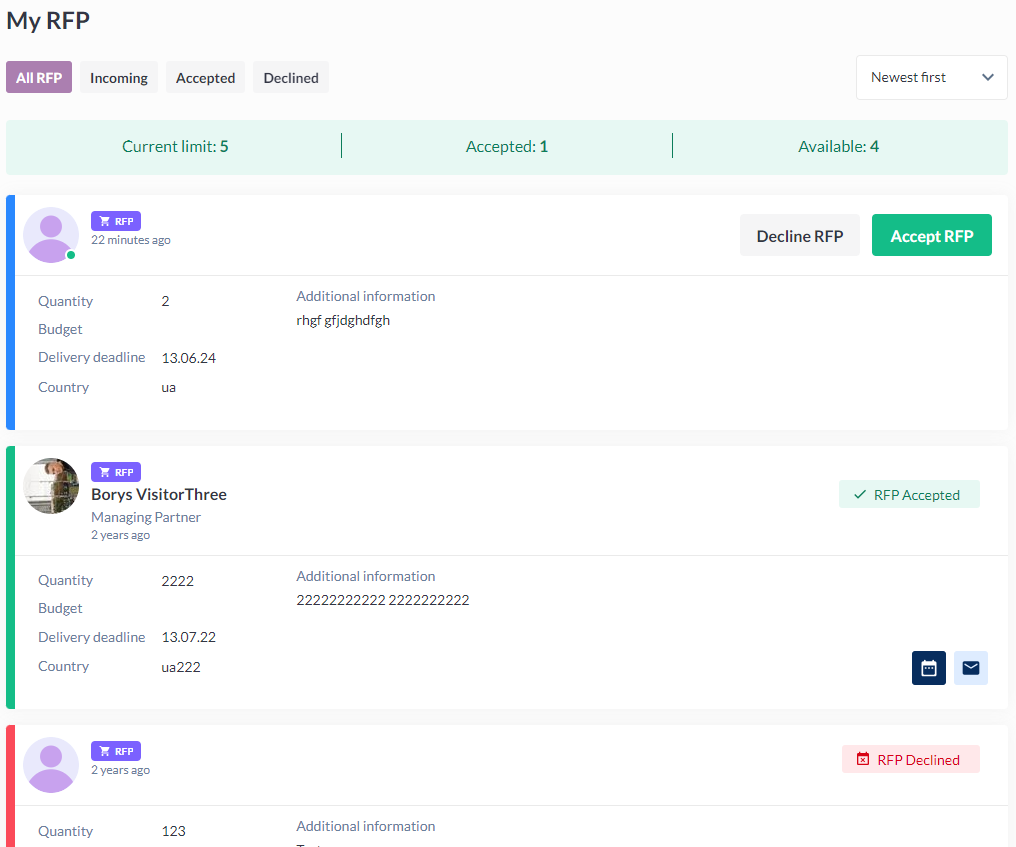
Enables the ability for organiser to set RFP limits in the exhibitor category settings pop-up, with the possiblity to have a unique liit for each exhibitor category. The limit value then displays on the My RFP page for exhibitors.
-
Hides/shows requestor’s info at My RFP page in exhibitor profile /newfront/profile/rfp
-
Allows/disallows abillity to connect with the requestor at My RFP page in exhibitor profile newfront/profile/rfp
-
Allows/disallows abillity to connect the with requestor or see his profile data at notifications page in exhibitor profile /newfront/profile/notification.
-
Hides/shows requestor’s info in RFP notifications
-
Notifies exhibitor when they’ve reached their limit
-
Once the limit is reached, the exhibitor can see the requests coming in but cannot reply to them.
-
This message is displayed:
Response limit reached. You have reached the response limit. Contact the event organizer to find out how you can extend your limitations.
-
|
RFP limit OFF |
RFP limit ON |
|---|---|
|
|
Backend – RFP
When disabled – the “RFP” menu item disappears from the “Networking and Matchmaking“ menu section in the admin panel. Direct link to /admin/rfp shows “Access denied“ error and redirects to the admin panel main page.
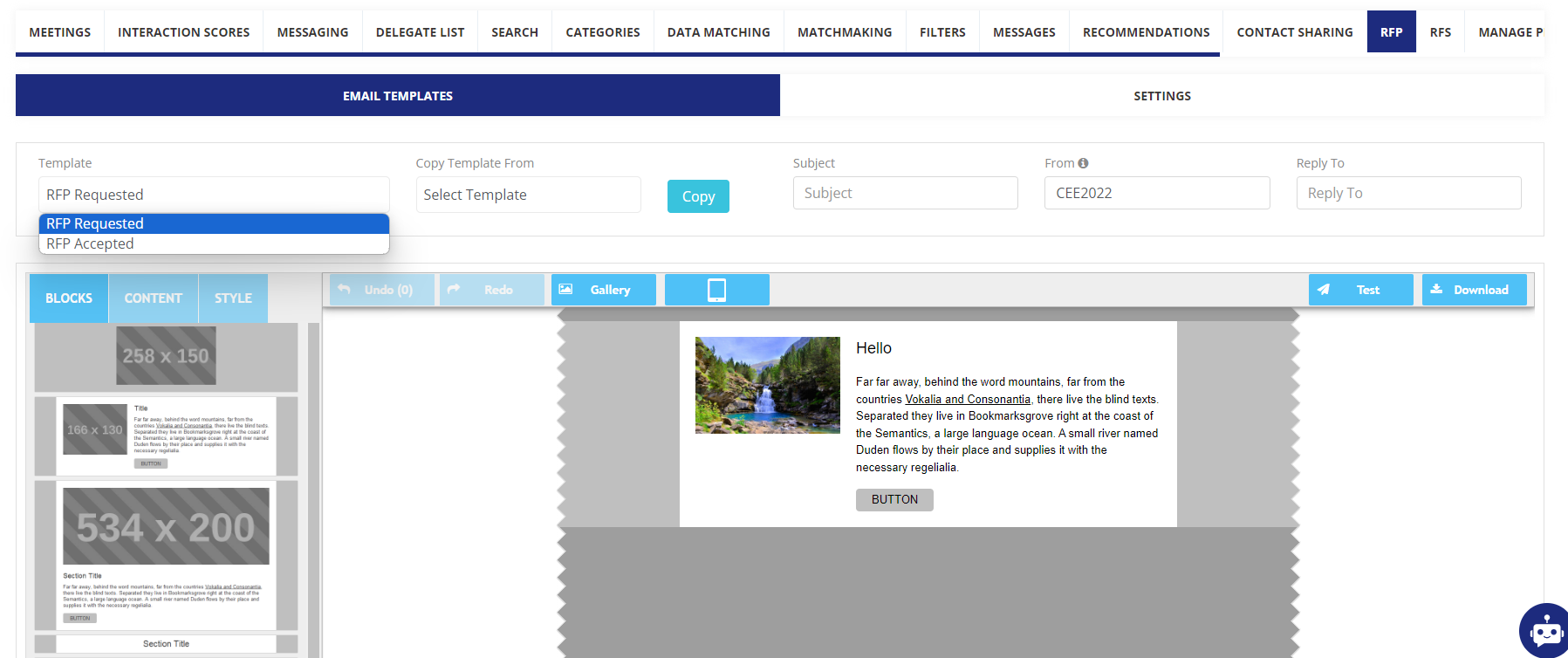
When enabled, at /admin/rfp the Product Finder settings and RFP email templates can be configured under Networking & Matchmaking > RFP: