Feature Purpose:
To track and display a list of all users whose badge I have scanned
List Options:
-
Search (applied to First name/ Last name/ Company/ Job title)
-
Sorting (First name/ Last name/ Company/Job title/Rating Stars if Lead Capture is available
-
Default sorting is by scan date
-
-
Download scanned list (only for Team Member and Exhibitor accounts. Sends a file with a list of scans via email)
Display Options:
-
The view of scanned cards depends on the Event settings described here Using the Badge Scanner functionality
-
Fields displayed by default are:
-
Scanned contact Logo
-
Name/Last name
-
Company
-
Job title
-
Scan time
-
Rating stars (for Lead Capture if a rating exists)
-
-
For lead scans additional lead capture information is also displayed with “edit” opportunities
-
Participant scan profile display includes by these fields, which can be searched, by default:
-
“About me” section
-
My interests
-
Company
-
Position
-
-
Participant scan profile display MAY also include:
-
Profile information depending on the “Show in visitor card” toggle settings for that particular field in the registration settings section
-
Interaction buttons (Favourite/Meeting/Message) for participants of the current event
-
For scanned contacts, permission matrix and connection settings of the person being scanned no longer apply after being scanned and the availability of meeting/message buttons will depend only on the scanner’s personal account settings.
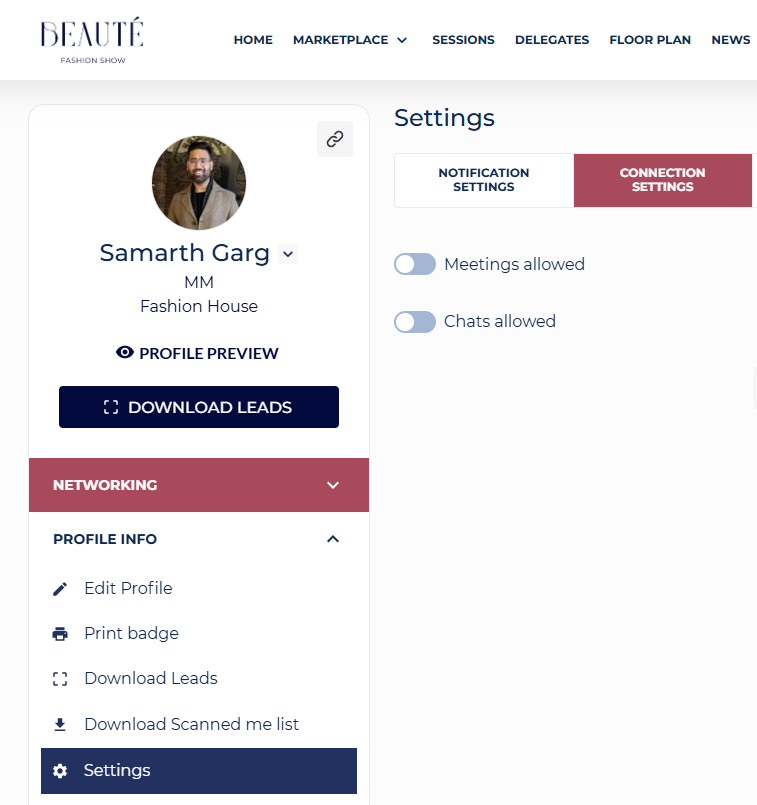
For example if I, as the scanner, have Chats allowed turned off, I won’t be able to write messages until I turn Chats allowed on for myself.