
About this Feature:
Any custom modifications implemented by the organizer on the system pages are exclusively applicable to the website and cannot be transitioned to the mobile app.
Custom changes can include the following actions
-
Renaming any block on the system page.
-
Hiding any element on the system page
-
Changes to the text of the error message popping up on the website because of specific action
-
Changes to any system text added across all the system pages of the website
For Example: If the organiser wants to rename the Exhibitor Event on the Marketplace page as Stand Programme or anything similar, such changes can be made on the website using custom CSS code, however, these custom changes will not be transitioned to the mobile application on the Marketplace page.
Similarly, if the organiser wants to rename any of the options on the left menu bar on the Dashboard page this can also be done by custom CSS.
ExpoPlatform does not permit any custom alterations to the system pages within the mobile application.
Troubleshooting:
When testing whether an issue on a system page is caused by custom CSS or custom JavaScript — rather than a platform bug or setting — you can temporarily disable the custom code locally in your own browser without affecting the live site or other users.
-
On the system page you're investigating, open DevTools:
-
macOS:
Fn + F12(or right-click → Inspect) -
Windows:
F12(or right-click → Inspect)
-
-
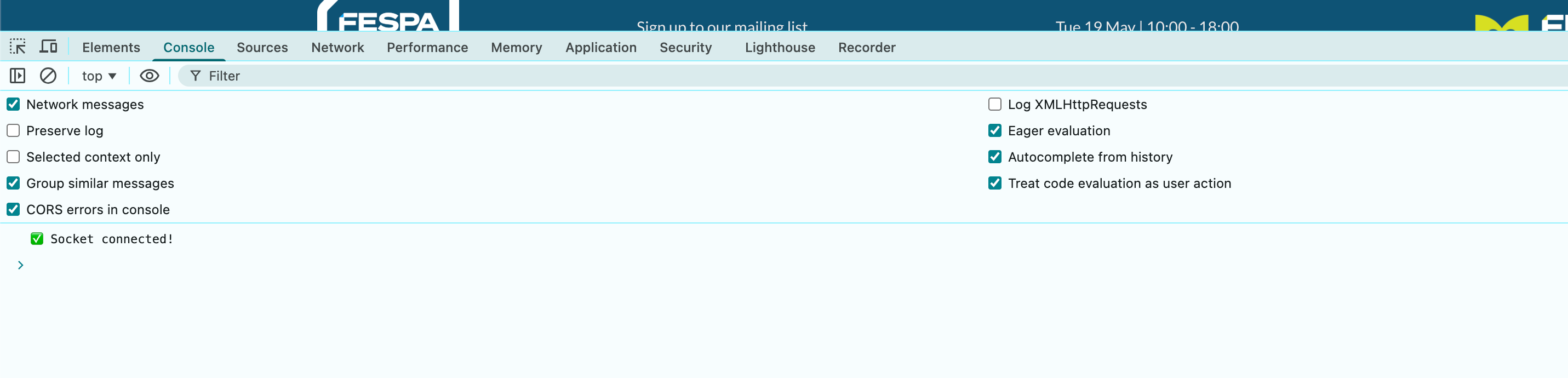
Click the Console tab.
-
Paste one of these commands and press Enter:
expoController.customCss('off')
expoController.customJS('off')
-
To re-enable either, change
'off'to'on'and run the command again:
expoController.customCss('on')
expoController.customJS('on')
How this helps
-
Quickly narrow down whether an issue is caused by custom code or by a platform setting / bug.
-
Especially useful for renames, hidden elements, or unexpected visual changes. Example: trying to rename a tab that was already renamed via custom CSS will silently fail — disabling custom CSS makes the original label visible so you can see what's really happening.
-
Nothing persists. The change is local to your browser session only. The live site remains untouched for all other users.
Worked example
You notice a tab name isn't updating when you apply a custom CSS change. Open the console, run expoController.customCss('off'), and see the tab's original (pre-customisation) name. If you see the original name on-screen now, the custom CSS is the problem — likely because a previous rename is already in effect and stacking renames doesn't work. Fix by editing the custom CSS to target the right element or by removing the stale rule.