
The organisers have an option to add a default logo for the companies who haven’t uploaded their company logo in their profile
Steps to enable the default logo
-
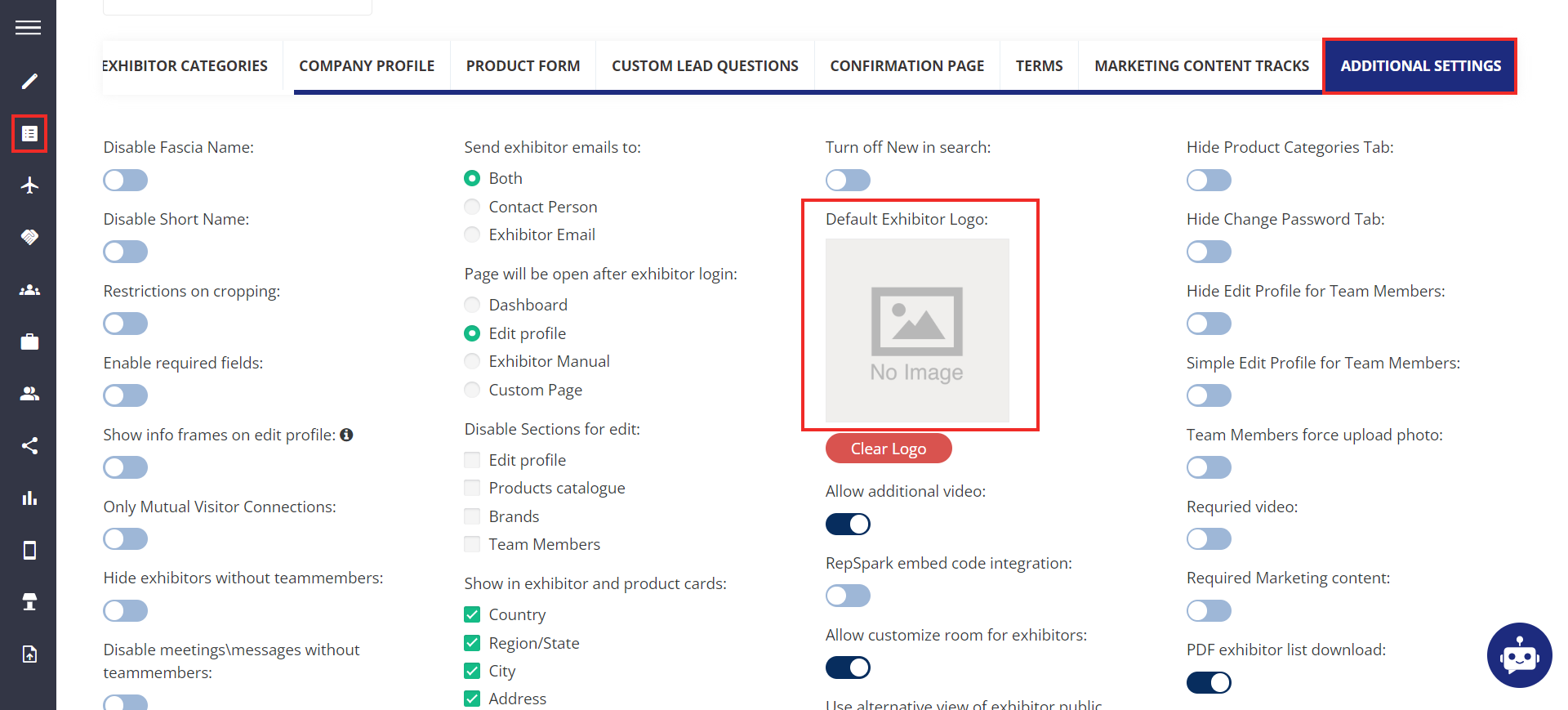
Navigate to Registration Settings → Exhibitors → Additional Settings
-
Upload the default logo under the Default Exhibitor Logo option
-
Click on the Save button on the bottom right of the page
-
Now all exhibitors who haven’t added a logo will have this default logo update for their profile on ExpoPlatform