Indicate the trigger name and choose one of the options:
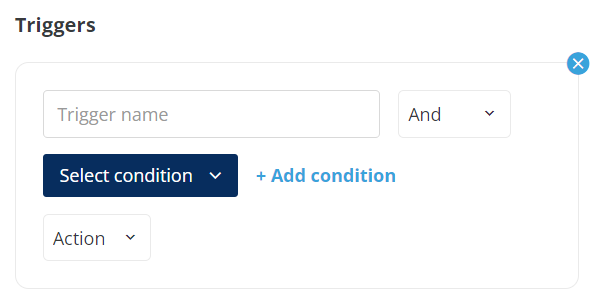
“AND” when both conditions should be met
“OR” when one of the conditions only could be met.
Choose the Condition that should be executed by the end user to apply a trigger.
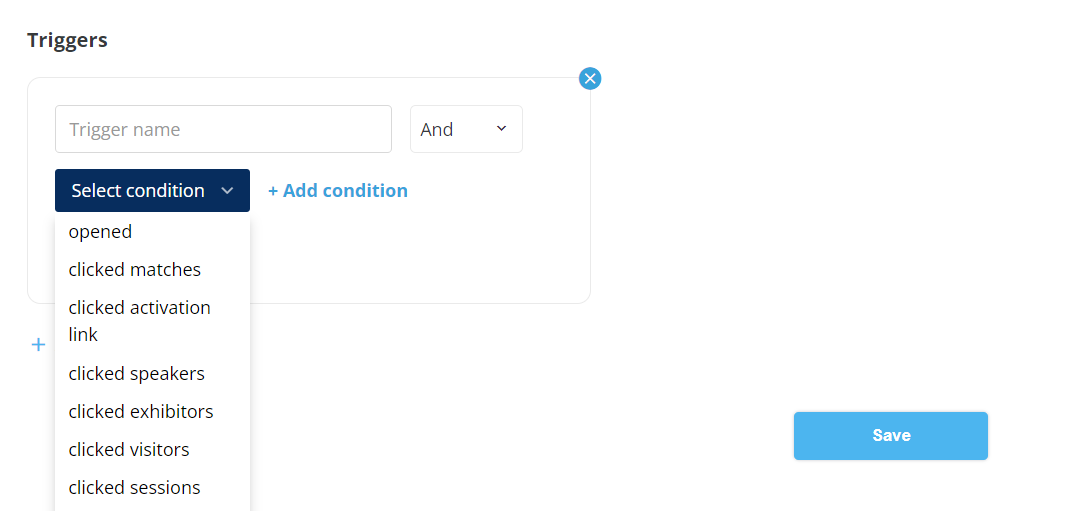
The conditions are:
-
opened
-
clicked matches - clicked on any card from the Recommended content block.
-
clicked activation link
-
clicked speakers
-
clicked exhibitors
-
clicked visitors
-
clicked sessions
Please note: the email must contain the same condition as we put in the trigger, so the email template must contain a variable that corresponds to the trigger.
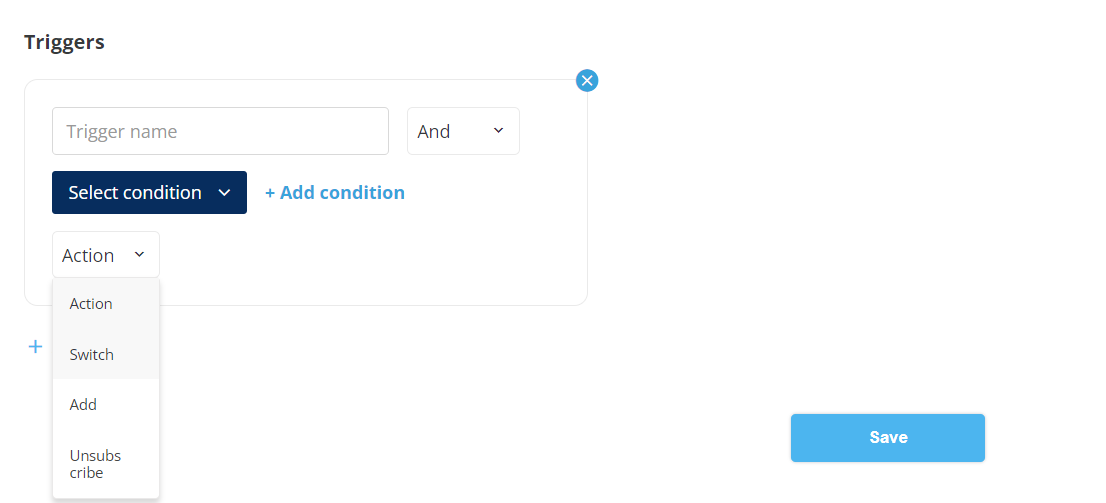
Once the email recipient has esecuted the condition the trigger will be applied. There are 3 possible actions:
-
Switch: The email recipient is taken out of the present campaign and joins the selected campaign (2 check)
Add: The end-user remains in the present campaign and also joins the selected campaign
Unsubscribe: The user has unsubscribed from the present campaign