
To create an exhibitor event, use the /api/v2/session/set endpoint. An exhibitor event is generated by the system upon the presence of the following specified parameters.
-
event_id:The unique identifier for the event. (integer) -
sponsors[]:Sponsors IDs separated by comma (integer) -
track:Session track ID (integer) -
language:Session language ID (integer) -
date:Session date, yyyy-MM-dd (e.g. 2020-02-16) (integer) -
startTime:Session date, yyyy-MM-dd (e.g. 2020-02-16) (integer) -
endTime:Session end time, 24 hour, HH:MM (e.g. 22:30) (integer) -
type:Session type ID or title (integer)

Notice: To obtain sponsor IDs, navigate to the Management sextio, select Sponsors, and then choose the desired company name.
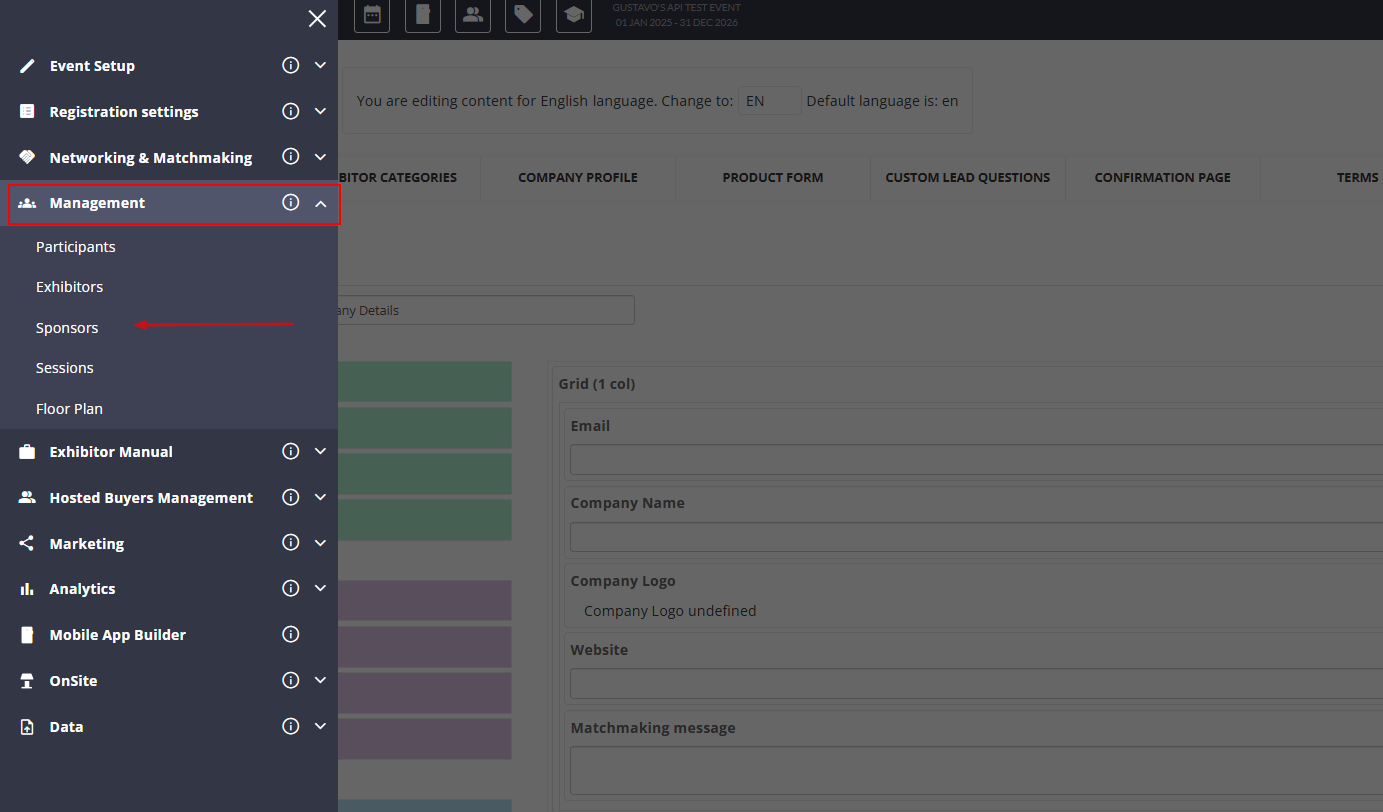
The sponsor ID can be located at the endpoint after selecting the specified sponsor.

Notice: To access the language IDs, please check HERE.