
Feature Purpose:
Through this feature, users can create publications in their Feed (posts, articles, photo, video), same as creating post in Community Groups.
Working with this Feature:
Community Group top menu will consist of FEED and MEMBERS tabs.
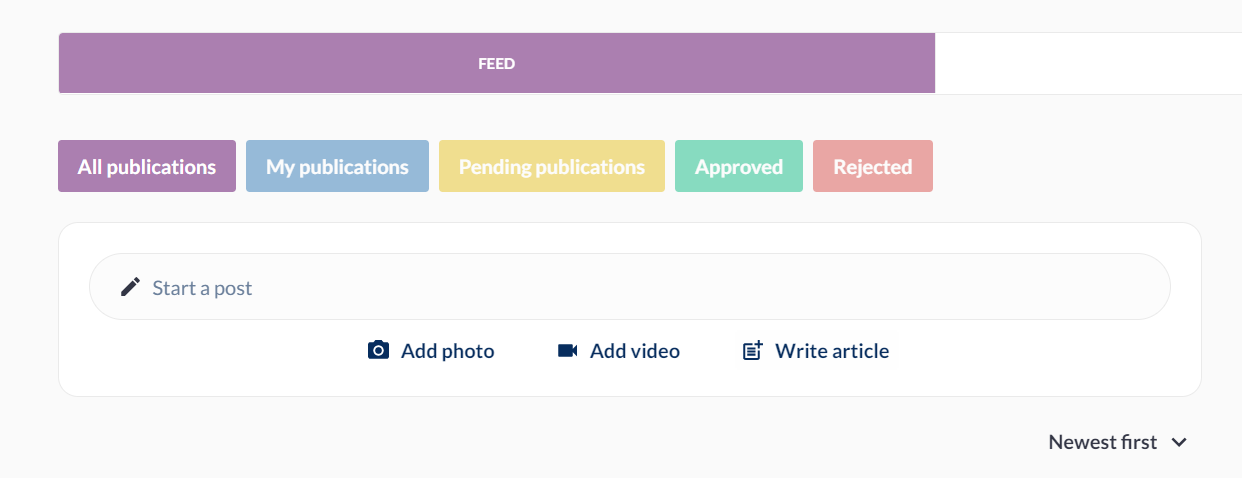
FEED: It is the main area where all posts are and consists of publication creation and list of publications.
-
All publications - Shows a list of all the publications in the community
-
My publications - Shows only the list of user’s publications
-
Pending publications - Shows the list that seeks an approval from admin
-
Approved - Shows all approved feeds
-
Rejected - Shows all rejected feeds
-
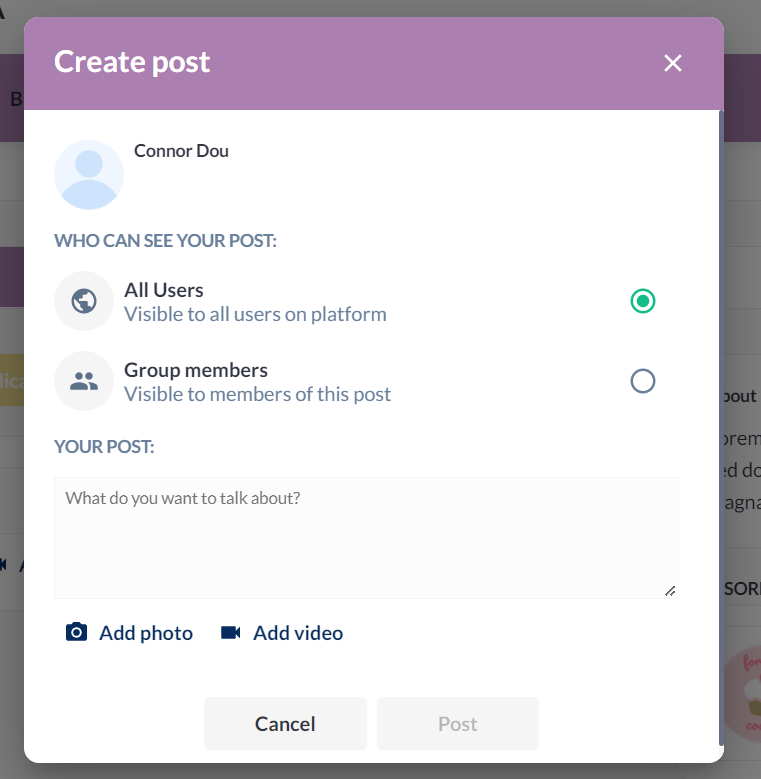
When the user clicks on “start a post” a popup page is displayed and the user can choose to whom he wants this post to be visible and can enter the text of the post and add photo/video.
-
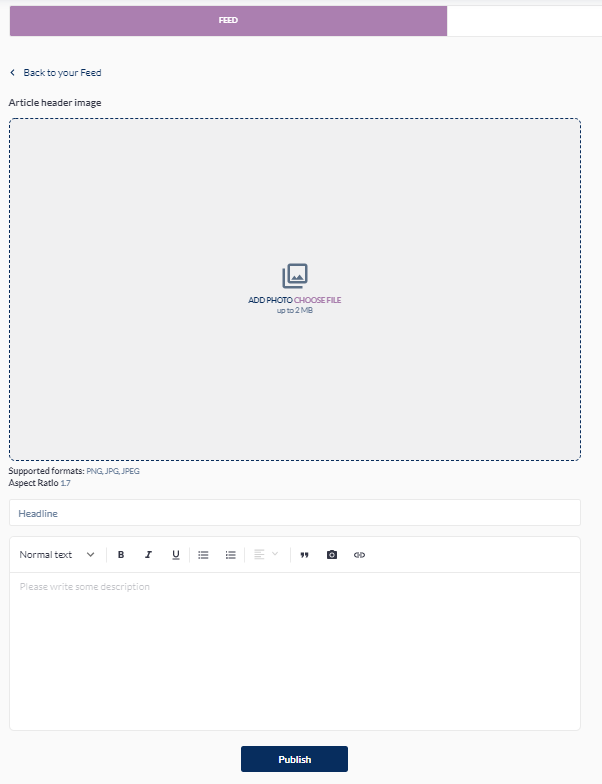
When the user clicks on “write an article”, it opens the creation page, which consists of a header image, title and description text.
-
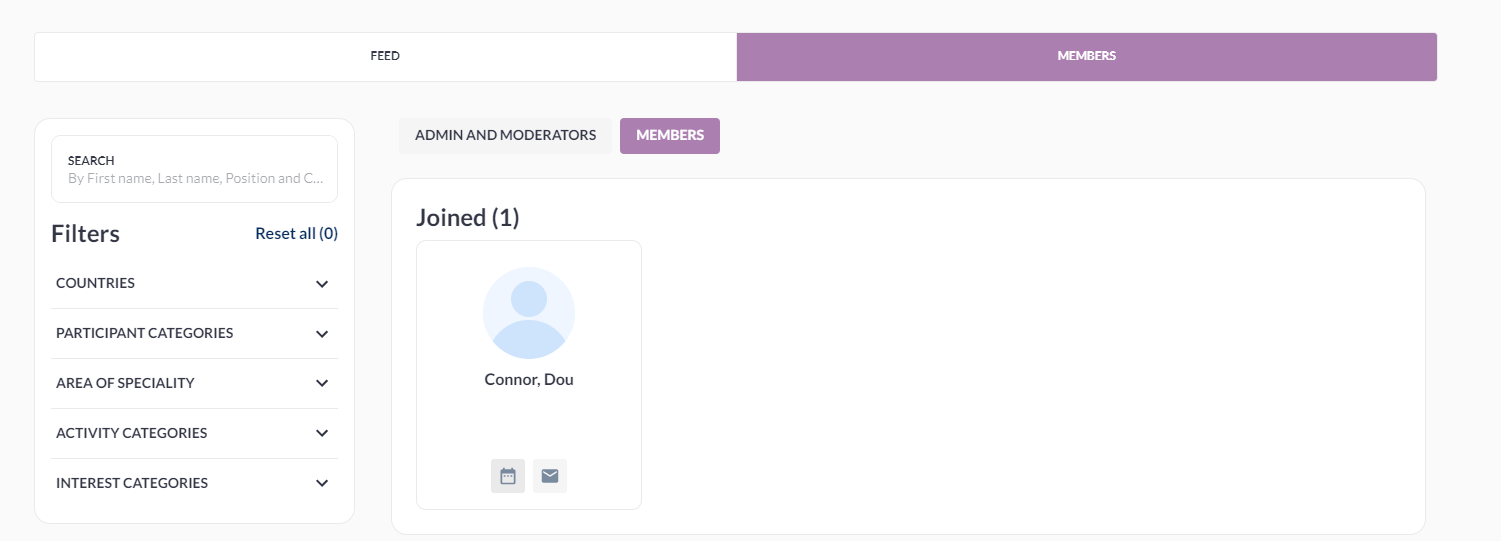
MEMBERS: This tab has search and filtration options.
Troubleshooting -
-
Any member of the community group can create a post, upload a picture and video or publish news. Depending on the group settings they can be published immediately or may need approval from group Admin or Moderators.
-
If the user adds a post or article in a community, it will sync with another event, only if the user is registered for both the event and community and the event is linked with the 365 community.
-
Please ensure that ‘Feed’ functionality is enabled under Module Management.