
Feature Purpose:
To allow exhibitors to create news articles that can then be displayed on the front-end of the website
Working with this Feature:
The “Allow exhibitor news“ toggle should be toggled on in the admin panel in Registration Settings > Exhibitor > Additional Settings. Optionally, News limits can also be set for each exhibitor category in the category settings pop-up (Registration Settings > Exhibitor > Exhibitor Categories) or on for a specific exhibitor on the edit exhibitor page (Management > Exhibitors > specific exhibitor > exhibitor settings page in the Content section).
Once News has been allowed, the exhibitor will be able to create a news article in their account as shown below.
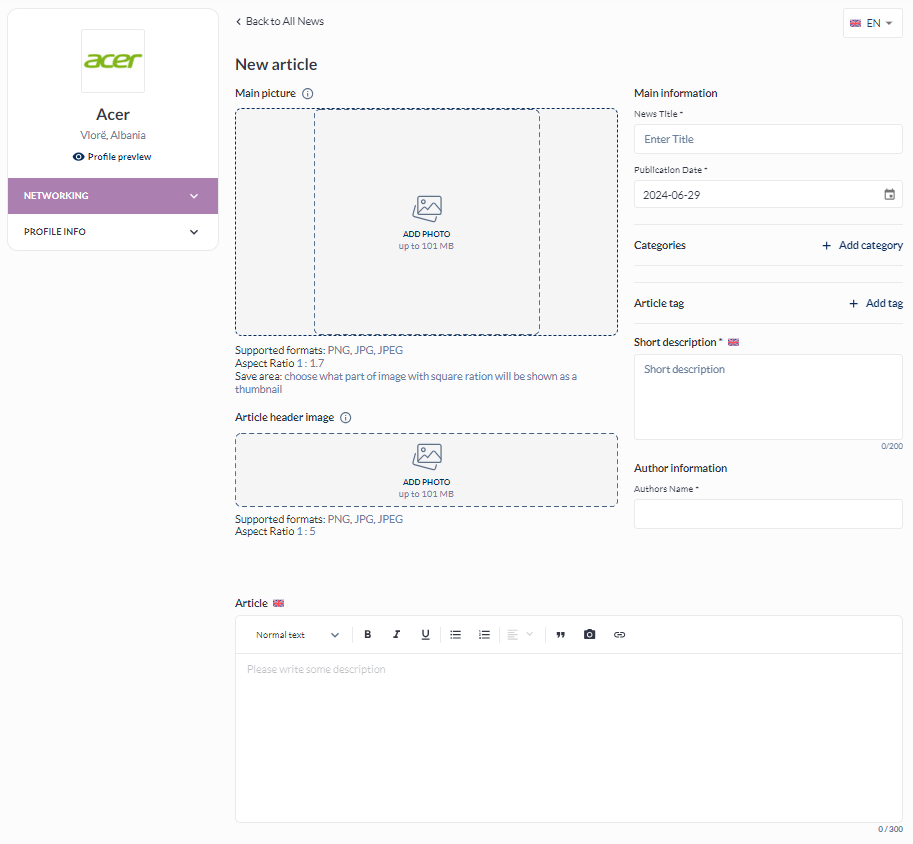
Available fields on the News creation page:
-
Main picture – will be shown in the article card
-
Article header Image - will be shown on the article page
-
News Title
-
Publication date
-
Categories
-
Article tag
-
Short description – will be shown on the article card
-
Author’s Name
-
Article – This is where the body of the article is entered. A WYSIWYG editor is available and, if desired, a limit on symbols can be set in the exhibitor category settings pop-up
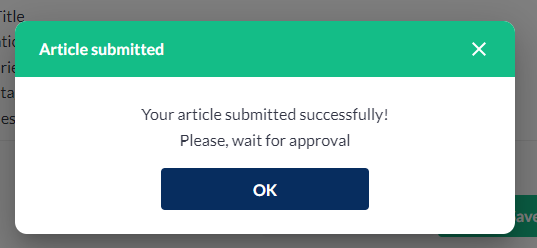
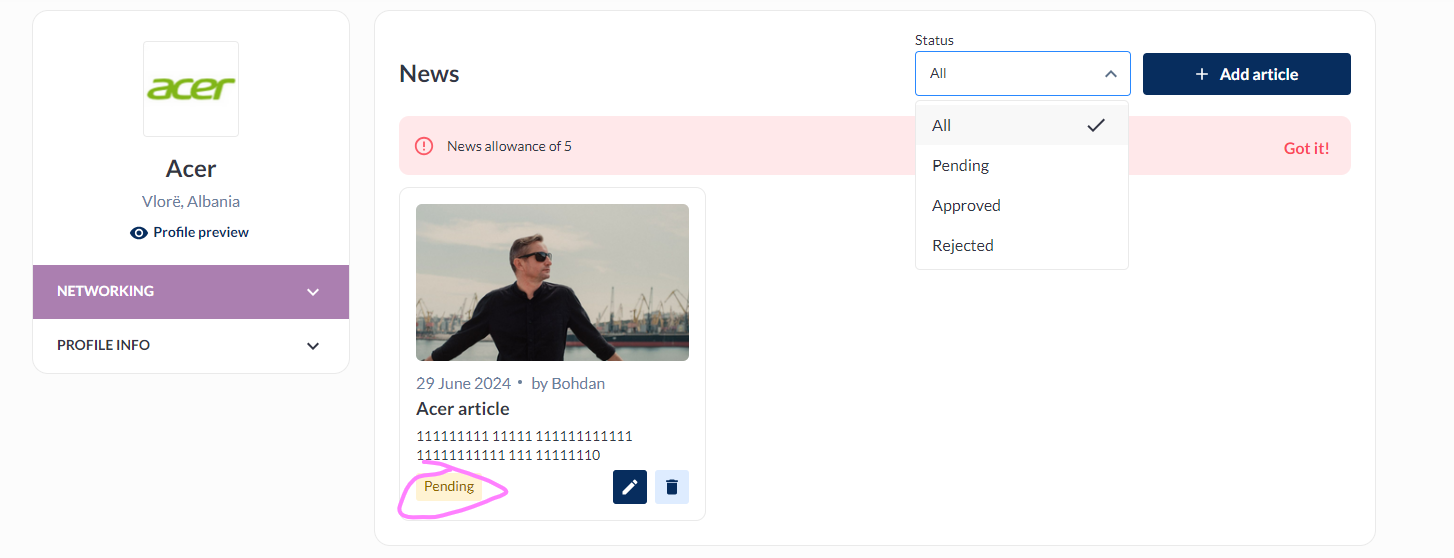
After the article is saved, it moves into the moderation queue and is shown as pending to the exhibitor.
Troubleshooting:
Issue: Exhibitor doesn’t see the new creation page in his profile
Items to check:
-
Allow news toggle has been turned on under Registration > Exhibitor > Exhibitor Settings
-
Exhibitor’s individual Allow News settings are not causing conflicts
-
Limits have not been reached