
The Moderators List can be accessed from the Admin Panel by going to Management > Sessions > Moderators.
-
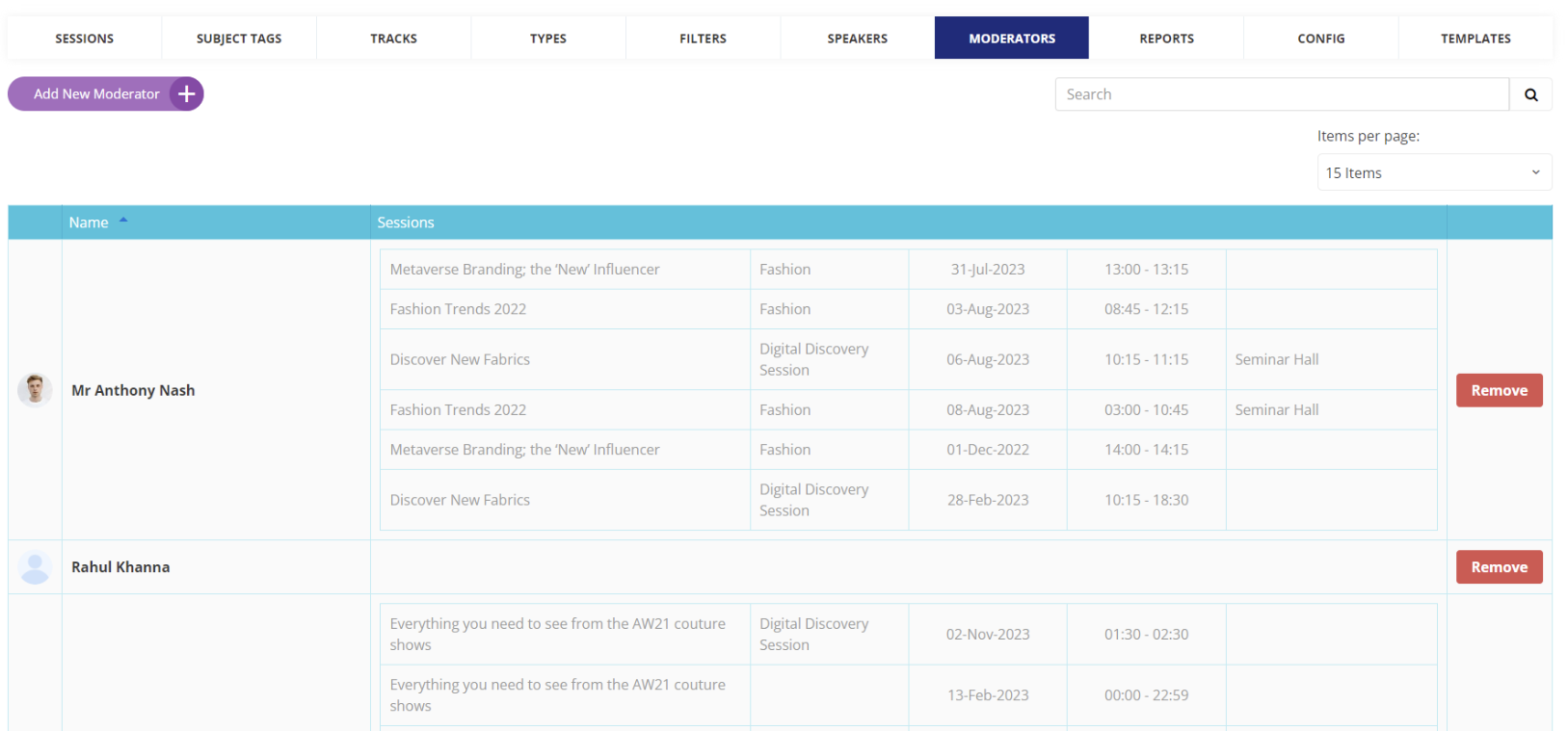
This page displays all the moderators that have been added for sessions, along with their name, email, role and the sessions they are assigned to.
-
New moderators can be added by clicking the "Add New Moderator" button. The admin needs to enter the moderator's email or link an existing user account.
-
If linking an existing account, the moderator's profile details like name, photo etc. will be auto-filled.
-
For a new account, the admin needs to enter the moderator's name, email, password and other profile details.
-
-
Admins can edit a moderator's profile, reset their password or remove them from sessions directly from the Moderators list.
-
Moderators get access to session related features like Q&A, polls, attendee list based on their assigned role for that session.
-
Session organizers can also add/remove moderators independently from their session page.
-
Email notifications are sent to moderators when they are assigned to a new session.