
Feature Purpose:
Defines how chat and meeting functionalities behave in the mobile app based on event settings, GDPR compliance, and user-level permission configurations. This ensures correct access and visibility across different user scenarios.
Working with this Feature
Initial Check
-
Platform Setting Check
The messaging and meeting features are only accessible if Meetings/Messages are enabled for the event.
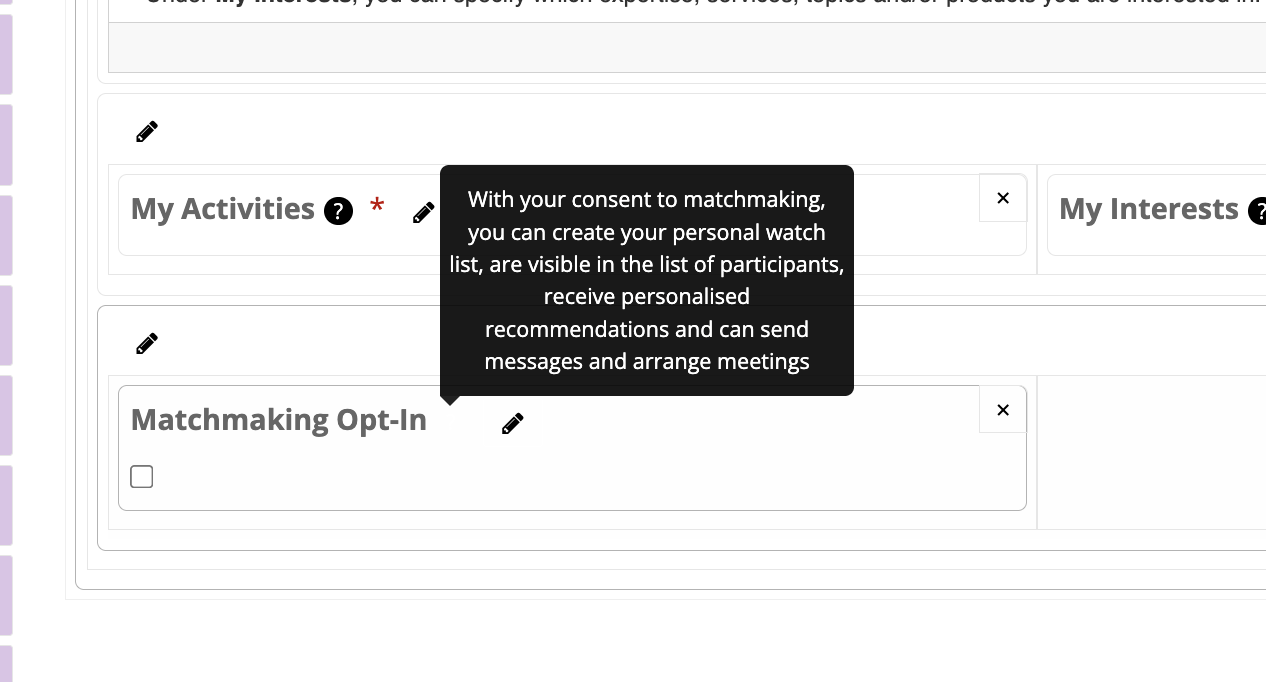
GDPR Settings Logic
1.1 Initiator (Current User)
-
If the user's GDPR setting = 0 (indicating they have opted out of networking), they cannot initiate chats or manage meetings.
Exceptions:
-
Mutual Scan Exception: If both users have scanned each other, messaging and meetings should be permitted.
-
Existing Chat Exception: If a chat already exists, messaging remains enabled regardless of the GDPR setting.
1.2 Receiver (Chat/Meeting Contact)
-
On the mobile app (scanner-based logic only):
-
If the receiver’s GDPR = 0 and they have been scanned, the app will check only the initiator’s GDPR.
-
If the receiver’s personal settings restrict communication, the chat and meeting buttons will be hidden.
-
If a chat exists, these restrictions will be disregarded (see Edge Cases).
-
Permission Matrix Logic
Scanned Contacts
-
The permission matrix is ignored.
-
Buttons for chat and meetings are always displayed when a user is scanned.
All Other Contacts
-
Full permission logic must be applied based on personal account settings, which can be managed by:
-
The user themselves
-
Their exhibitor owner account
-
Dynamic Permission Checks:
-
Allow visitors to manage the reception of meeting requests and messages
-
If enabled, visitors can control their own visibility.
-
-
Exhibitor-managed flags based on role:
-
Participants / Exhibitor Owners:
-
"message_enable" / "meeting_enable"
-
-
Team Members:
-
"allow_meetings" / "chats"
-
-
Troubleshooting:
Edge Cases & Overrides
-
Existing Chats:
-
If a chat was created before GDPR or permission restrictions were applied, messaging will continue to function.
-
The message button remains visible in existing chats.
-
-
Changes to GDPR or Permission Matrix After Chat Creation:
-
These changes will be ignored for both parties.
-
Users will retain access to chat and messaging functions in that thread.
-